





Description
Key Technical Specifications
| Parameter | Value |
|---|---|
| Manufacturer | ABB |
| Part Number | AI02 |
| Product Description | AI02 16-CH with HART |
| Channel Count | 16 channels |
| Input Types | 4 to 20 mA, 1 to 5 VDC |
| Isolation | 2 x 8 channel group isolated |
| HART Support | HART v5.4 on current inputs |
| A/D Resolution | Configurable from 12 to 16 bits with polarity |
| Update Time | 16 channels in 100 ms |
| Open-Circuit Detection | Less than 5 seconds |
| Short-Circuit Protection | Current limited to 96 mA |
| Base Requirement | xBS01-FPH or xBS01-EPD |
Product Introduction & Supply Chain Strategy
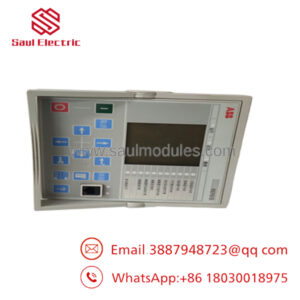
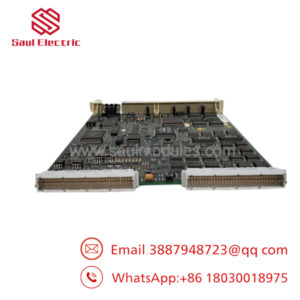
ABB AI02 is a Symphony Plus analog input module used to bring process signals into the control system. ABB’s product page describes it as a 16-channel module with group isolation and HART support, which makes it suitable for pressure, flow, and similar field instruments.
From a supply-chain standpoint, this is a good candidate for controlled buffer stock. It is a legacy but still useful I/O module, so New Surplus helps preserve TCO, reduce stock-out risk, and avoid buying uncertain-condition inventory when a line still depends on this exact SD Series platform.
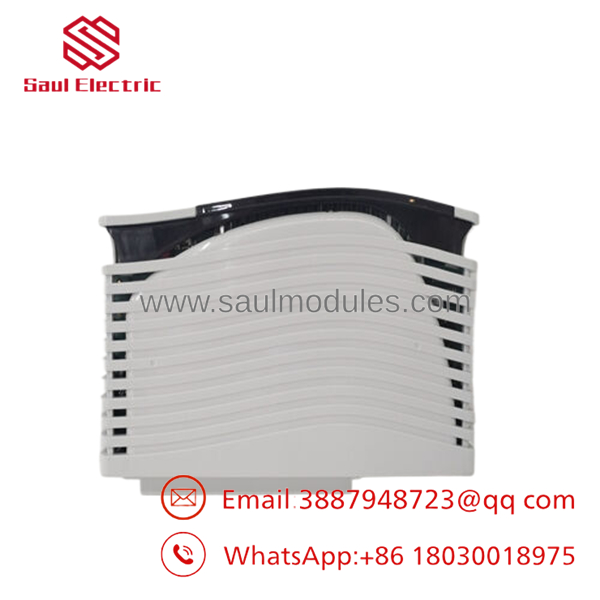
- AI02
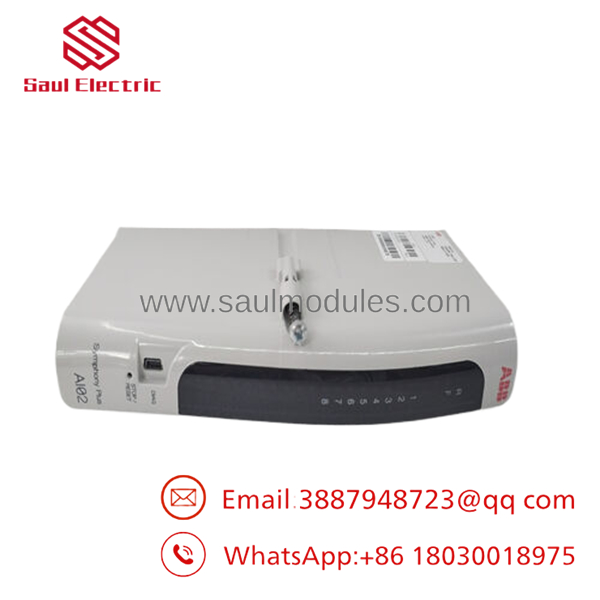
- AI02
Installation & Configuration Guide
Stage 1: Pre-Installation
- Apply lock-out/tag-out and verify the cabinet is safe.
- Use an ESD strap and document all wiring, labels, and channel assignments.
- Record the current signal ranges, HART settings, and any channel parameters.
- Confirm the exact base and module type before removal.
Stage 2: Removal
- Remove power and confirm discharge.
- Release the module from the rack or base.
- Pull it straight out to avoid connector damage.
- Inspect the slot and terminal area for wear or contamination.
Stage 3: Installation
- Verify the replacement is the exact AI02 module.
- Reconnect field wiring to the documented channel map.
- Restore signal ranges and HART settings exactly as before.
- Seat the module fully and secure the hardware.
Stage 4: Power-On & Testing
- Check supply rails and field loops for shorts before energizing.
- Power up and confirm normal status indications.
- Validate each analog channel against a known source.
- Confirm the controller scales values correctly before returning to service.
Firmware/Software Versions & Upgrade Notes
ABB identifies as part of the SD Series I/O family and links its behavior to FC 221 and FC 222 configuration blocks.
Keep the existing controller and I/O configuration unchanged during replacement unless the site documentation explicitly requires a change.
Firmware upgrades or downgrades are usually unnecessary for a like-for-like hardware swap and can create channel scaling or communication issues.
Frequently Asked Questions (FAQ)
Is this really new? Public listings describe it as new original or original inventory, which is the right condition target for a critical spare.
Why is it cheaper than OEM new but higher than a low-cost offer? New Surplus usually sits between OEM list pricing and lower-trust inventory because it preserves genuine OEM condition while avoiding full factory pricing.
Is this part obsolete or EOL? It appears in the Symphony Plus SD Series I/O family, so treat it as lifecycle-sensitive and plan buffer stock if the installed base still uses it.
Can I hot-swap it? Do not assume hot-swap capability. Isolate power first and follow the cabinet procedure.
Will my programming be retained automatically? Not by the module alone. Back up channel ranges, HART settings, and controller configuration before removal.
What warranty should I expect? Public listings commonly show standard seller coverage, but exact terms vary by supplier.
How should I stock it? Keep 1 to 2 units on site if the plant still depends on SD Series I/O, and use cross-site sharing where possible.

 Start Chat


