





Description
Key Technical Specifications
- Model: TPPB-02
- Brand: ABB
- Part family: Legacy ABB industrial control accessory
- Use case: Site-dependent spare part for ABB automation hardware
- Compatibility: Verify against the installed ABB system BOM before ordering
- Condition options: New Original, New Surplus, or tested refurbished
- Availability: Limited stock
- Verification required: Confirm connector type, mounting style, and system revision
- Replacement risk: High if ordered without exact platform match
Product Introduction
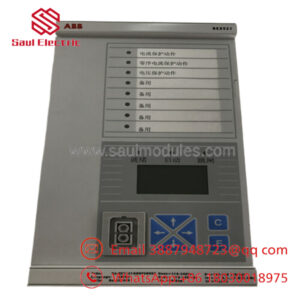
ABB TPPB-02 is a legacy ABB industrial spare part used in automation cabinets where exact platform matching matters. Because the part code appears across mixed listings, the first job is to verify the installed system and the original bill of materials before you buy.
This is not a part I would treat casually as a universal replacement. For older ABB cabinets, the real constraint is compatibility, not price, so the safest path is to confirm the application, connector style, and revision history before release.
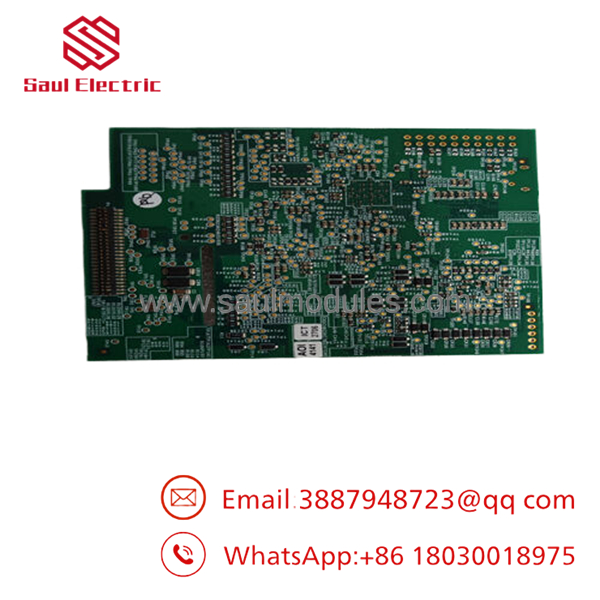
- TPPB-02
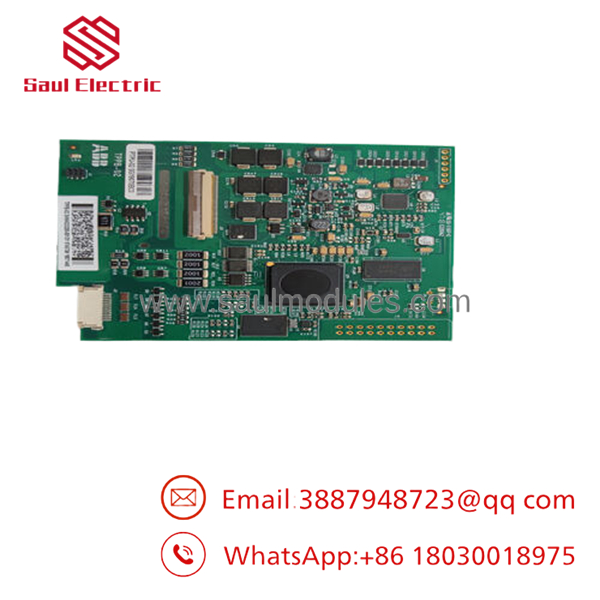
- TPPB-02
Installation & Configuration Guide
Stage 1: Pre-Installation Preparation
- Notify operations and isolate the cabinet. Lock out/tag out the power source and wait at least 5 minutes for capacitor discharge.
- Gather tools: ESD strap, PH1 screwdriver, multimeter, wire labels, and a smartphone for photos.
- Back up the running configuration, record all terminal numbers, and photograph any DIP switches, jumpers, and cable routing.
- Confirm the exact model string and the installed ABB system before removing anything.
Stage 2: Removing the Old Module
- Remove the front cover or access panel.
- Label every wire before disconnecting it.
- Release the mounting hardware and pull the unit out straight.
- Inspect the connector pins, terminals, and cabinet wiring for heat marks, oxidation, or mechanical damage.
- Keep the old part nearby until the replacement proves stable.
Stage 3: Installing the New Module
- Put on the ESD strap and verify the replacement matches the removed unit.
- Clone the original configuration exactly. Match every jumper, switch, and wiring position from the photos.
- Mount the new part securely and confirm full seating.
- Reconnect all wiring using the original labels and proper torque.
- Verify the checklist: [] settings copied, [] wiring secured, [] hardware locked.
Stage 4: Power-On & Testing
- Use a multimeter to check for shorts on the supply rail before energizing.
- Power up the cabinet control supply first.
- Watch the status LEDs or module indicators, if present, and confirm normal operation.
- Verify communication or functional behavior in the host system.
- Run a dry test before returning the cabinet to service.
- Time estimate: 5–10 minutes for swap, 10–15 minutes for verification.
- ⚠️ If you get a fault immediately, check configuration mismatch first. If there is no comms or no response, recheck wiring, connector seating, and system compatibility.
Frequently Asked Questions
Q: Can I hot-swap the TPPB-02?
A: No. I would not assume hot-swap capability on an unclear legacy ABB spare part. Power it down first and swap it cleanly.
Q: Is this model obsolete?
A: Most likely yes, or at least limited in current factory supply. That is why exact identification matters more than a generic “compatible” claim.
Q: What does TPPB-02 actually do?
A: Based on the available listings, it is a legacy ABB accessory or module used in automation cabinets, but the exact function must be verified against the installed system. I would not buy it blind.
Q: What is the direct replacement if I cannot get ?
A: There is no responsible answer without the system model and original BOM. ABB legacy parts are often application-specific, so verify the host platform before choosing an alternate.
Q: Why is surplus pricing lower than OEM list price?
A: Because surplus is usually old stock, not current production. Lower price is only useful if the seller proves identity, condition, and fit.
Q: Is it new or refurbished?
A: Ask for that in writing. I would only accept New Original, New Surplus, or tested refurbished if the seller provides photos and traceability.


 Start Chat


