





Description
Product Introduction & Engineering Value
The Alcatel OS9600-CHASSIS is the physical chassis platform for the OmniSwitch 9600 modular switching system. Unlike a fixed-port switch, the chassis is only one part of the complete network node; switching modules, management components, power supplies, and cooling hardware determine the final configuration.
For replacement procurement, match the chassis revision and installed module configuration before ordering. A bare chassis is not equivalent to a complete operational OmniSwitch system.
Technical Specifications
| Parameter | Specification |
|---|---|
| Manufacturer | Alcatel / Alcatel-Lucent Enterprise |
| Model | OS9600-CHASSIS |
| Product Family | OmniSwitch 9600 |
| Product Type | Modular switch chassis |
| System Architecture | Chassis-based Ethernet switching |
| Network Role | Core / aggregation |
| Module Support | OS9600-family components |
| Power Configuration | Verify installed power supplies |
| Cooling Configuration | Verify installed fan assemblies |
| Management Hardware | Platform dependent |
| Switching Modules | Sold/configured separately |
| Rack Installation | Rack/chassis dependent |
| Software | OmniSwitch platform dependent |
Procurement note
OS9600-CHASSIS should be treated as a chassis identifier rather than a complete switch configuration. Before purchasing, document the installed line cards, management modules, power supplies, fan assemblies, and software environment.
Field Application & the “Trench” Experience
A chassis replacement is rarely a simple hardware swap.
Consider a plant or enterprise network where an older OmniSwitch 9600 chassis has developed a mechanical or power-related fault. The replacement chassis arrives, but the engineer discovers that the original system contained several switching modules and redundant power components that were never included in the purchase order.
The lesson is straightforward: inventory the complete node before ordering the chassis.
Record every installed module, slot position, power supply, fan tray, uplink configuration, and software version. Preserve the existing configuration and module inventory before beginning the replacement.
Specific application scenarios
- Enterprise network core chassis supporting multiple Ethernet switching modules.
- Campus aggregation systems where multiple distribution links terminate in a centralized modular switch.
- Legacy OmniSwitch 9600 installations requiring chassis-level maintenance without replacing the entire network architecture.
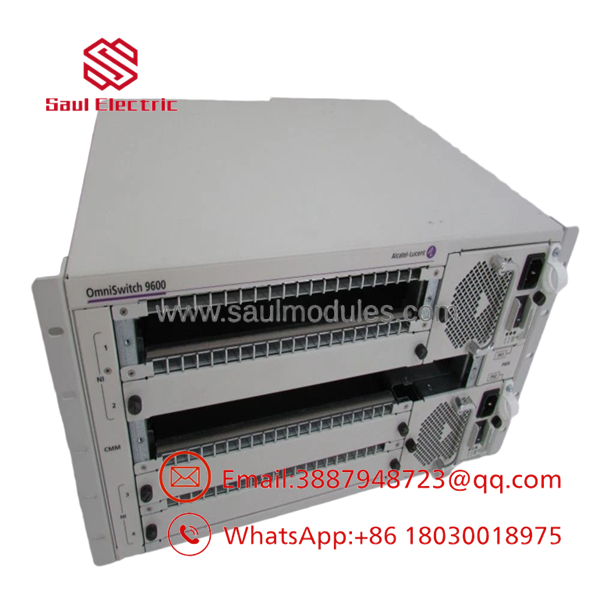
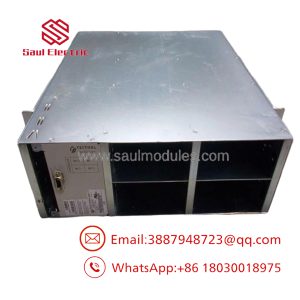
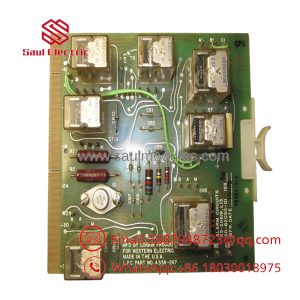
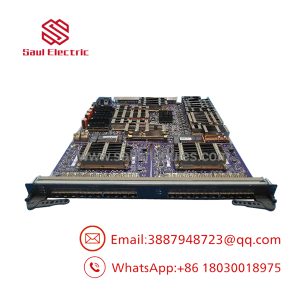
OS9600-CHASSIS
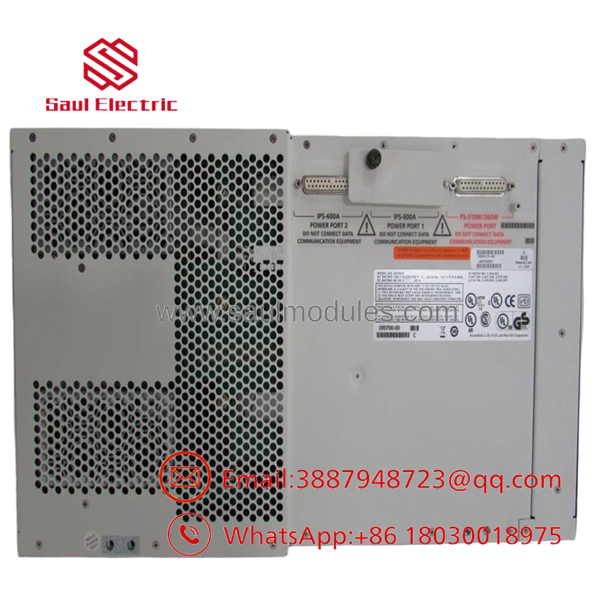
OS9600-CHASSIS
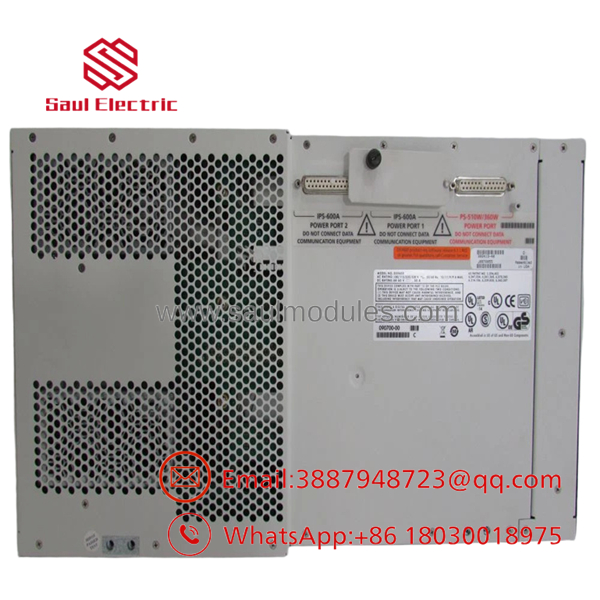
OS9600-CHASSIS
Transparency SOP: QA & Testing
For New Surplus OS9600-CHASSIS, use a physical and platform-level inspection:
- Verify the chassis identification and serial information.
- Inspect the chassis frame for deformation, corrosion, cracks, or damaged mounting points.
- Inspect module slots for bent contacts, damaged guides, or foreign material.
- Check power-supply bays and associated connectors.
- Inspect fan/cooling assemblies and verify correct mechanical operation.
- Install approved test modules where available.
- Power up the chassis using the correct power configuration.
- Verify module recognition and system operation with compatible OmniSwitch hardware.
A chassis that passes a visual inspection is not automatically suitable for production service.
The Veteran’s Tech Trap Guide
⚠️ Trap #1 — Buying the chassis without the modules
OS9600-CHASSIS does not by itself describe the complete switching configuration. Confirm exactly which line cards and management components are required.
⚠️ Trap #2 — Ignoring power redundancy
Check the installed power-supply count and ratings before moving the system. A replacement chassis with an incomplete power configuration can create an unexpected single point of failure.
PRO TIP: Photograph the entire rear and front of the existing chassis before removal. Capture every slot, module label, power supply, and fan assembly.
⚠️ Trap #3 — Mixing hardware generations
Do not assume that every OmniSwitch 9600-series module is compatible with every chassis revision. Verify the platform documentation and installed hardware revision before committing to a replacement.
⚠️ Trap #4 — Forgetting the software environment
The chassis itself does not solve software compatibility. Preserve the existing OmniSwitch software and configuration information before the maintenance window.
Dynamic FAQ
What is the Alcatel OS9600-CHASSIS?
It is the modular chassis platform used for the Alcatel OmniSwitch 9600 network switching system.
Does include switching modules?
Not necessarily. The chassis should be quoted and purchased separately unless the supplier explicitly lists the included line cards and other components.
Can I use my existing modules in a replacement chassis?
Potentially, but compatibility must be verified by chassis revision, module type, software release, and platform requirements.
What should I check before purchasing a replacement chassis?
Record the chassis model, hardware revision, installed line cards, management modules, power supplies, fan assemblies, slot assignments, and software version.
Does New Surplus mean the chassis was never installed?
No. “New Surplus” should be explicitly defined by the supplier. Request actual photographs and confirmation of whether the chassis is unused, pulled from service, refurbished, or repaired.
How should New Surplus be tested?
Inspect the mechanical assembly first. Where compatible modules and power equipment are available, install a controlled test configuration and verify power, cooling, module recognition, and system operation.
What warranty should I request?
Confirm the warranty period, chassis condition, serial-number traceability, included accessories, test scope, and return terms. For a chassis purchase, also confirm exactly which power supplies, fan assemblies, blanks, and mounting hardware are included.

 Start Chat


