





Description
Product Introduction
The Allen-Bradley 56AMXN (1756-AMXN) is a specialized communication interface module designed to fit directly into a standard 1756 ControlLogix chassis. It provides a seamless bridge between modern Logix processors (such as 1756-L6x or 1756-L7x) and legacy Reliance Electric AutoMax DCSNet or AutoMax Remote I/O network drops.
By enabling ControlLogix processors to directly scan, control, and exchange data across existing AutoMax networks, the 56AMXN eliminates the need for a total plant rewiring or immediate replacement of existing AutoMax rack hardware. It acts as a phased-migration bridge—allowing engineers to upgrade top-end control systems to ControlLogix while keeping field AutoMax drops, drives, and Remote I/O racks fully operational.
Key Technical Specifications
| Parameter | Specification |
| Manufacturer Part Number | 56AMXN / 56AMXN/B (1756-AMXN) |
| Chassis Compatibility | Standard Allen-Bradley ControlLogix 1756 Chassis (1756-A4, A7, A10, A13, etc.) |
| Operating Modes | AutoMax DCS Master, AutoMax DCS Slave, or Remote I/O (RIO) Master |
| Network Interface | 1x DB9 Female Connector (connects via drop cable 612574-36R to passive tap 57C380) |
| Status Indicators | 4-Character Scrolling Display (XXXX), 3 Status LEDs (NET, CLX, OK) |
| Drop Network Capacity | Scans up to 55 slave drops (DCS Master mode) |
| Rotary/Thumbwheel Switches | Top-mounted switches for setting Drop Number, Drop Depth, and Operating Mode |
| Operating Temperature | 0°C to 60°C (32°F to 140°F) |
| Configuration Software | RSLogix 5000 / Studio 5000 (uses native 56AMXN Add-On Profile or 1756-MODULE) |
Application Scenarios & The “Trench” Experience
It is 3:00 AM in a steel rolling mill. The main process supervisor is upgrading a legacy AutoMax control system to a ControlLogix platform. Rather than shutting down the entire line to rewire hundreds of field I/O connections, the engineering crew plugs a 56AMXN module into the ControlLogix rack, sets the top thumbwheel switches to match the AutoMax drop address, and connects the existing network drop cable. The ControlLogix processor immediately begins reading input words from the existing AutoMax drops without losing communication to the mill stand.
- Metals & Steel Processing Mills – Legacy System Phased Migration – Connects modern ControlLogix PACs to existing AutoMax drive racks and field drops.
- Paper & Pulp Continuous Lines – DCS Net Data Bridging – Emulates PLC-5 data files to pass high-speed process data between AutoMax and Logix backplanes.
- Heavy Manufacturing Facilities – Remote I/O Gateway – Scans legacy Reliance AutoMax Remote I/O racks using standard 1756 backplane communication.
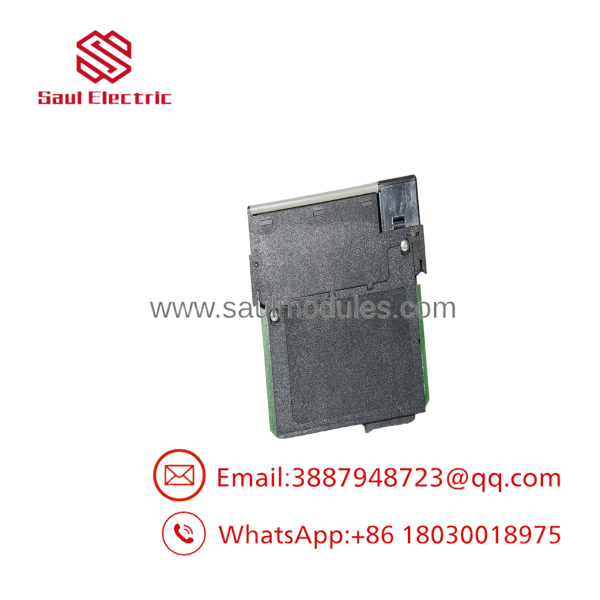
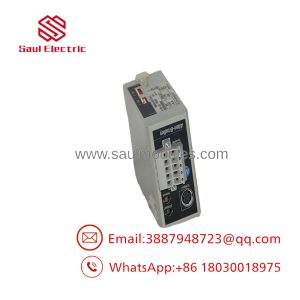
- 56AMXN
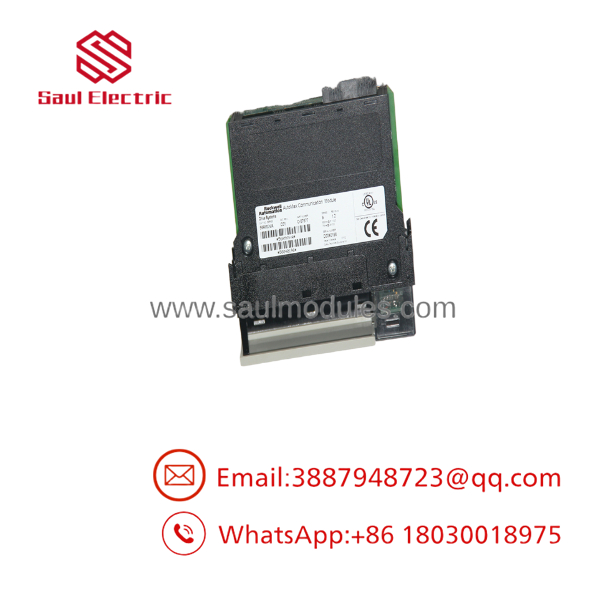
- 56AMXN
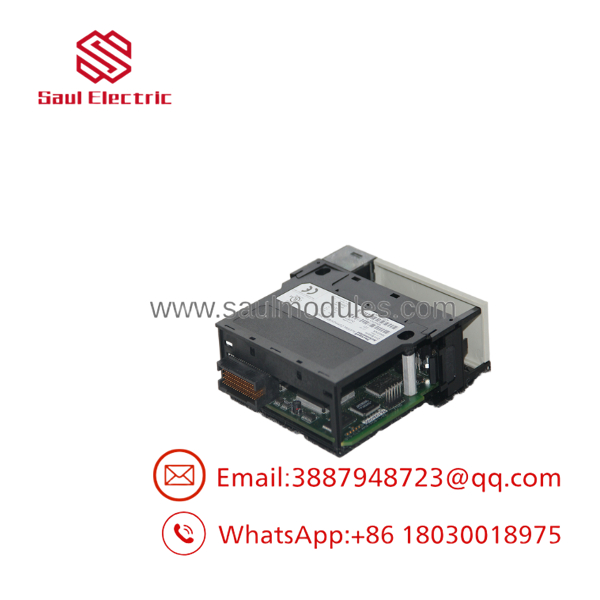
- 56AMXN
Transparency SOP: Quality Assurance & Testing
We don’t just ship boxes; we test them on live 1756 ControlLogix racks with legacy network test stands.
- Inbound Visual Inspection: Evaluation of backplane connector pins, top thumbwheel switch mechanics, DB9 port housing, and front LED display window.
- Backplane & Power Bus Audit: Installed in a live ControlLogix chassis to verify power-up diagnostic sequencing and backplane current draw.
- Live AutoMax Network Communication Test: Connected to an active AutoMax network tap; verified network handshaking, drop scanning, and TX/RX data transmission.
- Thumbwheel Switch & Mode Diagnostics: Rotated top mode/drop switches across test profiles to verify correct rotary switch contact operation and display readout.
- ESD Protection & Packaging: Cleaned, sealed in static-shielding bags, and packaged inside dense shock-absorbing foam.
The Veteran’s Tech Trap Guide (Crucial Value-Add)
- ⚠️ Set Top Thumbwheel Switches BEFORE Applying Power!
The 56AMXN reads its operating mode (DCS Master, DCS Slave, or RIO Master) and drop address from the rotary thumbwheel switches on the top of the module ONLY during power-up. If you change switch settings while the module is powered, it will not update until you cycle power to the chassis slot or trigger a “Thumbwheel Test” mode error.
- ❗ Mind the Difference Between Series A and Series B Firmware (56AMXN/A vs 56AMXN/B)
Series B (56AMXN/B) supports a native RSLogix 5000 / Studio 5000 Add-On Profile (AOP) and allows multiple scheduled connections with the CPU. Series A required using a generic
1756-MODULEprofile. If replacing a Series A with a Series B, you can run backward compatibility mode, but updating the program to use the Series B AOP provides significantly better diagnostics. - ⚠️ Watch the Network Cable Tap Connection
The 56AMXN network port uses a dedicated drop cable (612574-36R) with a built-in ferrite core connected to a passive network tap (57C380). Plugging a standard straight-through RS-232 serial cable into the front DB9 port will not communicate with the AutoMax network and can ground out network lines.
- ❗ Program Mode Output Behavior Difference
On older Series A units, outputs continued updating with last values when the ControlLogix processor went into Program mode. On Series B firmware, outputs default to zero when the processor is placed in Program mode or on connection loss. Verify your process safety requirements before swapping series.
Frequently Asked Questions (FAQ for Conversion)
Q: Can I use multiple 56AMXN modules in a single ControlLogix chassis?
A: Yes. You can install multiple 56AMXN modules in the same 1756 chassis, provided your chassis power supply has sufficient current capacity on the backplane.
Q: Is the 56AMXN module still manufactured by Rockwell Automation?
A: No. The 56AMXN / 1756-AMXN series has been discontinued by Rockwell Automation / Allen-Bradley. Our inventory consists of high-grade New Surplus (unused plant spares) and fully bench-tested refurbished units.
Q: What cable do I need to connect the 56AMXN to an AutoMax coaxial network?
A: You need a Rockwell drop cable (part number 612574-36R) connected to a passive tap (Model 57C380) to attach the module DB9 connector to the main coaxial network line.
Q: Does the configuration data store inside the module or in the ControlLogix CPU?
A: For Series B (56AMXN/B) operating in DCS Master or Slave mode, the configuration data is stored directly within the RSLogix 5000 / Studio 5000 project file, eliminating the need for separate configuration tools.
Q: What warranty comes with this module?
A: Every Allen-Bradley 56AMXN module includes a full 12-month replacement warranty. If any channel, port, or backplane connection fails within one year of installation, we ship an immediate replacement directly from stock.

 Start Chat


