





Description
Key Technical Specifications
| Parameter | Value |
|---|---|
| Manufacturer | ABB |
| Model Number | PILA HENF209556R0002 |
| Product Series | PILA |
| Product Type | Industrial automation module / control component |
| Application | ABB industrial control systems |
| Operating Voltage | Application dependent; verify system configuration before installation |
| Communication / Interface | Application dependent |
| Installation Type | Panel or system-level integration |
| Operating Temperature | Typical industrial range; verify OEM documentation |
| Condition | New Original / New Surplus |
| Replacement Category | Critical automation spare |
Product Introduction & Supply Chain Strategy
The ABB PILA HENF209556R0002 is an ABB industrial automation component designed for use within control and electrical systems. It functions as a specialized system module where accurate control processing, signal handling, or equipment interface operation is required. Exact application depends on the installed ABB platform and system configuration.
Maintaining this part as New Original / New Surplus inventory reduces lifecycle risk for plants operating ABB legacy systems. For specialized modules with limited replacement channels, keeping 1 unit as buffer stock can reduce downtime exposure, improve maintenance response time, and lower Total Cost of Ownership (TCO) compared with emergency sourcing after failure.
Installation & Configuration Guide
Stage 1 – Pre-Installation (Prep & Safety)
- Apply Lock-Out/Tag-Out procedures before accessing the control cabinet.
- Confirm the replacement part number matches ABB PILA HENF209556R0002.
- Wear a grounded ESD wrist strap.
- Record existing module position and cabinet layout.
- Photograph all wiring, terminal positions, connectors, and configuration settings.
- Verify system documentation and spare replacement procedure.
Stage 2 – Removal
- Switch off all related power supplies.
- Verify absence of voltage before removing the module.
- Disconnect communication cables and terminal connections carefully.
- Release mounting hardware without applying mechanical stress.
- Remove the module vertically to avoid connector damage.
- Inspect the backplane and mating connectors for contamination or bent contacts.
Stage 3 – Installation (Clone & Seat)
- Compare the replacement module label with the removed unit.
- Transfer configuration settings exactly if applicable.
- Install the module into the original mounting position.
- Ensure connectors are fully seated.
- Tighten retaining hardware according to cabinet requirements.
- Reconnect wiring using the recorded photographs.
Stage 4 – Power-On & Testing
- Verify power supply voltage before energizing.
- Check for short circuits on power rails.
- Restore cabinet power.
- Observe module diagnostic indicators.
- Confirm communication with the controller system.
- Perform functional testing before returning equipment to production.
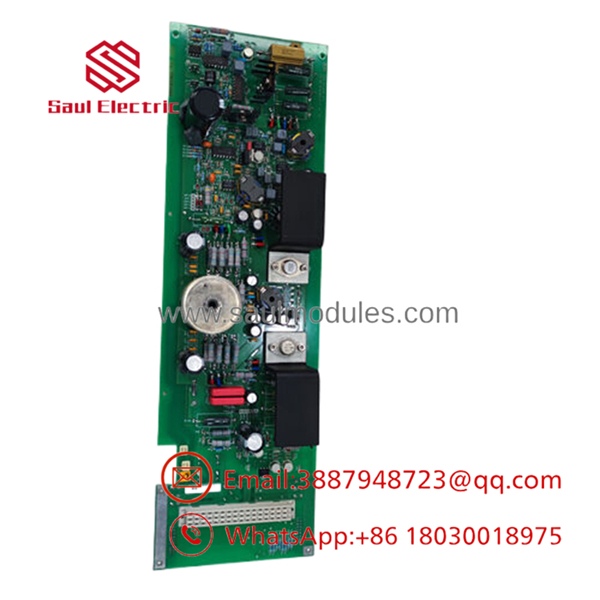
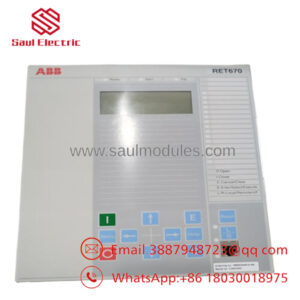
- PILA HENF209556R0002
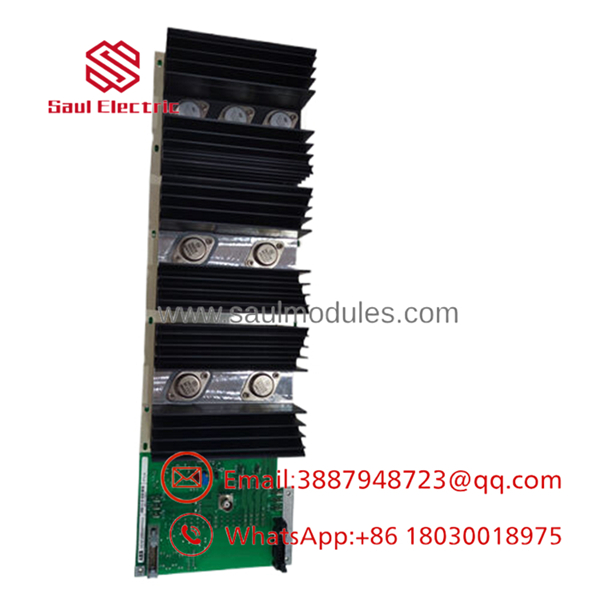
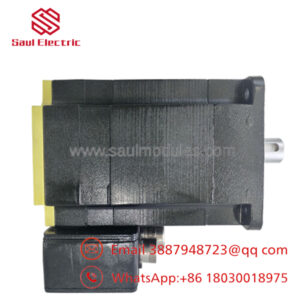
- PILA HENF209556R0002
Firmware/Software Versions & Upgrade Notes
- Firmware Requirement: Verify compatibility with the installed ABB control platform before replacement.
- Configuration Backup: Save existing system parameters before removing the original module.
- Compatibility Check: Confirm hardware revision, software version, and controller configuration match the existing installation.
- Upgrade Risk: Avoid unnecessary firmware upgrades during hardware replacement. A firmware change can introduce communication or parameter compatibility issues.
- Downgrade Warning: Returning to older firmware may remove functions or create configuration conflicts.
For legacy ABB automation systems, maintaining the same hardware revision and software environment is recommended to reduce commissioning time.
Frequently Asked Questions (FAQ)
1. Is ABB PILA HENF209556R0002 a genuine new product?
Yes. This product is supplied as New Original / New Surplus. It is not refurbished, repaired, or removed from a running installation.
2. Why is New Surplus priced differently from refurbished alternatives?
New Surplus inventory retains original manufacturing condition and unused service life. Refurbished alternatives may reduce initial purchase cost but introduce additional failure uncertainty and higher downtime exposure.
3. Is ABB PILA considered an obsolete spare?
Availability depends on the installed ABB system lifecycle. Because specialized automation modules can become difficult to source after production changes, plants should evaluate a Last-time-buy strategy when this component supports critical equipment.
4. Can this module be hot-swapped during operation?
Do not assume hot-swapping is permitted. Follow ABB system documentation and site procedures. Incorrect removal under power can damage the module, backplane, or connected equipment.
5. Will replacing this module erase PLC programming?
The effect depends on the ABB system architecture. Always back up configuration data before replacement and verify whether parameters are stored locally or in the controller.
6. What quality checks are performed before shipment?
New Surplus units are checked through:
- Part number verification
- Label and serial inspection
- Visual condition inspection
- Connector integrity check
- Packaging verification
- ESD-safe handling
7. What warranty coverage is available?
New Original / New Surplus automation parts are typically supplied with a warranty period based on supplier terms. A standard industrial spare warranty is commonly 12 months.

 Start Chat


