





Description
Product Introduction
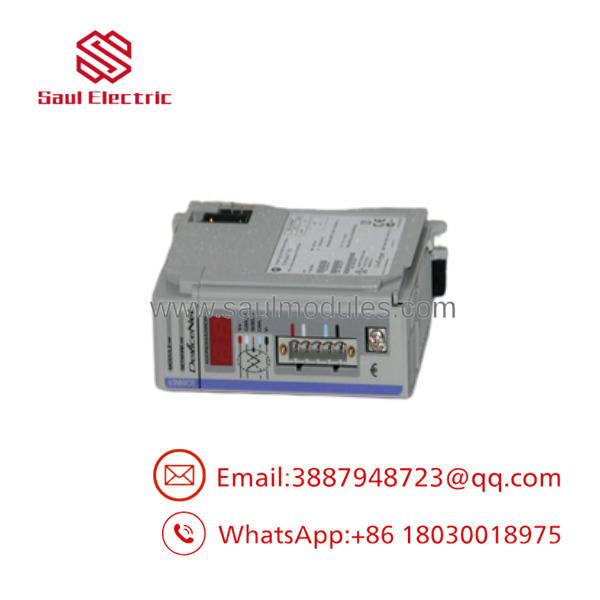
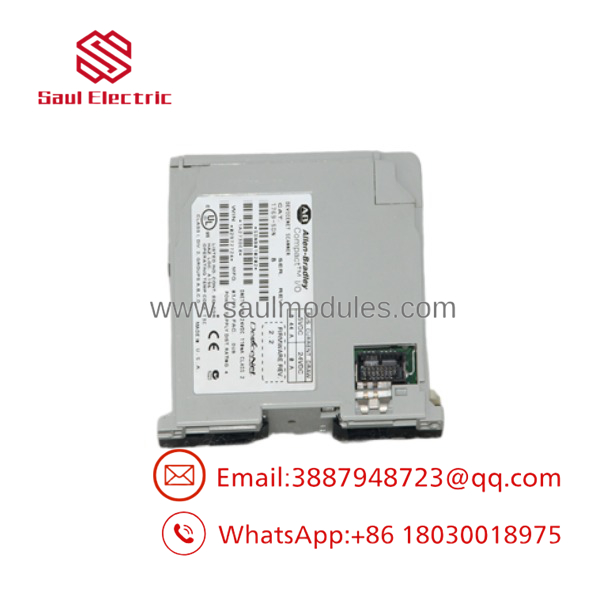
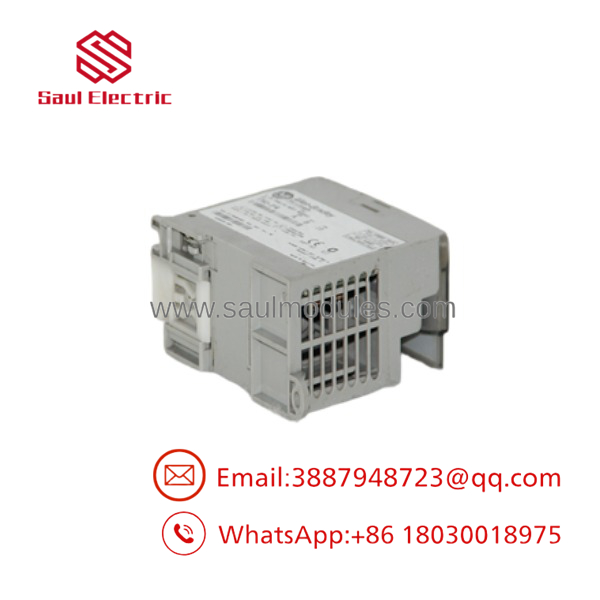
The Allen-Bradley 1769-SDN is a DeviceNet scanner module designed for CompactLogix control systems and MicroLogix 1500 controllers. Serving as the primary DeviceNet communication bridge, it connects Logix processing engines directly to legacy fieldbus networks populated with motor starters, proximity sensors, pushbuttons, variable frequency drives, and remote I/O drops.
Equipped with a 5-pin open-style DeviceNet connector and a 2-digit status LED display, the 1769-SDN manages master-to-slave communication scans for up to 64 nodes. It routes network I/O data, explicit messaging, and device diagnostics directly into the controller’s register memory, making it an essential component for maintaining and expanding existing DeviceNet plant infrastructure.
Key Technical Specifications
| Parameter | Value |
| Network Protocol | DeviceNet (CAN-based Trunk/Drop topology) |
| Node Support | Up to 64 DeviceNet Nodes (Node 0 to 63, typically Node 0 for Scanner) |
| Communication Rates | 125 Kbps, 250 Kbps, 500 Kbps (Software or Switch Selectable) |
| Network Memory Size | 180 Words Input Data / 180 Words Output Data |
| Network Connector | 5-Pin Open-Style Pluggable Terminal (Red, White, Bare, Blue, Black) |
| Power Distance Rating | 4 Modules (Must be mounted within 4 slots of power supply) |
| Backplane Current Draw | 440 mA @ 5.1VDC |
| DeviceNet Current Draw | 90 mA @ 24VDC (Supplied from external DeviceNet trunk line) |
| Diagnostics Display | 2-Digit Numeric Status LED Display (Node ID / Error Codes) |
| Software Support | RSNetWorx for DeviceNet & Studio 5000 / RSLogix 5000 |
Application Scenarios & The “Trench” Experience
The Trench Story
It is 1:15 AM on a packaging machine upgrade. The main CompactLogix controller needs to communicate with 24 legacy ArmorBlock I/O drops and motor starters scattered along a 100-foot conveyor frame. Rewiring all those field sensors back to centralized PLC input cards would take days and thousands of feet of cable. Using an existing DeviceNet trunk line, you install a 1769-SDN scanner in the local rack, map the nodes using RSNetWorx for DeviceNet, and establish deterministic block transfers over a single 5-wire cable. Knowing how to interpret the 1769-SDN’s 2-digit diagnostic LED display (like spotting Code 72 for a missing node or Code 91 for a bus-off condition) lets you pinpoint damaged drop line taps in minutes.
Specific Applications
- Conveyor & Material Handling: Scans distributed motor starters, photo-eyes, and solenoid valves tied to DeviceNet bus taps along long conveyor trunks.
- Automotive Welding Cells: Collects I/O signals from robot end-effectors and proximity switches over rugged DeviceNet media.
- Legacy Drive Integration: Transmits speed references and run/stop commands to older PowerFlex 40 or 70 drives equipped with 20-COMM-D adapters.
- Distributed Valve Manifolds: Interfaces directly with field-mounted pneumatic valve islands across packaging line cells.
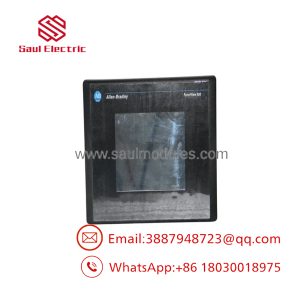
- 1769-SDN
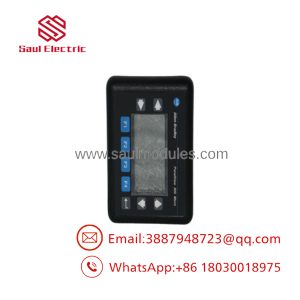
- 1769-SDN
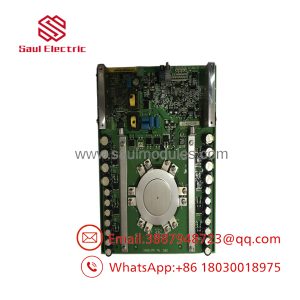
- 1769-SDN
Transparency SOP: Quality Assurance & Testing
Every 1769-SDN scanner module undergoes rigorous network stress testing prior to joining our inventory:
- Physical & Terminal Inspection: We verify side locking tabs, clean backplane bus pins, and confirm the 5-pin pluggable DeviceNet terminal connector is present and free of physical damage.
- Backplane Logic Test: The card is installed in a CompactLogix 1769 rack to verify proper 5.1VDC power draw, backplane health, and module recognition in Studio 5000.
- Active DeviceNet Network Scan: We wire the 1769-SDN into an active DeviceNet test loop powered by a 24VDC DeviceNet power supply, running RSNetWorx for DeviceNet to scan, commission, and map multiple test nodes.
- Baud Rate & Heavy Load Sweep: Network polling is verified across 125k, 250k, and 500k baud rates under heavy explicit messaging and continuous I/O block transfers.
- LED Diagnostic & Error Code Audit: We intentionally generate bus-off and unmapped node faults to confirm the 2-digit LED display accurately reports proper fault codes (e.g., Code 72, Code 78, Code 91).
The Veteran’s Tech Trap Guide
- ⚠️ DeviceNet Requires Separate 24VDC Bus Power: The 1769-SDN backplane connection ONLY powers the module’s logic. You MUST connect an external 24VDC DeviceNet power supply directly to the 5-pin network connector (V+ Red, V- Black) to power the CAN transceiver circuitry. Without external 24V bus power, the module will display Code 91 (Bus-Off / No Power).
- ❗ Mind the 120 \Omega Termination Resistors: A DeviceNet network MUST have a 120\,\Omega, 1/4-watt termination resistor installed across the signal wires (CAN_H White / CAN_L Blue) at the extreme physical ends of the main trunk line. Omitting termination resistors causes signal reflections, leading to random node dropouts (Error 72) and corrupted packet data.
- ⚠️ Always Schedule with RSNetWorx for DeviceNet: Adding or changing I/O nodes requires you to configure the scanner’s scanlist file using RSNetWorx for DeviceNet. Simply adding the 1769-SDN to your Studio 5000 I/O tree is not enough—you must map the node memory addresses into the 1769-SDN scanlist or no field data will transfer to the controller.
- ❗ Mind the 4-Slot Power Distance Rule: The 1769-SDN has a strict power distance rating of 4. It MUST be installed within 4 slots of a 1769 power supply (such as the 1769-PA4 or 1769-PB4). Installing it further down the rack causes backplane voltage drops that result in communication resets.
Frequently Asked Questions
Q: What do the numeric codes on the front 2-digit display mean?
The 2-digit LED display continuously scrolls the scanner’s node address (e.g., 00) and active status/error codes. Common codes include:
00/ Active: Normal operation.72: Slave device communication loss (a mapped node stopped responding).78: Node in scanlist is not found on the active network.91: Bus-off condition / DeviceNet network power missing or shorted.
Q: What wiring color code does the 5-pin DeviceNet terminal follow?
The standard 5-wire DeviceNet color scheme from top to bottom is:
- Red: V+ (+24VDC Network Power)
- White: CAN_H (High Signal)
- Bare: Shield Drain Wire
- Blue: CAN_L (Low Signal)
- Black: V- (24VDC Network Common)
Q: Is the 1769-SDN compatible with CompactLogix 5370 L3 controllers (e.g., 1769-L33ER)?
Yes. The 1769-SDN can be used as local or expansion I/O on CompactLogix L3 processors to bridge modern EtherNet/IP systems to existing DeviceNet field networks.
Q: What software is required to configure the 1769-SDN scanner?
You need RSNetWorx for DeviceNet to build and download the scanner’s internal node map/scanlist, along with Studio 5000 (or RSLogix 5000) to program the PLC controller logic.
Q: What is the maximum number of nodes a single 1769-SDN can manage?
The 1769-SDN supports up to 64 node addresses (0 through 63). Typically, the 1769-SDN occupies Node 0, leaving 63 addresses available for field devices.
Q: What warranty covers your surplus and refurbished 1769-SDN modules?
Every 1769-SDN module we ship includes our comprehensive 12-month replacement warranty. If a hardware fault or CAN transceiver failure occurs under normal operating conditions within 365 days of purchase, we replace the unit immediately from stock or issue a full refund.

 Start Chat


