





Description
Product Introduction & Engineering Value
Fiber network failures are often difficult to isolate because the problem may sit between field equipment, communication media, and switching infrastructure. The Enterasys A2H124-24FX provides a dedicated fiber switching platform for installations that require long-distance Ethernet connectivity with centralized management.
Built for SecureStack A2 environments, this switch supports managed Layer 2 network operations including VLAN configuration, SNMP monitoring, and redundant power options. It is frequently maintained in legacy industrial networks where replacing the entire communication architecture would require extensive validation work.
Technical Specifications
| Parameter | Specification |
|---|---|
| Manufacturer | Enterasys Networks |
| Model Number | A2H124-24FX |
| Product Family | SecureStack A2 |
| Switch Type | Managed Layer 2 Fast Ethernet Switch |
| Fixed Fiber Ports | 24 × 100BASE-FX MT-RJ |
| SFP Expansion | 2 × Gigabit SFP slots |
| RJ45 Interfaces | 2 × 10/100/1000BASE-T |
| Fiber Standard | IEEE 802.3u 100BASE-FX |
| Management Methods | CLI / WebView / SNMP / Telnet |
| Switching Capacity | 12.8 Gbps (switch) |
| Throughput | 9.5 Mpps |
| Power Input | AC power with optional redundant DC power connection |
Field Application & The “Trench” Experience
A water treatment facility operating remote control panels across several buildings begins experiencing intermittent communication alarms between PLC cabinets and the supervisory network. The fiber infrastructure tests correctly, but several switch ports show unstable link behavior.
The maintenance team identifies the aging Enterasys SecureStack A2 switch as the suspected failure point. Instead of replacing fiber converters and rewiring the network, engineers install a verified A2H124-24FX, restore VLAN settings, reconnect the fiber channels, and confirm communication from each remote control cabinet.
The practical takeaway from field maintenance: fiber switches rarely fail in a way that immediately points to the switch itself. Network configuration backups and port documentation are critical during replacement.
Specific application scenarios
- Industrial Ethernet fiber backbone networks — connecting distributed automation cabinets over fiber links.
- Water and wastewater control systems — supporting remote PLC and SCADA communication paths.
- Manufacturing facility network segments — maintaining legacy managed fiber switching infrastructure.
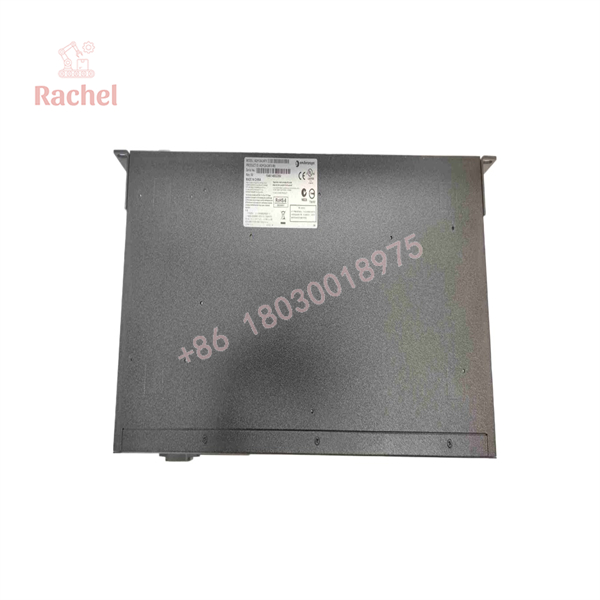
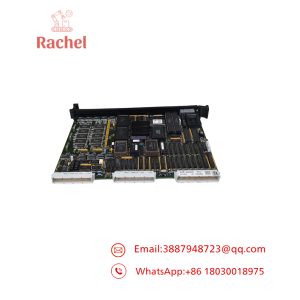
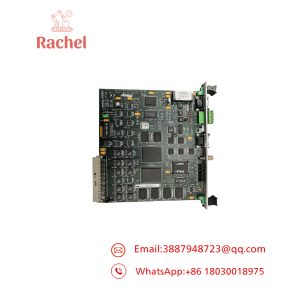
A2H124-24FX
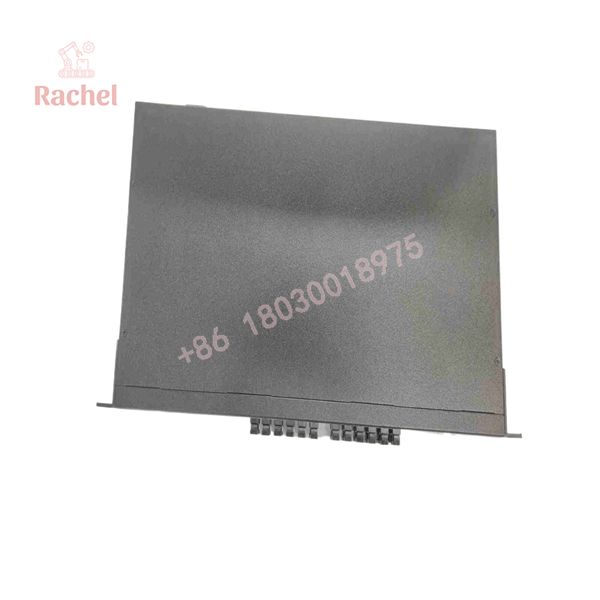
A2H124-24FX
Transparency SOP: QA & Testing
For New Surplus or Refurbished Enterasys A2H124-24FX units, inspection should focus on optical ports, switching functions, and configuration stability.
Inspection checklist:
✓ Hardware Identification
- Confirm model: A2H124-24FX
- Verify Enterasys SecureStack A2 labeling
- Record serial number and hardware revision
✓ Physical Inspection
- Check MT-RJ fiber ports
- Inspect SFP cages
- Verify RJ45 stacking ports
- Examine cooling vents and power connector
✓ Functional Testing
- Power-up self-test verification
- Check LANVIEW LED operation
- Verify fiber link detection
- Test management access through console port
✓ Network Validation
- Confirm VLAN operation
- Verify uplink communication
- Test stacking/uplink interfaces
The A2H124-24FX supports management through console access, Telnet, WebView, and SNMP-based monitoring methods.
The Veteran’s Tech Trap Guide
⚠️ Trap #1 — Assuming every fiber port is interchangeable
The uses 100BASE-FX MT-RJ fiber ports, not standard RJ45 Ethernet connections.
PRO TIP: Confirm the fiber connector type before ordering. MT-RJ infrastructure is less common today than LC-based fiber systems.
⚠️ Trap #2 — Forgetting configuration backup
A replacement switch may power up correctly but still fail operationally if the original settings are missing.
Save:
- VLAN configuration
- Port assignments
- SNMP settings
- Management IP information
⚠️ Trap #3 — Connecting the wrong redundant power system
The A2H124-24FX supports redundant power connection options, but compatibility matters.
Do not connect incompatible power accessories. The hardware installation guide specifically warns that PoE redundant power systems should not be connected to this non-PoE switch model.
Dynamic FAQ
Q1: What is Enterasys A2H124-24FX?
The Enterasys is a SecureStack A2 managed fiber Ethernet switch with 24 × 100BASE-FX ports, Gigabit SFP expansion, and Gigabit uplink capability.
Q2: Is A2H124-24FX a Layer 2 managed switch?
Yes. The SecureStack A2 platform provides Layer 2 switching functions with management through CLI, WebView, SNMP, and Telnet.
Q3: What fiber connectors does this switch use?
The fixed front-panel fiber interfaces are 100BASE-FX MT-RJ ports.
Q4: Can A2H124-24FX replace an RJ45 Ethernet switch?
Not directly. The A2H124-24FX is designed primarily for fiber network applications. A replacement must match:
- Fiber type
- Connector type
- Network speed
- VLAN configuration
- Management requirements
Q5: Is New Surplus Enterasys A2H124-24FX unused?
New Surplus normally indicates unused inventory from previous purchasing cycles. Confirm actual product photos, packaging condition, firmware version, and test status before purchase.
Q6: Does this switch include warranty coverage?
Warranty depends on supplier and stock condition. New Surplus, refurbished, and tested used units may have different warranty periods, so verify coverage before ordering.

 Start Chat


