





Description
3. Key Technical Specifications
- Model Number: 3ASC25H209 (DATX110)
- Type: I/O Board, No AO (analog output) variant
- Channels: Digital inputs and outputs for control
- Applications: Crane motion control, industrial automation
- Power Supply: 24 VDC typical
- Operating Temperature: –20 °C to +65 °C
- Mounting: Plug-in board for ABB systems
- Features: Jumpers for configuration, emergency stop handling
- Weight: Compact module design
- Compatibility: Contronic and related ABB control systems
4. Product Introduction
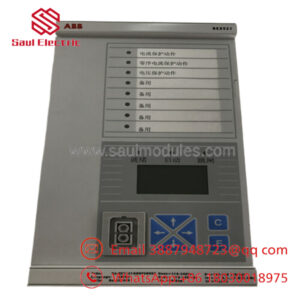
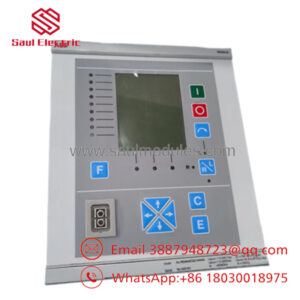
The ABB 3ASC25H209 DATX110 is a digital I/O board used in ABB control systems for processing input and output signals in industrial applications. It is commonly deployed in crane motion controllers and other automation setups.
This module provides reliable digital interfacing with support for safety-related functions such as emergency stops. It is a key component for maintaining control integrity in demanding environments.
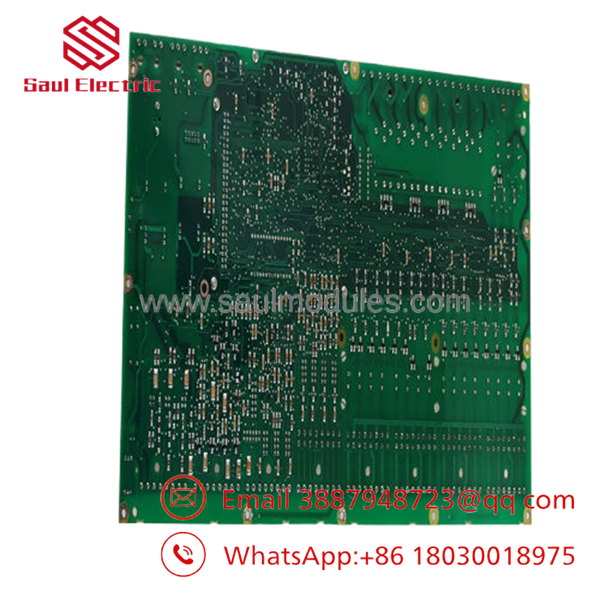
- 3ASC25H209 DATX110
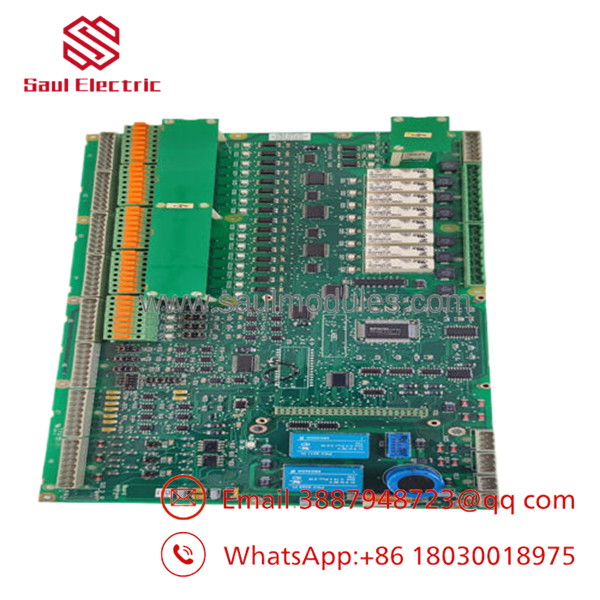
- 3ASC25H209 DATX110
5. Installation & Configuration Guide
Stage 1: Pre-Installation Preparation (10–15 minutes) ⚠️ Safety First: Notify operations, place equipment in safe state, lock out/tag out power. Tools Required: ESD strap, screwdriver, multimeter, documentation tools. Data Backup: Photograph jumper settings and wiring, export configurations.
Stage 2: Removing the Old Module (5–10 minutes)
- Power down the rack.
- Label and disconnect field wiring.
- Release the board from its slot.
- Inspect backplane connectors. ⚠️ Note: Retain old board for reference.
Stage 3: Installing the New Module (10 minutes)
- ESD protection. Match exact model.
- Set jumpers to match original configuration.
- Insert firmly into slot.
- Reconnect wiring. Self-Checklist: [ ] Jumpers match, [ ] Board seated, [ ] Wiring verified.
Stage 4: Power-On & Testing (15–25 minutes) Pre-Power Check: Verify no shorts on power rails. Power-On Steps:
- Restore power.
- Check LED status and diagnostics.
- Test inputs/outputs with simulation.
- Verify emergency stop and control functions.
⚠️ Troubleshooting Note: I/O failures often relate to jumper settings or wiring. Use system diagnostics for faults.
6. Frequently Asked Questions (FAQ)
Can this I/O board be hot-swapped? No. Power down the system first to avoid damage or unsafe states.
Is this model obsolete? It is a legacy part still required for existing ABB installations. New Original or New Surplus stock available.
What is the direct replacement? Contact ABB for current equivalents or confirm compatibility with your controller version.
Will configuration be lost? Jumper settings must be replicated. Reload parameters as needed.
Why lower price? Tested surplus inventory with inspection. Genuine ABB hardware at reduced cost.

 Start Chat


