





Description
Key Technical Specifications
| Parameter | Value |
|---|---|
| Manufacturer | ABB |
| Product ID | 3BHB040969R0001 |
| Model | TPC-1582H (TPC1582H43A1401E-T) |
| Product Type | Industrial Touch Panel Computer |
| Display Size | 18.5-inch TFT LCD |
| Resolution | 1366 × 768 pixels |
| Touch Technology | Projected Capacitive (PCAP) |
| Processor | Intel® Core™ i3 (platform dependent) |
| Memory | 4 GB DDR3L RAM |
| Storage | 64 GB SSD |
| Power Supply | 24 V DC |
| Communication Ports | Gigabit Ethernet, USB, Serial Interfaces |
| Front Protection | IP65 (Front Panel) |
| Mounting | Panel Mount |
Specifications may vary slightly depending on the hardware revision and system configuration. Always verify the exact TPC-1582H variant before ordering.
Product Introduction
The ABB 3BHB040969R0001 TPC-1582H is an industrial HMI panel computer used for operator control, process visualization, alarm management, and diagnostics. It is commonly deployed with ABB automation platforms, including System 800xA, where it serves as the local operator workstation for production and process control.
Its fanless industrial design, capacitive touchscreen, solid-state storage, and multiple communication interfaces make it suitable for continuous operation in manufacturing plants, power stations, water treatment facilities, and process industries.
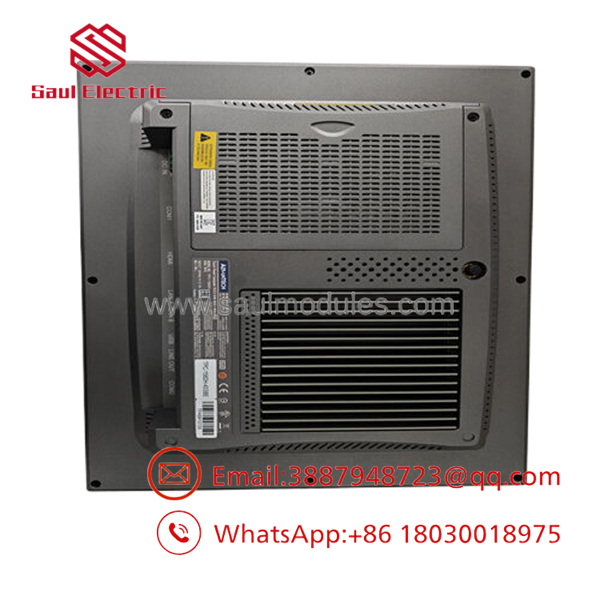
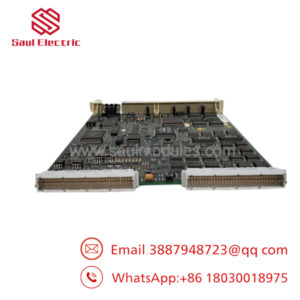
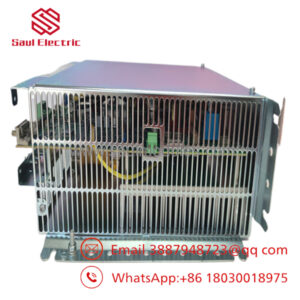
- 3BHB040969R0001 TPC-1582H
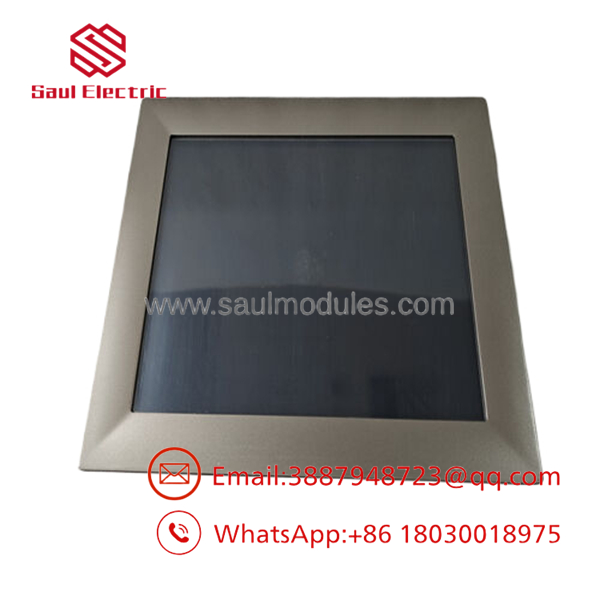
- 3BHB040969R0001 TPC-1582H
Troubleshooting Quick Reference
| Symptom | Possible Cause | Relevance to this Part | Quick Check Method | Recommendation |
|---|---|---|---|---|
| Panel will not power on | Missing 24 V DC supply | ✅ High | Measure the input voltage at the power connector | Verify the power supply before replacing the HMI |
| Display is blank but power LED is on | LCD backlight or display cable issue | ✅ High | Connect an external monitor if supported; inspect internal display cable | Determine whether the fault is the display or motherboard |
| Touchscreen not responding | Touch driver or calibration issue | ⚠️ Medium | Check the operating system device manager and recalibrate the touch panel | Reinstall drivers or recalibrate before replacing hardware |
| No Ethernet communication | Network configuration or cable fault | ⚠️ Medium | Verify link LEDs, IP settings, and network cable integrity | Confirm network configuration before replacing the unit |
| Slow operation or boot failure | SSD corruption or operating system issue | ⚠️ Medium | Review BIOS and storage diagnostics | Restore the operating system or replace the SSD if necessary |
| USB devices not recognized | Driver issue or damaged USB port | ❌ Low | Test using a known-good USB device | Update drivers and inspect connectors |
| Frequent unexpected restarts | Power fluctuation or overheating | ✅ High | Monitor input voltage and internal temperature | Verify cabinet cooling and power stability |
Technical Note: Most HMI failures are related to storage devices, power supplies, operating system corruption, or touchscreen calibration rather than motherboard failure. Before replacing the complete panel computer, verify the power source, SSD health, BIOS status, and operating system integrity.
Frequently Asked Questions (FAQ)
Q1. What is the ABB 3BHB040969R0001?
The 3BHB040969R0001 TPC-1582H is an industrial touch panel computer that provides operator visualization and control for industrial automation systems. It combines an embedded PC with a capacitive touchscreen for plant-floor operation.
Q2. Is it a PLC controller?
No. It is an HMI (Human-Machine Interface) rather than a PLC. The PLC executes the control logic, while the displays process data, alarms, trends, and operator controls.
Q3. Which automation systems is it compatible with?
It is commonly used with ABB System 800xA and can also be integrated with other industrial control systems that support Windows-based HMI software and standard Ethernet communication.
Q4. Can the SSD be replaced?
Yes. Depending on the hardware revision, the internal SSD can usually be replaced. Before any hardware replacement, back up the HMI project, operating system image, and license files to avoid extended downtime.
Q5. Can I hot-swap the touch panel?
No. Always shut down the operating system correctly and disconnect the 24 V DC supply before removing the panel. Abrupt power removal may corrupt the operating system or HMI application.
Q6. What should I verify before ordering?
Confirm the following:
- Exact part number (3BHB040969R0001)
- Model designation (TPC-1582H / TPC1582H43A1401E-T)
- Display size and mounting dimensions
- Operating system version
- Hardware revision
- Required communication interfaces (Ethernet, USB, Serial)
Documenting the existing BIOS settings, HMI software version, IP configuration, and project backup before replacement can significantly reduce commissioning time and minimize production downtime.

 Start Chat


