





Description
Key Technical Specifications
- Manufacturer: ABB
- Model: SC610
- Ordering Number: 3BSE001552R1
- Product Type: Submodule carrier PCB
- Series: Advant Controller 100 Series
- Function: Carrier for CI532 communication interface modules
- Module Capacity: Two CI532 units per carrier
- Dimensions: 252 mm depth, 273 mm height, 40 mm width
- Weight: 1.44 kg
- Cross References: 3BSC980050R36, 3BSE003827R1 CI532V02 reference appears in field listings
Product Introduction
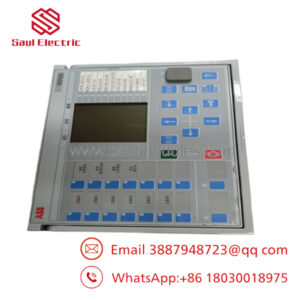
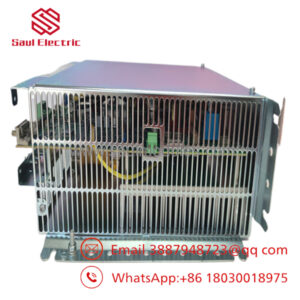
ABB SC610 3BSE001552R1 is a submodule carrier PCB used in ABB Advant Controller 100 Series systems. Its main job is to provide the physical and electrical mounting point for CI532 communication interface modules, with two CI532 units supported per carrier.
This part shows up in legacy ABB control cabinets where exact part matching matters. The carrier format, dimensions, and module pairing are fixed enough that you should verify the installed CI532 revision and cabinet layout before ordering.
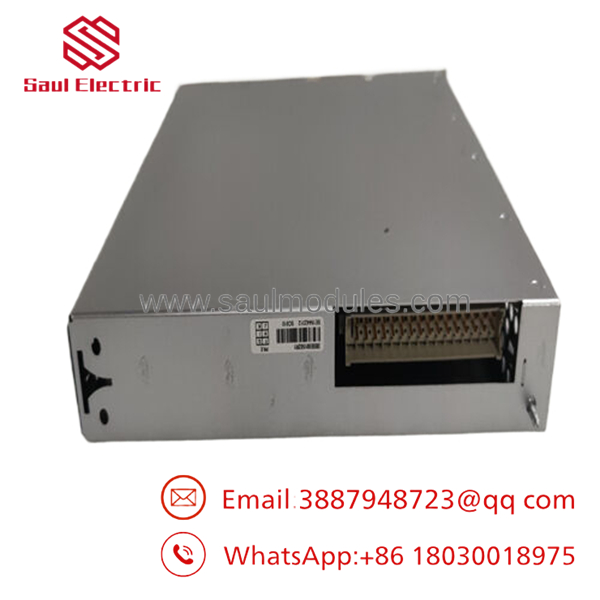
- SC610
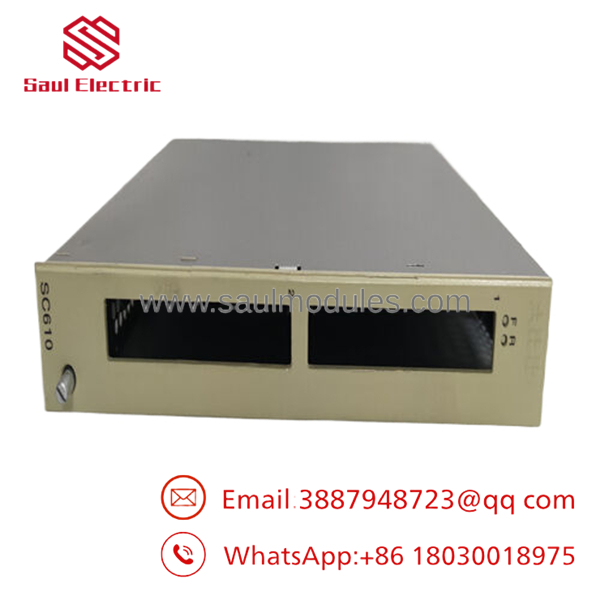
- SC610
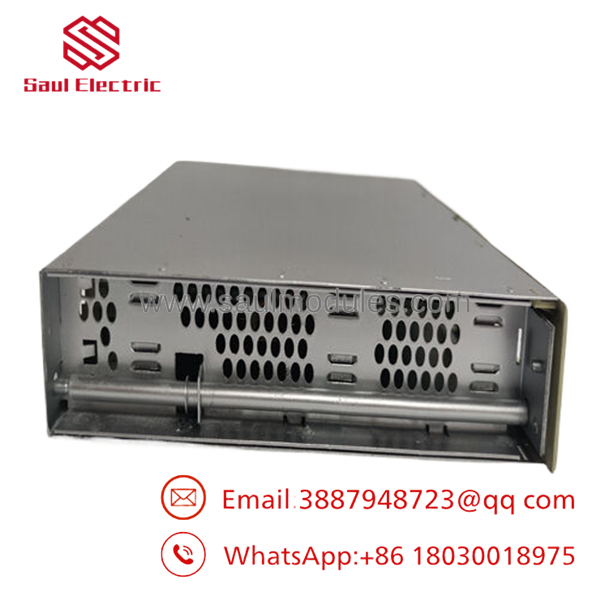
- SC610
Installation & Configuration Guide
Stage 1: Pre-Installation Preparation
- Notify operations and create downtime. Verify the system is in a safe state, apply lockout/tagout, and wait 5 minutes for capacitor discharge.
- Gather an ESD strap, PH1 screwdriver, multimeter, wire labels, and a smartphone for photos.
- Back up the controller configuration, document the installed CI532 module positions, and photograph every connector and jumper.
- Confirm the ordering number and the attached communication modules before removal.
Stage 2: Removing the Old Module
- Remove the cabinet access cover.
- Label all wiring and disconnect it carefully. Do not force terminal blocks.
- Release the mounting hardware and pull the carrier straight out to avoid pin damage.
- Inspect the backplane, connectors, and mounting area for dust, bent pins, or signs of heat stress.
- Keep the old carrier until the new one is fully commissioned.
Stage 3: Installing the New Module
- Put on the ESD strap and confirm the exact part number match.
- Transfer the configuration exactly. Reinstall the modules in the same positions and restore any jumpers or hardware settings from the reference photos.
- Seat the carrier fully and secure the mounting hardware.
- Reconnect all wiring with correct torque and verify shielding and grounding.
- Check off the install list: [] Modules matched, [] Wiring secured, [] Mounting locked.
Stage 4: Power-On & Testing
- Use a multimeter to check for shorts on the cabinet supply before energizing.
- Power up the cabinet first, not the process load.
- Verify LEDs and module recognition in the controller.
- Confirm communications for each installed channel.
- Run a dry test of the connected I/O or communication path.
- If the module is not recognized, check seating, connector alignment, and the module placement first.
Frequently Asked Questions
Can SC610 be hot-swapped?
No, do not assume so. This is a carrier assembly inside an ABB control cabinet, and live removal can damage the backplane or interrupt comms.
What does actually do?
It is a carrier for modules in ABB Advant Controller 100 Series hardware. In practice, it gives those modules their physical mounting and electrical interface.
Is this an obsolete part?
Yes, it is generally handled as a legacy ABB item. Stock is often limited, so exact-number matching is more important than ever.
Will I need to reprogram the controller after replacement?
Usually no, but you still need to verify module recognition and communication afterward. The hardware swap itself should not change the logic, but a wrong carrier or misplaced module will cause faults.
What condition is it usually sold in?
Commercial listings are typically New Original or New Surplus. If someone offers refurbished stock, ask for test records and return terms.
Why is the secondary-market price lower than ABB list price?
Because surplus inventory is usually priced below OEM new stock. That lower price only makes sense if you verify condition, revision match, and return support before buying.


 Start Chat


