





Description
Key Technical Specifications
| Parameter | Value |
|---|---|
| Manufacturer | ABB |
| Model | SDCS-COM81 |
| Part Number | 3ADT314900R1002 |
| Product Type | Fast Optical DDCS Communication Module |
| Communication Interface | DDCS Fiber Optic |
| Communication Speed | 10 Mbit/s |
| Installation | Plug-in Communication Board |
| Compatible Systems | ABB DCS800 Drives, Selected ABB Drive Platforms |
| Optical Medium | Fiber Optic DDCS |
| Product Status | Obsolete / Spare Part |
| Country of Origin | Sweden |
| Condition | New Original (New Surplus) or Tested Refurbished (depending on inventory) |
Product Introduction
The ABB SDCS-COM81 (3ADT314900R1002) is a fast optical DDCS communication module designed for ABB industrial drive systems. It provides high-speed fiber optic communication between control boards, drive controllers, and distributed drive components in DCS800 and compatible ABB platforms.
Engineers commonly choose this module because DDCS fiber communication offers deterministic data exchange with excellent noise immunity in electrically demanding environments. As the module is now obsolete, genuine spare inventory is valuable for maintaining existing installations without modifying the original drive architecture.
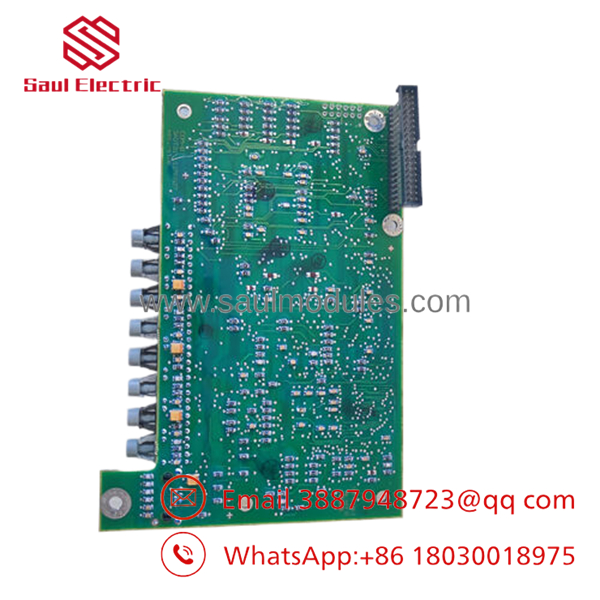
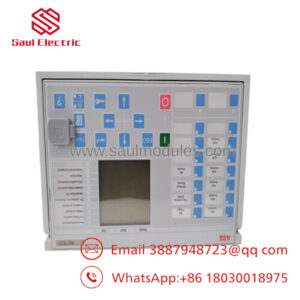
- SDCS-COM81 3ADT314900R1002
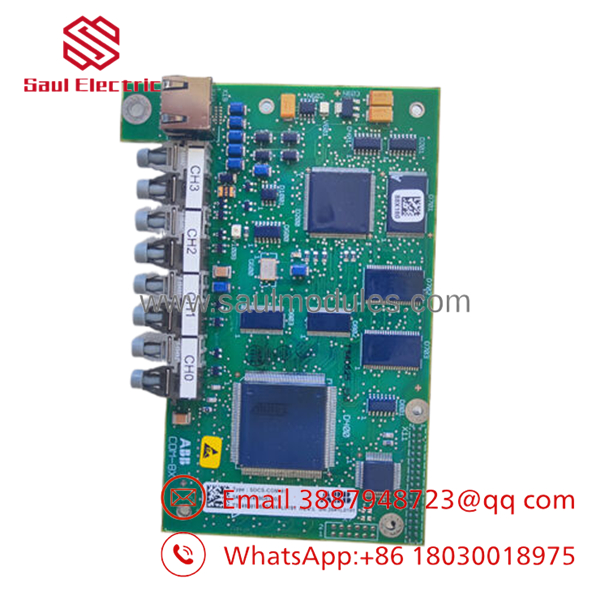
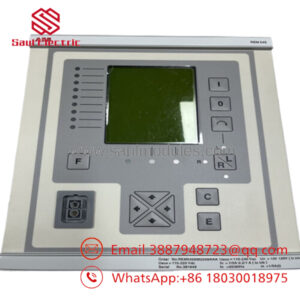
- SDCS-COM81 3ADT314900R1002
Troubleshooting Quick Reference
| Symptom | Possible Cause | Relevance to this Part | Quick Check Method | Recommendation |
|---|---|---|---|---|
| No communication between drive boards | Fiber communication board failure | ✅ High | Verify fiber TX/RX LEDs and inspect fiber connectors | Replace module only after confirming fiber integrity |
| DDCS communication fault | Broken fiber cable or damaged COM81 | ✅ High | Inspect optical cable, clean connectors, review diagnostics | Test with known-good fiber before replacing board |
| Drive powers up normally but communication is lost | Communication module not initialized | ✅ High | Verify module seating and controller diagnostics | Reseat module and reboot system |
| Drive cannot detect remote interface | Incorrect firmware or hardware mismatch | ⚠️ Medium | Verify compatible hardware revision | Confirm spare part revision before installation |
| Random communication interruptions | Dirty optical connectors or damaged fiber | ⚠️ Medium | Inspect and clean optical ports with approved tools | Replace fiber if attenuation is excessive |
| Entire drive offline | Main controller or power issue | ❌ Low | Verify control power supply and CPU status LEDs | Check power supply before replacing COM81 |
Technical Support Note: If diagnostics remain inconclusive, provide controller fault logs, LED status photos, hardware revision labels, and fiber routing photos. These usually identify the root cause faster than replacing boards at random.
Frequently Asked Questions (FAQ)
Q1. Can I hot-swap the SDCS-?
No. Power down the drive before removing or installing the board. Hot-swapping can interrupt the DDCS network and may damage the communication interface or backplane.
Q2. Is this module still manufactured by ABB?
No. This is considered an obsolete spare part. Most available inventory consists of new surplus or professionally tested units. Limited availability makes early procurement advisable for plants supporting older DCS800 installations.
Q3. Will this module retain any configuration after replacement?
The communication board itself contains minimal application-specific configuration. System parameters are generally stored within the drive controller. Always back up the drive configuration before replacing any hardware.
Q4. How can I avoid compatibility problems?
Record the existing hardware revision before removal. Also document firmware versions and inspect the optical network topology. Installing a different hardware revision without verification can result in DDCS communication faults.
Q5. Why is New Surplus inventory usually less expensive than buying directly from the factory?
New Surplus units are genuine OEM products that were never installed but remained in distributor or project inventory after production runs ended. They are typically sold below original list price because the product family has reached the spare-parts stage.
Q6. What testing should a supplier perform before shipment?
A qualified supplier should perform:
- Incoming visual inspection and serial number verification
- PCB inspection for corrosion, repairs, and damaged connectors
- Installation on an ABB drive test rack
- DDCS optical communication verification
- Continuous operational testing under load
- Insulation and electrical integrity checks
- Anti-static packaging with QC documentation
Test reports, photos, and videos should be available upon request.
Q7. What installation mistakes cause the most downtime?
Three issues appear repeatedly in the field:
- Firmware revision mismatch. Document the original controller version before replacement.
- Fiber optic connections reversed or contaminated. Clean connectors and verify TX/RX routing.
- ESD damage during installation. Always wear a grounded wrist strap. I’ve seen perfectly good communication boards fail immediately after being handled on a dry winter day without proper ESD protection.
Keep these checks in mind, and you’ll avoid the majority of communication-related service calls.

 Start Chat


