





Description
Key Technical Specifications
- Manufacturer: ABB
- Model: SDCS-POW-1
- Ordering Number: 10012279F
- Product Type: Power supply board
- Series: ABB DCS500 / DCS drive family
- Dimensions: 23 cm x 13.5 cm x 3.7 cm
- Weight: 0.4 kg to 0.86 lbs listed on reseller pages
- Origin: Sweden / Finland listed by resellers
- Status: Discontinued / ready to ship on secondary market
- Warranty: 12 month listed by one reseller
Product Introduction
ABB SDCS-POW-1 10012279F is a power supply board used in ABB DC drive systems, commonly associated with the DCS500 family. ABB documentation also places the SDCS-POW-1 beside related power electronics such as the SDCS-FEX-1 board in DCS thyristor converter assemblies.
This is a legacy part, so the practical issue is fit and function, not marketing language. I would verify the exact cabinet variant, connector layout, and any related board pairing before ordering, because reseller descriptions are not always consistent.
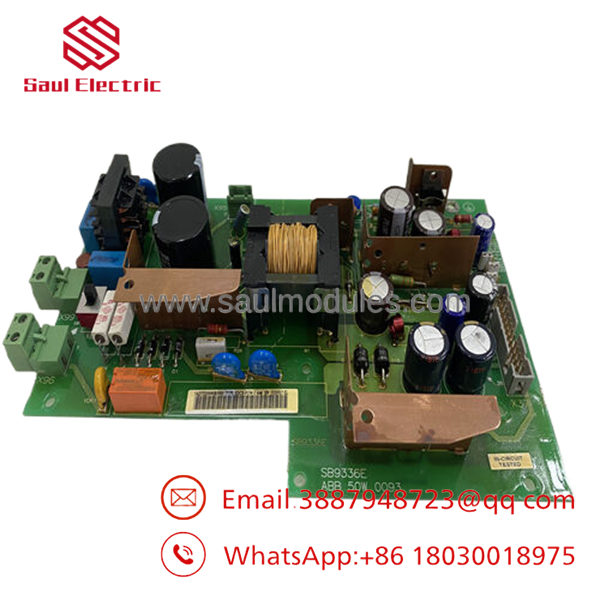
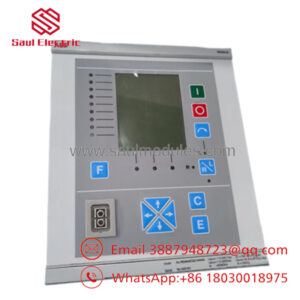
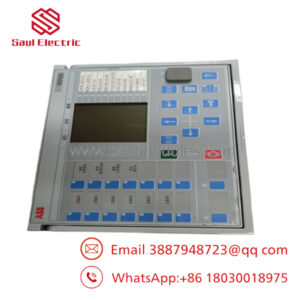
- SDCS-POW-1
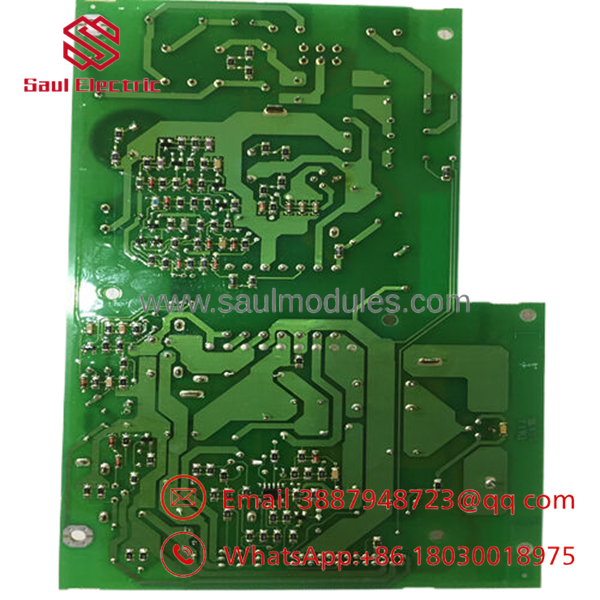
- SDCS-POW-1
Installation & Configuration Guide
Stage 1: Pre-Installation Preparation
- Notify operations and create downtime. Verify the drive is in a safe state, apply lockout/tagout, and wait at least 5 minutes for capacitor discharge.
- Gather an ESD strap, PH1 screwdriver, multimeter, wire labels, and a smartphone for photos.
- Back up drive parameters, record all connector locations, and photograph the old board, jumpers, and cable routing.
- Confirm the exact part number and any suffix or revision marking before opening the replacement package.
Stage 2: Removing the Old Module
- Remove the cabinet cover or access panel.
- Label every wire before disconnecting it. Do not force ribbon cables or headers.
- Release the mounting hardware and pull the board straight out to avoid connector damage.
- Inspect the slot, backplane, and connectors for dust, bent pins, corrosion, or heat damage.
- Keep the old board until the replacement passes commissioning.
Stage 3: Installing the New Module
- Put on the ESD strap and verify the exact model match.
- Copy all jumper settings and connector positions from the reference photos.
- Seat the board fully and secure the mounting hardware.
- Reconnect all wiring with the correct torque and verify shield grounding.
- Check off the install list: [] Board match, [] Wiring secure, [] Fasteners locked.
Stage 4: Power-On & Testing
- Use a multimeter to check for shorts on the cabinet supply before energizing.
- Power up the control cabinet first, not the motor or load side.
- Verify status indicators, board recognition, and any alarm messages.
- Confirm drive communication and watch for fault codes during startup.
- Run a dry test before returning the drive to service.
- If the board does not initialize, check seating, jumper settings, and revision match first.
Frequently Asked Questions
Can I hot-swap the SDCS-POW-1?
No, not in normal field practice. This is a power board inside a drive cabinet, and live removal can damage the supply path or drop the drive out.
Is this part obsolete?
Yes, it is generally treated as a discontinued ABB spare. Secondary-market stock is the realistic sourcing path now.
What does the board actually do?
It is a power supply board for ABB DC drive hardware. ABB documentation places it in the DCS converter architecture alongside related electronics.
Will I lose drive parameters when I replace it?
Usually no, but you should still back up the drive before replacement. A power-board swap can expose unrelated cabinet issues, and it is not the time to rely on memory.
What condition is it usually sold in?
Secondary-market listings typically show New Original or New Surplus. Some sellers also list warranty terms, so check the actual return policy before buying.
Why is the price lower than ABB list price?
Because surplus inventory usually trades below OEM pricing. That lower price only makes sense if you verify revision, condition, and warranty before buying.

 Start Chat


