





Description
Key Technical Specifications
- Model: SYN5202-0271
- Manufacturer: ABB
- Product family: SYNCHROTACT 5 synchronizing equipment
- System type: Dual-channel synchronous control device
- Nominal frequency: 50 Hz / 60 Hz
- Application: Generator and breaker synchronization
- Installation: Panel or cabinet mounted
- Status: Legacy ABB synchronization hardware
- Order verification: Confirm exact suffix and revision before purchase
Product Introduction
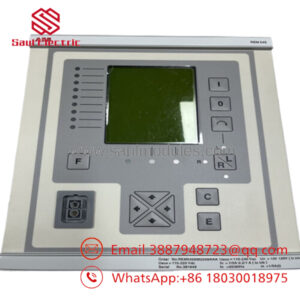
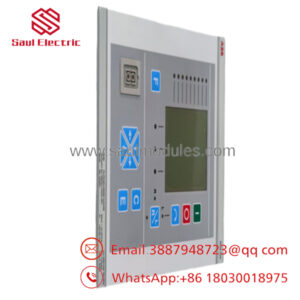
ABB SYN5202-0271 is a synchronizing device used in generator and breaker paralleling applications. It belongs to ABB’s SYNCHROTACT 5 family and is built for legacy synchronization schemes where exact part matching matters.
It is typically selected to maintain compatibility with existing ABB-based power control architectures instead of redesigning the synchronization panel. The dual-channel architecture and standard 50/60 Hz support make it suitable for replacement work in installed systems, but exact site verification is still necessary before release.
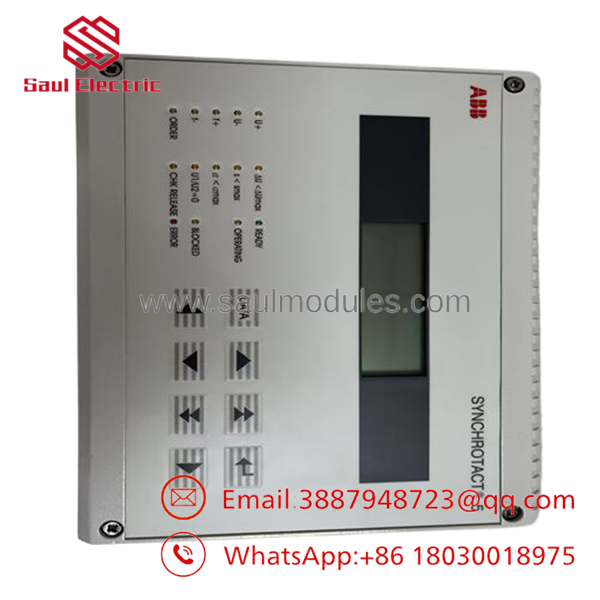
- SYN5202-0271
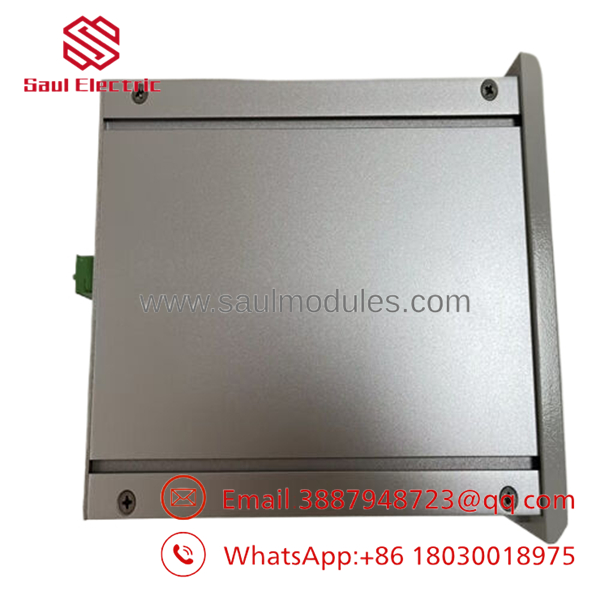
- SYN5202-0271
Installation & Configuration Guide
Stage 1: Pre-Installation Preparation
- Notify operations and isolate the panel. Lock out/tag out the circuit and wait at least 5 minutes for capacitor discharge.
- Gather tools: ESD strap, PH1 screwdriver, multimeter, wire labels, and a smartphone for photos.
- Back up all control settings, record terminal numbers, and photograph any DIP switch, jumper, or selector positions.
- Confirm the full model string and cabinet compatibility before touching the wiring.
Stage 2: Removing the Old Module
- Remove the front cover or access plate.
- Label each conductor before disconnecting it.
- Release the mounting hardware and pull the unit out straight.
- Inspect the cabinet wiring, plugs, and terminal blocks for heat marks, corrosion, or bent pins.
- Keep the old unit in the cabinet area until the replacement passes power-up checks.
Stage 3: Installing the New Module
- Put on the ESD strap and verify the model number matches exactly.
- Copy the original configuration exactly. Match every DIP switch and jumper from the photos, especially sync mode, frequency settings, and breaker logic options.
- Mount the unit securely and confirm proper seating.
- Reconnect all wires using the original wire labels and the correct torque.
- Verify the checklist: [] settings copied, [] wiring secured, [] hardware locked.
Stage 4: Power-On & Testing
- Use a multimeter to confirm the supply rail is free of shorts before energizing.
- Power up the control supply first, not the field circuit.
- Watch the status indicators and confirm normal boot behavior.
- Check the communication and configuration settings in the engineering software.
- Run a dry test of sync permissives and close commands before returning the panel to service.
- Time estimate: 10–15 minutes for mechanical replacement, 10–15 minutes for verification.
- ⚠️ If you get a fault indication, check configuration mismatch first. If communications fail, verify wiring, ports, and the expected protocol settings.
Frequently Asked Questions
Q: Can I hot-swap the SYN5202-0271?
A: No. I would not hot-swap a synchronizing device. Pulling it live is a good way to create a control fault or damage the rack.
Q: Is this model obsolete?
A: Yes, treat it as legacy ABB synchronization hardware. Stock is limited, so traceability and condition matter more than a low quote.
Q: Will I lose my program when I replace it?
A: Usually no, but do not assume anything. Back up the site settings first, because the replacement still needs the exact switch and parameter layout.
Q: What is the direct replacement if this exact suffix is unavailable?
A: That depends on the installed ABB synchronization panel and breaker scheme. Verify the site drawings and the original part code before accepting a substitute.
Q: Why is surplus pricing lower than OEM list price?
A: Because this is usually discontinued inventory, not current factory production. The lower price is only acceptable if the seller can prove identity and test status.
Q: What should I check before ordering?
A: Confirm the full model string, suffix, cabinet fit, supply voltage, and synchronization application. A small mismatch here can turn into a long shutdown.
Q: Is it new or refurbished?
A: Ask for that in writing. I would only accept New Original, New Surplus, or tested refurbished if the seller provides photos and verification details.

 Start Chat


