





Description
Key Technical Specifications
| Parameter | Value |
|---|---|
| Manufacturer | ABB |
| Model | UFC760BE141 |
| Part Number | 3BHE004573R0141 |
| ABB Type Designation | UF C760 BE141 ARU |
| Product Type | Interface Board |
| Primary Application | Active Rectifier Unit (ARU) |
| Compatible Platform | ABB ACS6000 Medium Voltage Drive |
| Installation | Internal equipment PCB |
| Country of Origin | Switzerland |
| Net Weight | Approx. 0.34 kg |
| Product Status | New Spare Part |
| Condition | New Original (New Surplus) or Tested Refurbished |
Important: The UFC760BE141 (3BHE004573R0141) is specifically identified by ABB as an ARU Interface Board for the ACS6000 platform. It should not be substituted with other UFC760 variants unless ABB documentation explicitly confirms compatibility.
Product Introduction
The ABB UFC760BE141 (3BHE004573R0141) is an OEM Interface Board designed for the Active Rectifier Unit (ARU) used in ABB ACS6000 medium-voltage drive systems. It provides communication and interface functions between the ARU control electronics and other drive subsystems, supporting stable operation of high-power industrial drives.
This board is typically installed during maintenance or repair of existing ACS6000 installations. Using the identical ABB part number helps maintain hardware compatibility and minimizes commissioning time, particularly in critical applications where drive availability is essential.
Troubleshooting Quick Reference
| Symptom | Possible Cause | Relevance to this Part | Quick Check Method | Recommendation |
|---|---|---|---|---|
| ARU fails to initialize | Interface board fault | ✅ High | Check ARU diagnostic LEDs and startup sequence | Verify control power before replacing board |
| Active Rectifier communication lost | Interface PCB or internal cable failure | ✅ High | Inspect ribbon cables and board connectors | Reseat all connectors before replacement |
| Drive reports ARU communication alarm | Incorrect board revision | ✅ High | Compare model and 3BHE part numbers | Install identical hardware revision |
| Intermittent ARU faults | Loose edge connector or vibration | ⚠️ Medium | Inspect PCB seating and connector retention | Clean contacts and reinstall securely |
| Drive trips during startup | External power or control issue | ❌ Low | Verify auxiliary power supplies and protection circuits | Eliminate external faults before replacing PCB |
| No controller response after installation | Connector misplacement | ⚠️ Medium | Compare wiring with pre-removal photos | Verify every connector location before energizing |
Technical Support Note: Record all fault codes, ARU event logs, firmware revisions, and photographs of the original installation before replacing the interface board. Many startup issues result from connector or configuration errors rather than board failure.
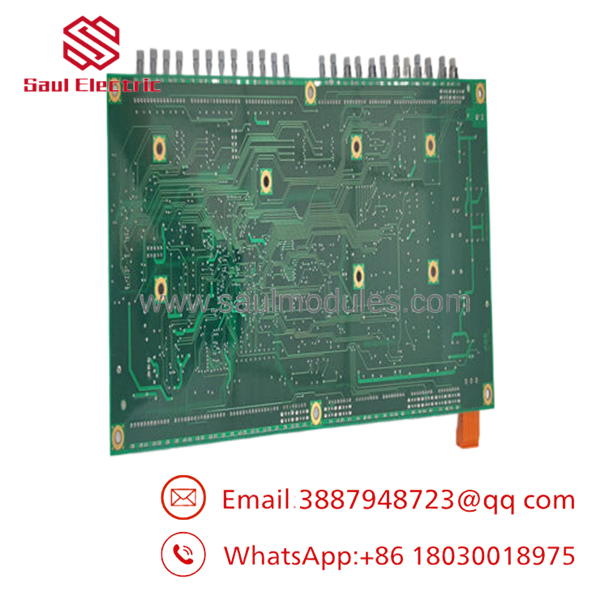
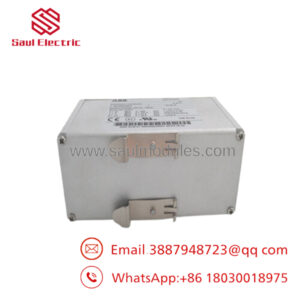
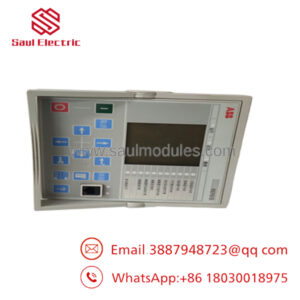
- UFC760BE141 3BHE004573R0141
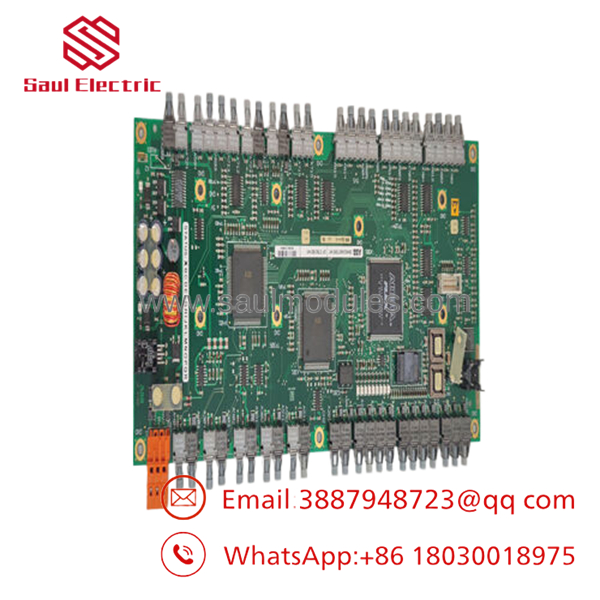
- UFC760BE141 3BHE004573R0141
Frequently Asked Questions (FAQ)
Q1. Which ABB system uses the UFC760BE141?
The is identified by ABB as an ARU (Active Rectifier Unit) Interface Board used as a spare part for the ACS6000 Medium Voltage AC Drive platform.
Q2. Can I replace it with UFC760BE41 or another UFC760 board?
No. Although the model numbers are similar, ABB assigns different hardware revisions and applications to each UFC760 variant. Always match the complete part number 3BHE004573R0141 before ordering.
Q3. Can this interface board be hot-swapped?
No. Shut down the drive, isolate all power sources, and discharge the DC bus before removing the board. Installing or removing the interface board under power can damage both the PCB and the ARU control electronics.
Q4. Why are New Surplus units available?
Many medium-voltage drive projects purchased strategic spare parts during commissioning. These unused OEM boards remained in warehouse inventory and are now available as New Original (New Surplus) for maintenance of installed ACS6000 systems.
Q5. What quality inspections should a supplier perform?
Each board should undergo:
- OEM part number and serial number verification
- Anti-counterfeit inspection
- PCB inspection for corrosion, scratches, and repair marks
- Functional testing on a compatible ABB /ARU test platform
- Communication interface verification
- Continuous burn-in testing with thermal monitoring
- Firmware and hardware revision documentation
- ESD-safe packaging with QC approval
Test reports, inspection photographs, and startup videos should be available upon request.
Q6. What installation mistakes cause the most downtime?
The issues encountered most often in the field include:
- Hardware revision mismatch. I’ve seen engineers spend an entire maintenance shift troubleshooting an ARU communication fault caused by installing a similar—but incompatible—UFC760 revision.
- Connector installation errors. Label every cable before removal. Many internal connectors appear identical but serve different control circuits.
- Skipping firmware verification. Record the existing firmware and board revision before replacement to avoid compatibility issues during commissioning.
- ESD damage. Always use a grounded wrist strap. Interface boards for medium-voltage drives are highly sensitive to static discharge.
Keep these checks in mind and you’ll eliminate most unnecessary interface board replacements while significantly reducing commissioning and recovery time.

 Start Chat


