





Description
Product Introduction & Engineering Value
The Allen-Bradley 1756-ENBT is the classic workhorse EtherNet/IP bridge module for the ControlLogix platform. Designed to seamlessly link ControlLogix processors to plant-wide Ethernet infrastructure, the 1756-ENBT enables real-time controller-to-controller interlocking, HMI/SCADA workstation communication, programming passthrough, and remote I/O control over standard industrial TCP/IP networks.
Supporting up to 128 Logix connections, the 1756-ENBT handles standard industrial networking tasks without requiring proprietary communication hardware. Integrated 4-character diagnostic LED status monitoring and BOOTP/DHCP utility compatibility streamline network commissioning, making the 1756-ENBT a ubiquitous standard across thousands of legacy factory automation systems worldwide.
Technical Specifications
| Specification | Parameter Value |
| Network Protocol | EtherNet/IP (CIP over Ethernet physical layer) |
| Physical Interface | 1 RJ-45 Twisted-Pair Copper Port (10/100 Mbps) |
| Logix Connections | 128 Total Connections (64 Explicit, 64 Implicit I/O) |
| CIP Unconnected Messages | 128 Messages (64 Rx / 64 Tx) |
| EtherNet/IP Packet Rate | ~5,000 packets per second max |
| Network Topologies | Star, Tree, Linear (External managed switch required for ring) |
| Backplane Current (5.1V DC) | 850 mA |
| Backplane Current (24V DC) | 3.0 mA |
| Power Dissipation | 4.4 Watts |
| Diagnostic Display | 4-character alphanumeric LED display & Status LEDs |
| Operating Temperature | 0°C to 60°C (32°F to 140°F) |
Field Application & The “Trench” Experience
During a high-demand production run at a automotive stamping plant, an line HMI screen intermittently lost communication with the main ControlLogix 1756-L61 processor. Diagnostics revealed that an influx of new smart vision cameras and energy meters added to the local Ethernet switch caused packet overruns on the older 1756-ENBT card, pushing its 128-connection limit to capacity (ERR: TOO MANY CONNS).
Technicians quickly optimized the network topology by offloading non-critical energy monitors to a secondary network segment and swapping out the aged card with a bench-tested 1756-ENBT. Using the Rockwell BOOTP/DHCP Server utility, they assigned the original static IP address to the replacement module’s MAC address in under 5 minutes. The module immediately rejoined the network, re-establishing HMI messaging and remote I/O link stability.
- Main Processor-to-HMI Gateway: Linking PanelView Plus terminals and SCADA factory supervisor workstations directly to ControlLogix CPUs.
- Distributed Remote I/O Control: Connecting ControlLogix CPUs to remote 1794 Flex I/O, 1734 POINT I/O, or PowerFlex VFD drops.
- Inter-Controller Data Messaging: Exchanging CIP Produced/Consumed tags across distinct physical ControlLogix chassis across the plant floor.
Transparency SOP: QA & Testing
- RJ-45 Jack & Pin Inspection: Inspecting the front RJ-45 Ethernet port for bent or oxidized pins, verifying latch retention, LED status indicators, and backplane gold edge contacts.
- IP Assignment & BOOTP Test: Assigning static IP parameters via BOOTP/DHCP tools and verifying persistent IP storage in onboard non-volatile flash memory across power cycles.
- 128-Connection Traffic Load Test: Exercising the module up to its 128 CIP connection limit on a live Studio 5000 / RSLinx test bench under heavy I/O polling rates.
- Thermal Chamber Burn-In: Running full-duplex Ethernet traffic inside a 60°C environmental test cell for 12 hours while checking for packet drops, frame errors, and backplane power draw stability.
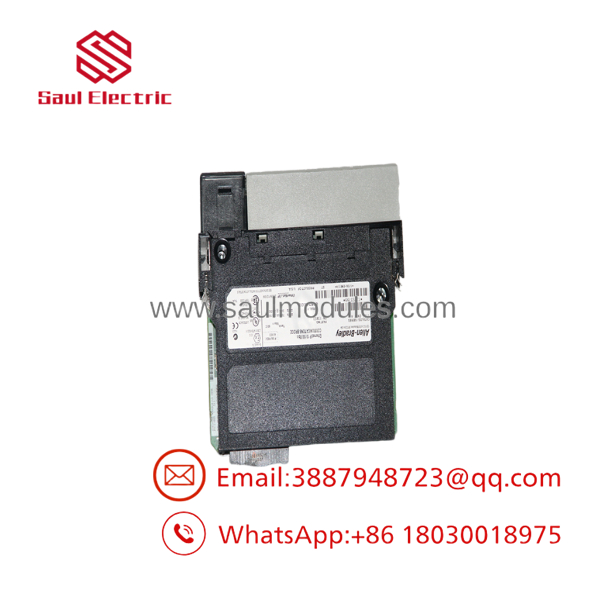
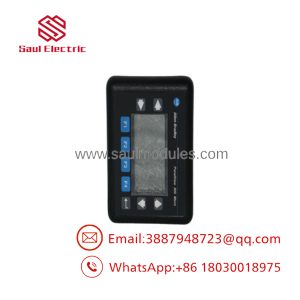
- 1756-ENBT
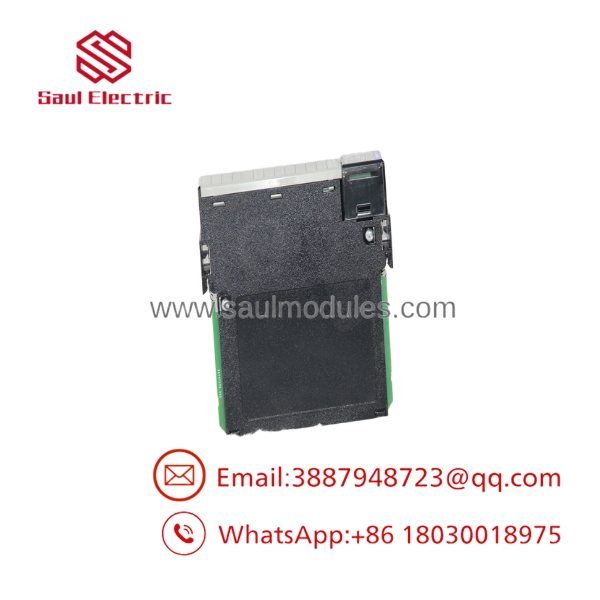
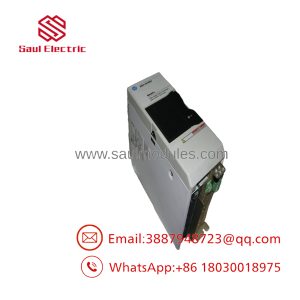
- 1756-ENBT
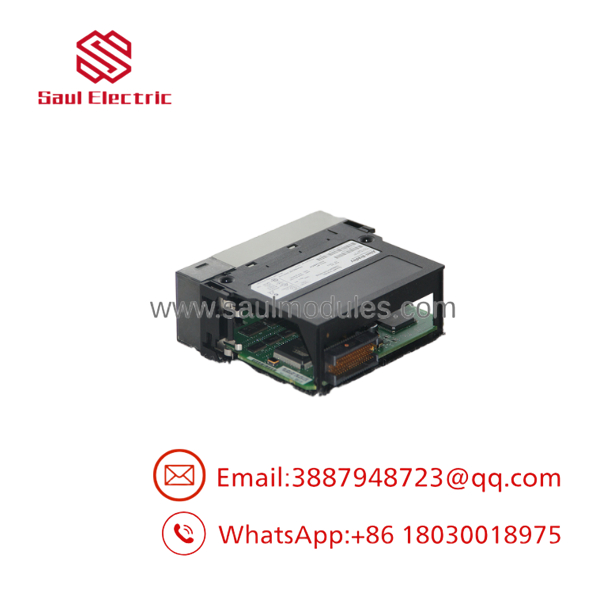
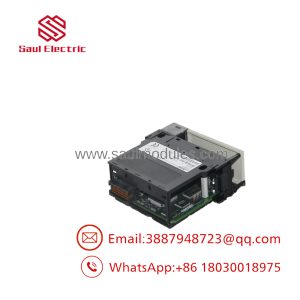
- 1756-ENBT
The Veteran’s Tech Trap Guide
- ⚠️ Difference Between 1756-ENBT and 1756-EN2T: The 1756-ENBT supports 128 CIP connections (~5,000 pps), whereas the newer 1756-EN2T supports 256 CIP connections (~25,000 pps). While a 1756-EN2T can directly replace a 1756-ENBT, replacing an EN2T with an ENBT on a high-density network can result in connection starvation or dropped I/O packets.
- PRO TIP: Assigning IP Address via Rotary/Software: The 1756-ENBT does not feature physical rotary switches for IP address setting (unlike 1756-EN2T series). You must set the IP address using the Rockwell BOOTP/DHCP Server tool, RSLinx Classic, or Studio 5000 over the backplane.
- ⚠️ Duplex/Speed Auto-Negotiation Mismatches: When connecting a 1756-ENBT to an unmanaged or managed Ethernet switch, ensure the switch port is set to Auto-Negotiate or explicitly locked to 100 Mbps Full-Duplex. Mismatched speed/duplex settings cause high CRC error rates, resulting in intermittent
NETLED fault flashing.
Dynamic FAQ
Q: Can I replace a 1756-ENBT with a 1756-EN2T without changing PLC code?
A: Yes. The 1756- is backward compatible. In Studio 5000 / RSLogix 5000, you can keep the module type defined as 1756-ENBT (or disable Electronic Keying) and the system will run seamlessly with the upgraded hardware.
Q: Does the 1756-ENBT support Device Level Ring (DLR) topology?
A: No. The 1756-ENBT has only a single RJ-45 port and does not support DLR natively. For native DLR ring networks, use a dual-port module like the 1756-EN2TR or 1756-EN3TR.
Q: How do I reset the IP address on a 1756-ENBT if I don’t know the current IP?
A: You can connect to the ControlLogix chassis via another path (such as USB or ControlNet on a CPU) or use the Rockwell BOOTP/DHCP tool while cycling power to capture the module’s MAC address and assign a new IP.
Q: Are replacement 1756-ENBT modules fully bench-tested before shipping?
A: Yes. Every 1756-ENBT module undergoes full RJ-45 physical inspection, IP assignment testing, 128-connection stress testing, and thermal burn-in on a live ControlLogix rack.

 Start Chat


