





Description
Product Introduction
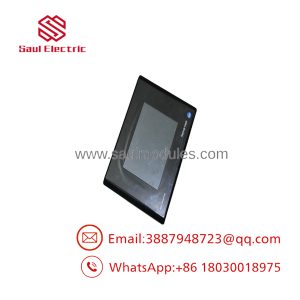
The Allen-Bradley 2711-T5A15L1 is a compact PanelView 550 graphic interface designed for high-speed deterministic control networks. Powered by a 24V DC supply, this terminal features a 5.5-inch blue monochrome LCD screen with adjustable contrast, providing crisp visual feedback for process parameters, system alarms, and active machine status. It interfaces directly with ControlLogix, PLC-5, and SLC 500 controllers over a high-speed ControlNet (CNET) coaxial network.
Designed for intuitive machine-level operation, the 2711-T5A15L1 replaces physical pushbuttons with an analog resistive touch screen. Its rugged front bezel creates a tight NEMA 4X seal when panel-mounted, making it a reliable solution for food processing, material handling, and automotive skids where space is limited and real-time network response is critical.
Key Technical Specifications
| Parameter | Value |
| Catalog Number | 2711-T5A15L1 |
| Product Line | PanelView 550 |
| Display Type & Size | 5.5-inch Blue Mode Monochrome LCD |
| Display Resolution | 256 x 128 pixels (viewable area 120 x 60 mm) |
| Operator Input | Analog Resistive Touch Screen |
| Input Voltage | 18 to 32V DC (24V DC nominal) |
| Power Consumption | 18 W max (0.75 A at 24V DC) |
| Primary Communication | ControlNet (1x BNC Coaxial Port) |
| Secondary Communication | RS-232 Printer Port |
| Application Memory | 170 KB Application Flash Memory |
| Backlight Life | 100,000 hours (Replaceable bulb, catalog 2711-NC14) |
| Panel Cutout Dimensions | 6.57 x 10.39 in (167 x 264 mm) |
Application Scenarios & The “Trench” Experience
A high-speed bottling line halts because an aging operator panel on a capping skid loses its ControlNet communication node. The main ControlLogix rack reports an unscheduled node loss, blocking the line safety interlocks. Upgrading the skid to an EtherNet/IP architecture would mean replacing the local ControlNet taps, running new Ethernet drops, and re-tagging HMI screens in FactoryTalk View—costing days of unplanned downtime. Dropping in a direct-replacement 2711-T5A15L1 allows technicians to connect the RG-6 coaxial tap, hook up 24V DC power, set the ControlNet node address in the setup menu, and restore the line in under 30 minutes.
- Automotive Stamping & Assembly – Robotic Weld Cell Interfaces – Connects over ControlNet to provide low-latency touch commands and interlock diagnostic displays.
- Food & Beverage Packaging – High-Speed Capping & Filling Stations – Mounts in washdown cabinets (NEMA 4X) to adjust line speed references and monitor fill levels.
- Pharmaceutical Batching Skids – Sanitary Process Control – Smooth touchscreen membrane simplifies wipe-downs and clean-in-place (CIP) routines.
- Material Handling Systems – High-Speed Sorting Conveyors – Receives deterministic status updates over ControlNet for rapid diverter monitoring.
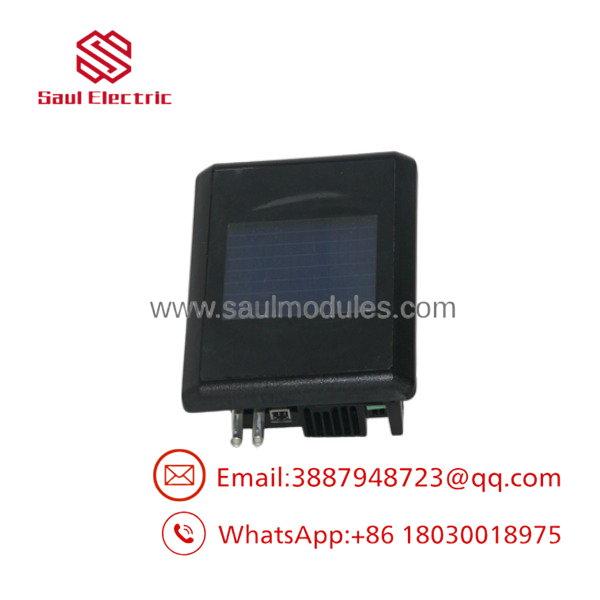
2711-T5A15L1
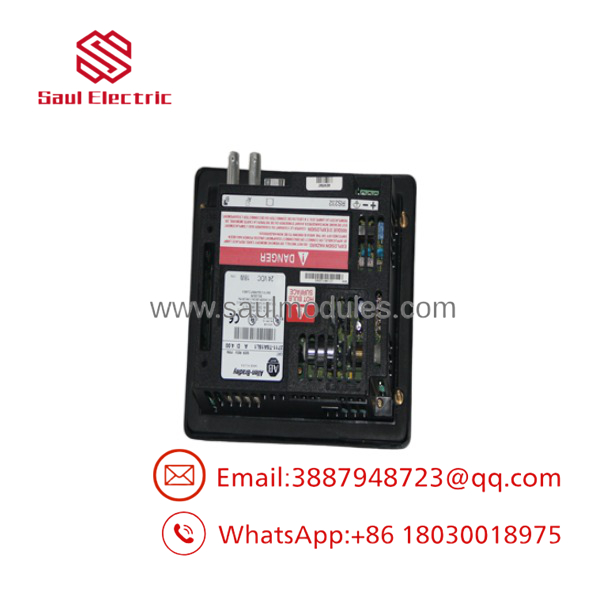
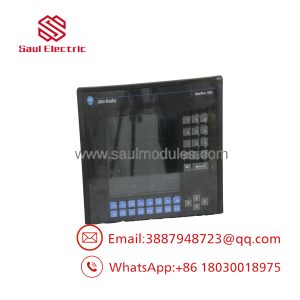
2711-T5A15L1
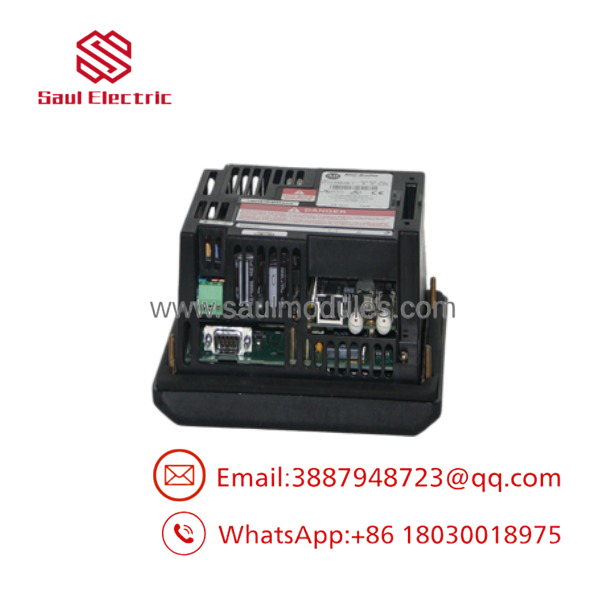
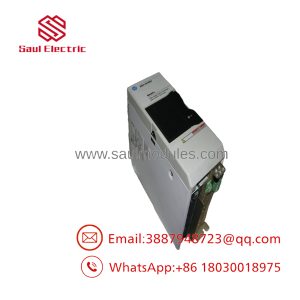
2711-T5A15L1
Transparency SOP: Quality Assurance & Testing
We don’t just ship boxes; we test them on actual Allen-Bradley racks before they leave our warehouse.
- Inbound Inspection: Every unit undergoes a visual check for screen scratches, cracked front bezels, rear case damage, and BNC connector pin integrity.
- Live Rig Testing: The 2711-T5A15L1 is powered with 24V DC and linked via a 1786-TPR ControlNet tap to an active ControlLogix system running PanelBuilder32 test logic.
- Touch Grid & Network Verification: We test the complete touch grid surface for dead zones and verify ControlNet node discovery, Scheduled I/O connections, and Keep-Alive handshakes.
- Display & Backlight Burn-In: The terminal undergoes a 4-hour power-on burn-in test to verify CCFL backlight stability, contrast responsiveness, and pixel clarity.
- Final QC & Anti-static Packaging: The unit is cleaned, wrapped in static-shielding film with display protection, and packed in reinforced custom foam boxes.
The Veteran’s Tech Trap Guide (Crucial Value-Add)
- ⚠️ ControlNet Node Address Switch: Make sure you set the ControlNet node address on the rear of the terminal (or in the terminal setup menu) to match your controller’s RSNetWorx for ControlNet configuration before plugging in the network cable. Setting a duplicate node address will disrupt communication across the entire network segment.
- ❗ Strict 24V DC Voltage Limits: The “L1” suffix indicates 24V DC power operation. Connecting 120V AC line power to the rear power terminals will blow the internal protective fuse and destroy the power supply circuit board instantly.
- ⚠️ ControlNet Coaxial Tap Connections: Use genuine 1786-TPR BNC taps and high-quality RG-6 coaxial cable. Damaged BNC connectors or over-tightened cable connections introduce signal noise and media faults that cause intermittent node dropouts.
- ❗ Touch Grid Recalibration Hotkey: If touch inputs don’t align with on-screen targets after installation, hold the lower-left corner of the screen during initial boot to access the Terminal Config Menu and run the touch alignment routine.
Frequently Asked Questions (FAQ for Conversion)
Q: What is the main difference between the 2711-T5A15L1 and the 2711-K5A15L1?
A: Input style. The 2711- features a Touch-only screen interface, whereas the 2711-K5A15L1 uses a Keypad-only interface with physical function keys (F1-F10).
Q: Can I use this ControlNet terminal on a DH+ or EtherNet/IP network?
A: No. The primary communication port on the 2711- is hardcoded for ControlNet. To connect to DH+ or Ethernet, you must use a dedicated network bridge (like a ControlLogix 1756 rack with CNET and EN2T modules) or source a different PanelView model.
Q: Is the backlight inside the 2711- field-replaceable?
A: Yes. The 2711- uses a field-replaceable CCFL backlight assembly (Allen-Bradley catalog number 2711-NC14). You can swap it from the rear of the unit without disassembling the chassis.
Q: What programming software is required for the 2711-?
A: Legacy PanelView 550 terminals are programmed using PanelBuilder32 software (.PVA files). Modern FactoryTalk View Studio software cannot program this unit directly without converting the project for a PanelView Plus platform.
Q: What warranty coverage do you offer on surplus legacy HMIs?
A: We back all New Surplus and reconditioned 2711- units with a full 12-month replacement warranty from the invoice date. If the unit fails under normal operating conditions within a year, we send a replacement or issue a full refund.

 Start Chat


