





Description
Product Introduction & Engineering Value
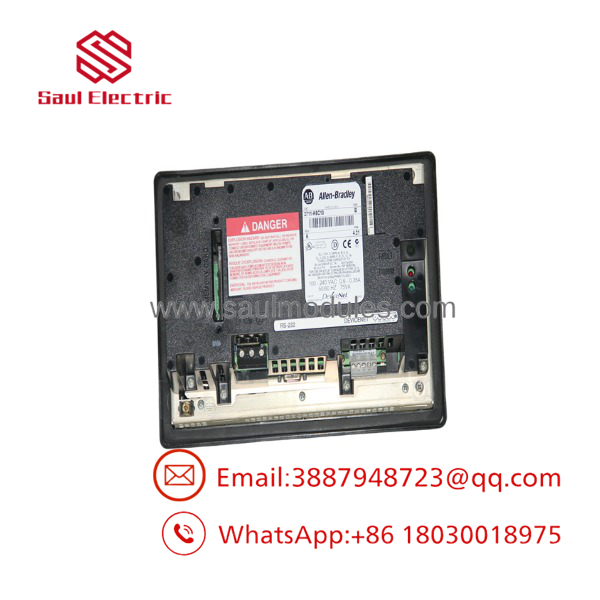
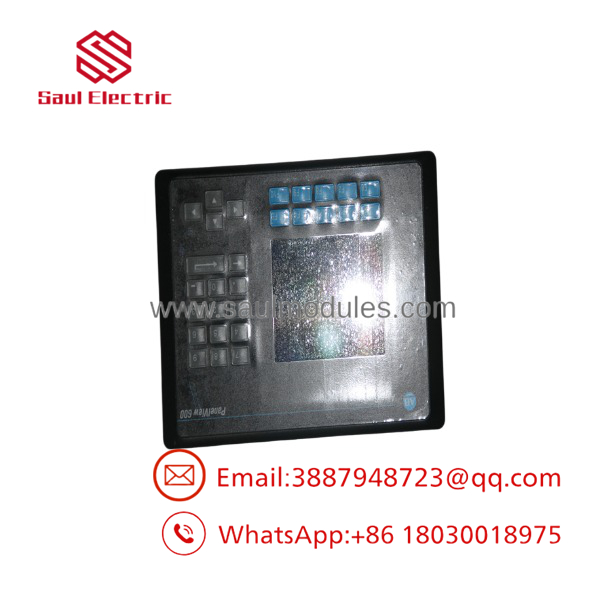
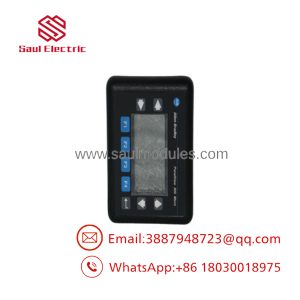
The 2711-K6C10 is a legacy PanelView 600 terminal that pairs a color screen with keypad input for older machine interfaces. It is the kind of HMI you keep in service when the control architecture is stable and the priority is avoiding an unnecessary application rewrite.
Its appeal is compatibility. With DeviceNet and RS-232 printer support, it fits installations that were built around Rockwell’s older serial and fieldbus ecosystem, making it a practical spare for plants that still run PanelBuilder 32 applications.
Technical Specifications
| Parameter | Value |
|---|---|
| Catalog number | 2711-K6C10 |
| Product family | PanelView 600 |
| Display type | Color LCD |
| Display size | 5.7 in |
| Input method | Keypad |
| Communication | DeviceNet |
| Printer port | RS-232 |
| Power input | 85 to 264 V AC |
| Software | PanelBuilder 32 |
| Application memory | 240 KB |
| Mounting | Panel mount |
| Operating temperature | 0 to 55 °C |
Field Application & Trench Experience
A packaging line had a dead operator terminal on a DeviceNet-controlled machine, and the crew replaced it with a 2711-K6C10 because that was the exact legacy fit. The hardware swap was straightforward, but the key step was confirming the application file and DeviceNet node settings before handing the line back to production.
You will commonly see this model on packaging equipment, small process skids, and utility panels where DeviceNet and keypad HMI operation are still the established standard.
Transparency SOP: QA & Testing
- Visual inspection for bezel wear, cracked housing, keypad damage, and connector condition.
- Power-up verification of screen, keypad, and backlight operation.
- Communication test on DeviceNet and RS-232 printer functions where applicable.
- Memory and application check using a known-good configuration file.
- Extended run test to expose intermittent display or power issues before shipment.
2711-K6C10
2711-K6C10
Veteran’s Tech Trap Guide
⚠️ Don’t treat this as a touchscreen replacement. The 2711-K6C10 is keypad-based, and that changes the operator workflow completely.
⚠️ Confirm the DeviceNet settings before installation. A wrong node or network configuration can make a perfectly good terminal look dead.
PRO TIP: Check the application version and memory fit before you ship it. On these legacy PanelView units, the part number match is only half the battle.
Dynamic FAQ
Q1: Is the 2711-K6C10 a direct replacement for my existing PanelView 600?
A: Yes, if your original unit is the same catalog number and the DeviceNet/application setup matches.
Q2: What kind of display does it use?
A: A color display with keypad input.
Q3: What communication ports does it support?
A: DeviceNet and an RS-232 printer port.
Q4: What power does it require?
A: 85 to 264 V AC.
Q5: Is this sold as new surplus or refurbished stock?
A: Either is common. New surplus means unused OEM inventory, while refurbished means tested and restored for reuse.
Q6: Does it come with warranty coverage?
A: Warranty depends on the seller, but reputable industrial suppliers usually provide coverage for both new surplus and refurbished units.

 Start Chat


