





Description
Key Technical Specifications
| Parameter | Value |
| Nominal Input Voltage | 24 V DC / 125 V DC (Depending on terminal board pairing) |
| Channel Count | 48 Discrete Inputs / 24 Relay Outputs (Configuration specific) |
| Isolation | 1,500 V AC galvanic isolation via optocouplers |
| Backplane Power Consumption | 5 V DC, 1.2 A maximum; 24 V DC, 0.8 A maximum |
| Operating Temperature | 0 to +60 °C (32 to 140 °F) |
| Storage Temperature | −40 to +85 °C (−40 to 185 °F) |
| Relative Humidity | 5% to 95% non-condensing |
| Cooling | Convection / Rack fan assembly dependent |
| Diagnostics | On-board LED status indicators for power, run, and fault |
Product Introduction
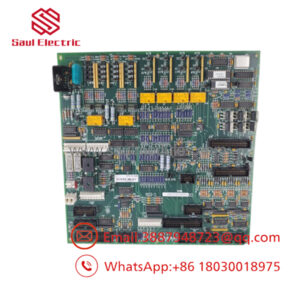
The GE 04240FD11234A is a specialized high-density discrete input/output printed circuit board assembly manufactured for General Electric’s legacy Mark VI Speedtronic turbine control and Innovation Series drive systems. Engineered to handle high-frequency switching and status monitoring, this module bridges physical field contacts with the central control processors via a high-speed rack backplane.
Plants deploy this specific board architecture because it provides deterministic processing of safety-critical alarms, trips, and sequence-of-events (SOE) data down to 1 ms resolution. Unlike general-purpose industrial computing boards, its robust noise rejection circuitry prevents inductive cross-talk and transient voltage spikes typical of heavy industrial turbine decks from disrupting central control logic.
Installation & Configuration Guide
Stage 1: Pre-Installation Preparation (Estimated Time: 15 minutes)
- ⚠️ Safety First: Inform the control room operator that you are pulling a module. Verify that all loops tied to this board are placed in manual or bypass mode to prevent a false turbine trip. Isolate all external power sources supplying the terminal blocks connected to this card.
- Tools Required: Grounded ESD wrist strap, static-dissipative mat, Fluke 115 multimeter, and a small flat-head terminal screwdriver.
- Data Backup: Access the Toolbox software. Upload and archive the current hardware configuration. Document the physical slot assignment of the faulty board within the VME-style rack.
Stage 2: Removing the Old Module (Estimated Time: 5 minutes)
- Attach your ESD wrist strap to the designated grounding point on the rack chassis.
- Unlatch the front ejector handles on the board simultaneously.
- Gently pull the board straight out along the card guides to avoid scraping adjacent components or bending pins on the backplane connector.
- ⚠️ Note: Do not touch the gold edge connectors or component surface layers. Place the removed board immediately into an anti-static bag and label it with the slot number and failure symptoms.
Stage 3: Installing the New Module (Estimated Time: 10 minutes)
- Remove the new GE 04240FD11234A from its ESD packaging while standing on an anti-static mat.
- Configuration Clone: Compare the physical hardware revisions, onboard jumpers, and hardware switches between the old board and the new one. Ensure they match exactly.
- Align the circuit board with the top and bottom card guides of the target slot.
- Push the board firmly into the rack until the faceplate meets the chassis frame. Engage the top and bottom ejector/injector handles to fully seat the backplane pins.
- Secure the faceplate retaining screws to establish chassis ground continuity.
Stage 4: Power-On & Testing (Estimated Time: 10 minutes)
- Verify field wiring voltage levels with your multimeter before re-energizing the circuit to ensure no short circuits exist.
- Apply power to the rack.
- Observe the boot sequence via the on-board status LEDs. The green RUN or OK light should illuminate steady within 30 seconds.
- Connect via Toolbox software, verify the hardware ID matches the configured slot, and check for active diagnostic alarms.
- ⚠️ Troubleshooting Note: If the FAULT red LED illuminates or a “Config Mismatch” error occurs in the software diagnostics, verify that the firmware baseline matched by your Toolbox configuration file supports this hardware revision.
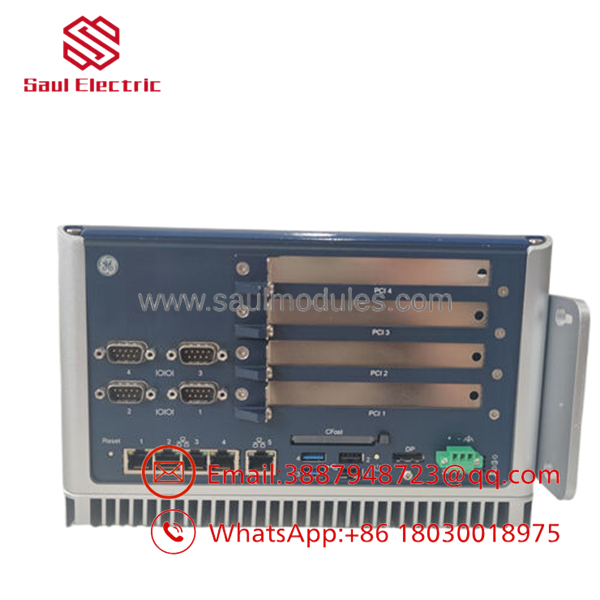
- 04240FD11234A
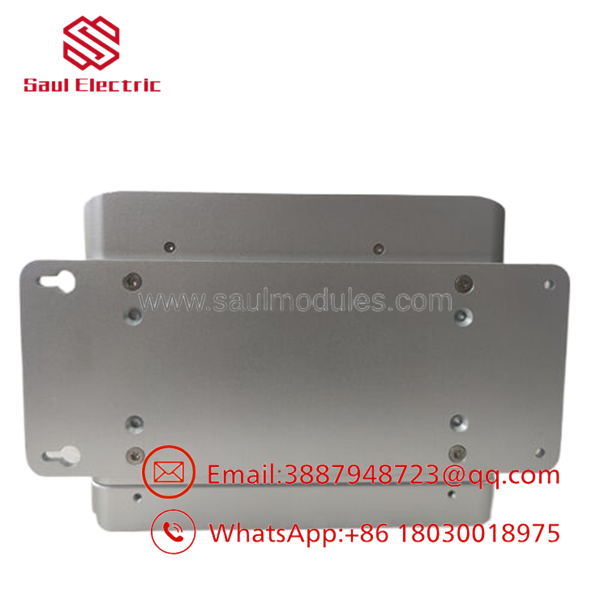
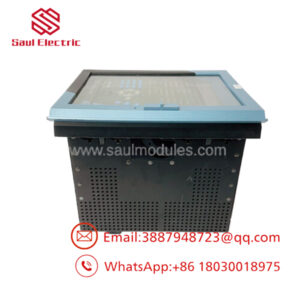
- 04240FD11234A
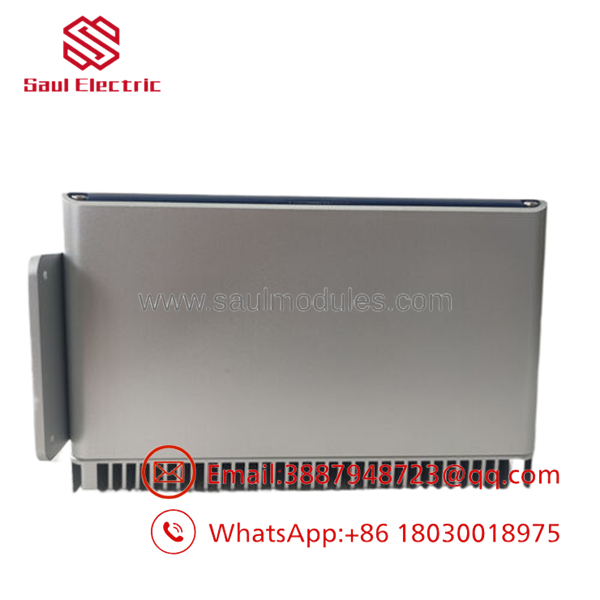
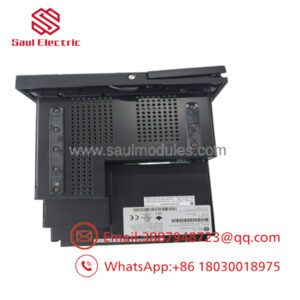
- 04240FD11234A
Frequently Asked Questions (FAQ)
Can this module be hot-swapped while the turbine control system is live?
No, this board is not designed for hot-swapping under power. Pulling or inserting this module while the backplane is energized can cause an inductive arc, risking permanent damage to the VME backplane pins or corrupting data on the control bus. Always kill the rack power and isolate external interrogation voltages before attempting a replacement.
Why does this part number look different from standard GE Mark VI codes?
The part number 04240FD11234A represents a specific assembly designation or sub-component layout, often tied to systems like the GE Innovation Series or specialized Mark VI control variations (such as specific IS200 or IS215 board footprints). When ordering, check the silk-screened matrix code on the side of the PCB to ensure absolute physical drop-in compatibility.
Will replacing this board cause me to lose my running programming logic?
No. The core running logic and configuration variables reside on the primary control processor (such as a UCVE or UCVV card), not on this specific I/O board. However, you must ensure that the hardware jumpers and revision codes on the replacement card match the original so the controller recognizes it during the next boot sequence.
Is this board brand new, or is it a refurbished pull?
We supply this item as New Original (New Surplus). It has never been installed in a live facility and comes from clean, climate-controlled spare parts inventory. Every module passes our incoming physical inspection, component trace verification, and comprehensive functional test routine before it is packaged in anti-static materials for shipment.
Why is your price lower than the standard OEM factory list price?
Because we source this component from surplus distribution and canceled commissioning projects rather than direct factory orders. This bypasses typical long OEM lead times and heavy factory markups, allowing us to deliver genuine, field-ready GE hardware at a practical price point for legacy system maintenance.

 Start Chat


