





Description
Key Technical Specifications
| Parameter | Value |
|---|---|
| Manufacturer | GE / General Electric |
| Model Number | DS200TCQCG1AJD |
| Platform | Mark V Speedtronic |
| Board Type | Drive control board / TCQC board |
| Processor Architecture | 3 microprocessors |
| Memory | Shared RAM accessible by multiple processors |
| Program Storage | Factory-configured EPROM |
| Application | Gas turbine control systems |
| Physical Environment | Control cabinet / industrial enclosure |
| Typical Power Requirement | 28 V DC logic supply |
| Form Factor | DS200 series module |
Product Introduction & Supply Chain Strategy
GE DS200TCQCG1AJD is a Mark V Speedtronic control board used in turbine drive and sequence-control applications. It handles real-time control logic and supports critical turbine system functions where downtime is expensive and replacement parts are not commodity items.
Buying it as New Surplus is the right supply-chain move for an obsolete control board with high replacement risk. The part is best managed with buffer stock, strong vendor traceability, and a last-time-buy mindset because the Total Cost of Ownership is driven more by outage exposure and lead time variability than by unit price alone.
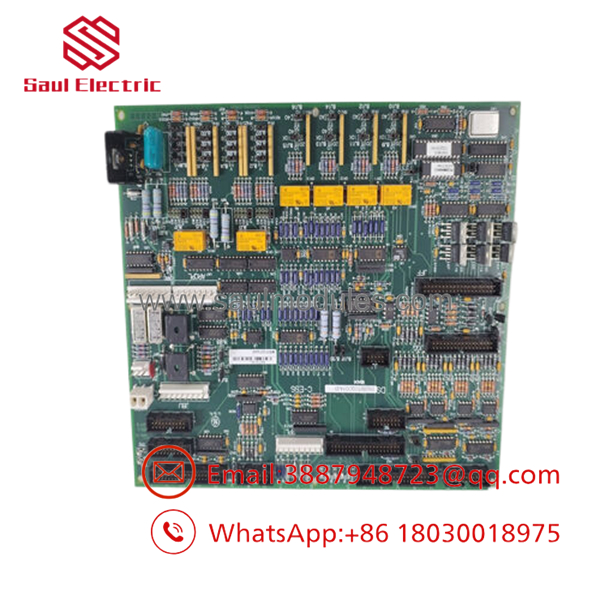
- DS200TCQCG1AJD
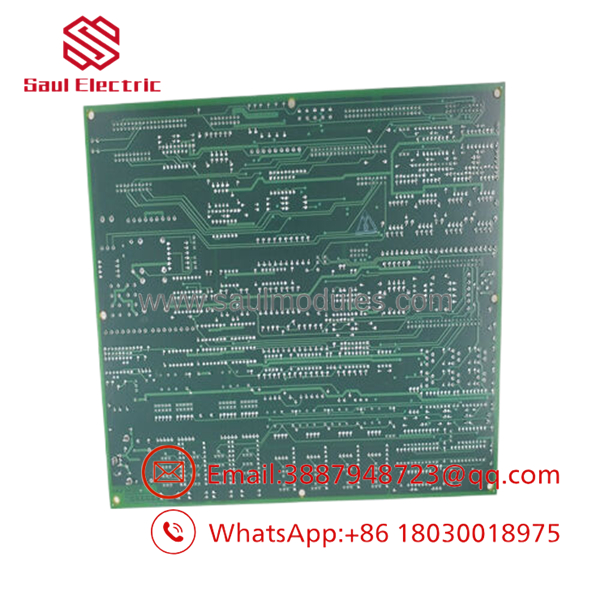
- DS200TCQCG1AJD
Installation & Configuration Guide
Stage 1: Pre-Installation
Apply lock-out/tag-out and confirm the system is fully de-energized. Use an ESD strap, insulated tools, a label maker, and a camera. Photograph the board, connector positions, jumpers, and cabling before removal.
Stage 2: Removal
Disconnect all harnesses carefully and label them immediately. Remove the board with even pressure so you do not bend header pins or stress nearby cards. Keep the old board until the replacement passes startup checks.
Stage 3: Installation
Transfer every jumper, address setting, and connector exactly as documented. Seat the board fully and confirm the retaining hardware is secure. Recheck pin alignment before restoring power.
Stage 4: Power-On & Testing
Verify the cabinet supply rails before energizing the system. Confirm status LEDs, controller boot sequence, and any alarm or fault indications. If the system uses stored logic or site-specific configuration, verify the program load and compare it against the archived baseline.
Firmware/Software Versions & Upgrade Notes
For this board, the safest approach is to preserve the installed configuration and document any EPROM or site logic before swap-in. Version or image mismatches can cause startup faults, sequence errors, or turbine permissive issues.
Avoid firmware upgrades during a replacement unless you have a validated maintenance reason and a rollback plan. Downgrading can also create compatibility issues if the installed system expects a newer configuration file or logic image.
Frequently Asked Questions
Is this really new? The correct procurement position is New Surplus / Original New, not refurbished or repaired.
Why is the price below OEM new but above cheap pull-stock? New Surplus comes from controlled excess inventory, while pull-stock pricing usually reflects higher reliability risk and less traceability.
Is this part obsolete or EOL? Yes, treat it as a critical legacy spare. That means buffer stock, vendor consolidation, and last-time-buy planning are appropriate.
Can I hot-swap it? Do not assume hot-swap is safe. Turbine control hardware should be replaced only under a controlled shutdown or a validated maintenance procedure.
Will the program stay in the board? The board contains factory and site-defined EPROM content, so always back up the configuration before removal and verify it after installation.
What warranty terms make sense? For this class of New Surplus turbine control board, warranty should be tied to testing, serial traceability, and shipment condition. The real value is verified function and reduced stock-out risk.

 Start Chat


