





Description
Key Technical Specifications
| Parameter | Value |
|---|---|
| Manufacturer | GE |
| Model Number | IS200VCMIH2BEE |
| Series | Mark VI |
| Product Type | Communication board / control module |
| Primary Role | Control system communications |
| Application | Turbine and process control systems |
| Platform Compatibility | GE Mark VI |
| Mounting Style | Rack-mounted module |
| Lifecycle Status | Legacy spare / obsolescence risk |
| Stocking Strategy | Keep 1-2 units on-site for critical assets |
| Condition | New Surplus / New Original |
Product Introduction & Supply Chain Strategy
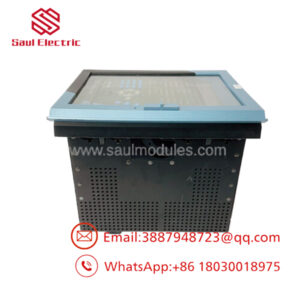
GE IS200VCMIH2BEE is a Mark VI control and communication board used in turbine automation environments. It supports the data path between control hardware and the rest of the system, so it matters directly to uptime and fault recovery.
Buying this as New Surplus is a practical TCO decision for an aging GE installed base. It reduces lead time variability, lowers stock-out risk, and avoids the hidden failure exposure associated with uncertain source inventory.
Installation & Configuration Guide
Stage 1: Pre-Installation
Apply lock-out/tag-out and confirm the cabinet is de-energized. Use an ESD strap, insulated tools, and a camera to document the board location, wiring, connectors, jumpers, and any labeling before removal. Verify the replacement part number and physical revision.
Stage 2: Removal
Disconnect all cabling carefully and remove the board straight out of the rack. Avoid twisting the PCB or damaging the backplane connector. Inspect the slot, pins, and nearby hardware for corrosion, dust, or heat-related damage.
Stage 3: Installation
Install the replacement in the same slot and reconnect each cable exactly as documented. Duplicate jumper or board settings if present, and confirm the connectors seat fully. Recheck cable routing before power is restored.
Stage 4: Power-On & Testing
Before energizing, check the supply rails and look for shorts or abnormal resistance. Power up and confirm the board initializes normally, then verify communication status and any linked control signals. Record alarms, validate system messaging, and return the cabinet to service only after stable operation.
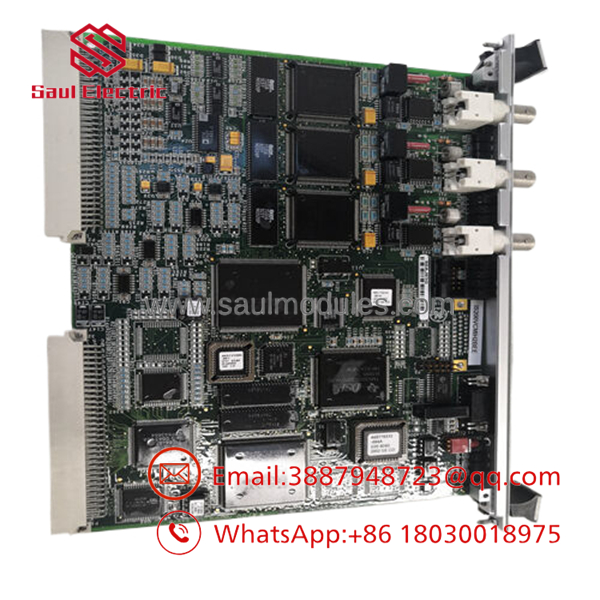
- IS200VCMIH2BEE
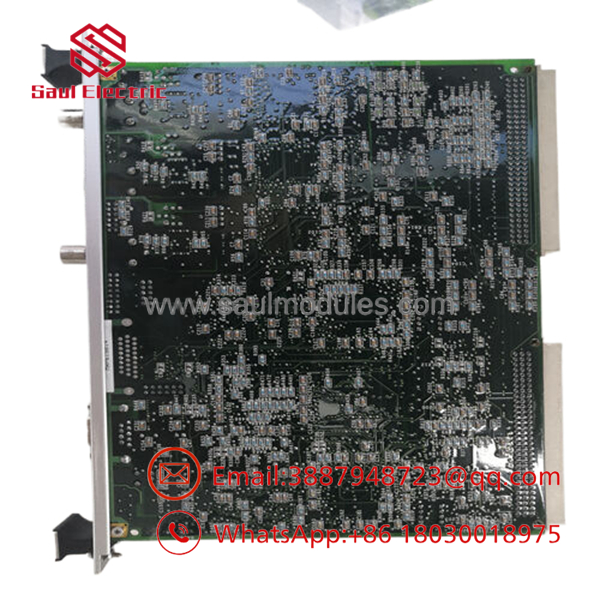
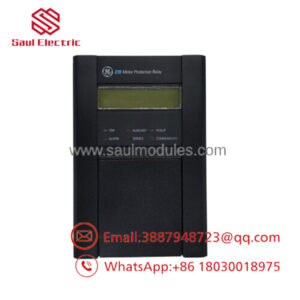
- IS200VCMIH2BEE
Firmware/Software Versions & Upgrade Notes
This module is primarily hardware and communication oriented, so the main concern is configuration matching rather than a major firmware issue. The key compatibility risks are rack revision, system software expectations, and any board-specific parameters in the Mark VI application.
Avoid upgrading or downgrading software during an emergency replacement unless the site has already tested that path. Matching the installed configuration is the safest way to reduce downtime and prevent integration surprises.
Frequently Asked Questions
Is this really New Surplus? Yes. The correct sourcing position is New Surplus / New Original, meaning genuine OEM inventory rather than a repaired or rebuilt unit.
Why is it cheaper than OEM new but higher than lower-cost listings? New Surplus usually comes from excess inventory. It preserves OEM origin and lowers lifecycle risk without the full OEM list price.
Is IS200VCMIH2BEE obsolete? Treat it as a legacy Mark VI spare with lifecycle risk. For critical turbine assets, keep buffer stock and plan for last-time-buy coverage.
Can I hot-swap it? Do not assume hot-swap capability. Rack-mounted control boards should be isolated before service to avoid faults or communication loss.
Will the program transfer automatically? No. Document board settings, wiring, and system configuration before removal so the replacement can be restored correctly.
What warranty should I expect? New Surplus industrial spares typically carry limited supplier warranty coverage, often 1 year depending on source and contract terms. Confirm the exact warranty before purchase.

 Start Chat


