





Description
Key Technical Specifications
| Parameter | Value |
|---|---|
| Manufacturer | GE |
| Model Number | IS215ACLEH1A |
| Series | EX2100 |
| Product Type | Application control layer module |
| Primary Function | Excitation control and communication management |
| Processor Class | Legacy embedded controller platform |
| Communications | Ethernet and serial interfaces |
| Control Power | 24 V DC |
| Application | Generator excitation systems |
| Lifecycle Status | Legacy spare / obsolescence risk |
| Condition | New Surplus / New Original |
Product Introduction & Supply Chain Strategy
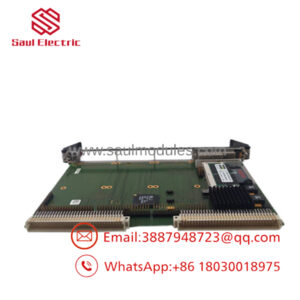
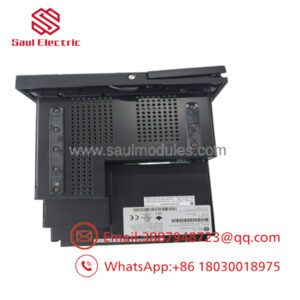
GE IS215ACLEH1A is an EX2100 application control layer module used in excitation control systems. It handles coordination, communications, and control functions that support generator excitation and related protection logic.
From a supply-chain perspective, New Surplus is the right position for an aging control platform. It improves TCO, limits stock-out exposure, and gives maintenance teams a practical buffer stock option while avoiding the reliability risks tied to uncertain source inventory.
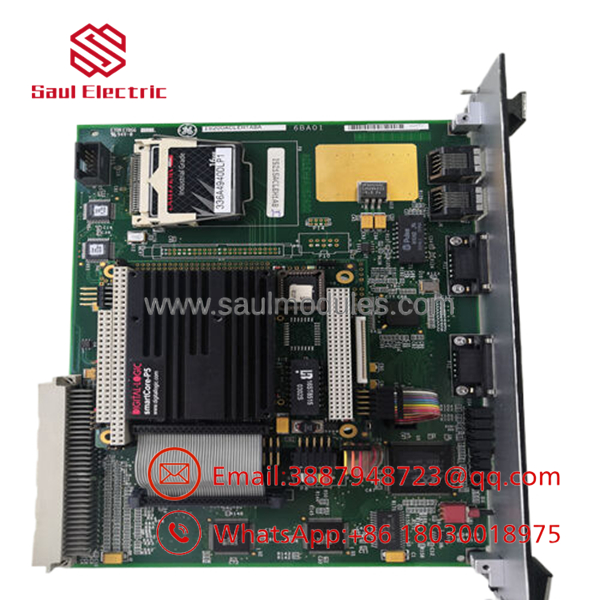
- IS215ACLEH1A
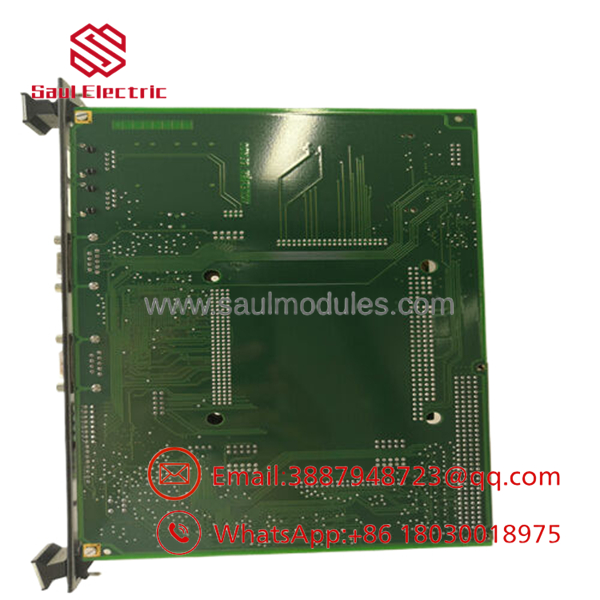
- IS215ACLEH1A
Installation & Configuration Guide
Stage 1: Pre-Installation
Apply lock-out/tag-out and verify the cabinet is de-energized. Use an ESD strap, insulated tools, and a camera to record the board, connectors, cabling, and any jumper or switch settings before removal. Confirm the revision matches the installed hardware.
Stage 2: Removal
Disconnect all cables carefully and remove the module straight from the rack. Do not twist the board or force the connector against the backplane. Inspect the slot, pins, and cabinet interior for dust, corrosion, or heat damage.
Stage 3: Installation
Install the replacement in the same slot and reconnect every cable exactly as documented. Mirror any configuration settings from the old module. Seat the card evenly and confirm all latches are secure before restoring power.
Stage 4: Power-On & Testing
Check supply rails and verify there are no shorts before energization. Power up and confirm normal status LEDs, then verify communications and excitation control response. Record any alarms, validate stable operation, and then return the system to service.
Firmware/Software Versions & Upgrade Notes
This module is heavily tied to the excitation system software environment, so version matching matters. The safest approach is to preserve the installed firmware and configuration unless the site has already validated a change path.
Avoid upgrading or downgrading during an emergency replacement. A mismatched board revision or software version can create startup problems, communication faults, or control instability.
Frequently Asked Questions
Is this really New Surplus? Yes. The correct procurement position is New Surplus / New Original, meaning genuine OEM inventory rather than a rebuilt or repaired unit.
Why is the price lower than OEM new but higher than lower-cost listings? New Surplus usually comes from excess inventory. It keeps OEM origin and lower lifecycle risk without the full OEM list price.
Is IS215ACLEH1A obsolete? Treat it as a legacy EX2100 spare with lifecycle risk. For critical excitation systems, keep buffer stock and plan for last-time-buy coverage.
Can I hot-swap it? Do not assume hot-swap capability. Excitation control modules should be isolated before service to avoid faults or instability.
Will the program transfer automatically? No. Document settings, wiring, and any software dependencies before removal so the replacement can be restored correctly.
What warranty should I expect? New Surplus industrial spares typically carry limited supplier warranty coverage, often 1 year depending on source and contract terms. Confirm the exact warranty before purchase.

 Start Chat


