





Description
3. Key Technical Specifications
- Product Type: 6U VME Single Board Computer
- Processor: Intel Core 2 Duo up to 2.16 GHz
- Chipset: Intel 945GM Express
- Memory: Up to 2 GB DDR2 SDRAM
- Form Factor: Dual slot 6U VME
- Bus Interface: Tundra Universe II
- Ethernet: Gigabit Ethernet ports
- Serial I/O: Multiple serial ports
- Mezzanine: PMC site support
- Graphics: Integrated graphics solution
- Operating Temperature: Commercial / extended options
4. Product Introduction & Supply Chain Strategy
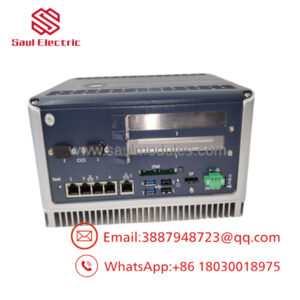
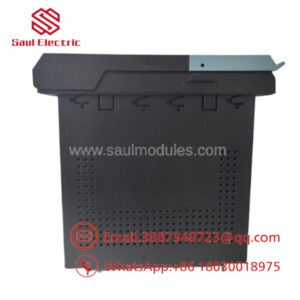
The GE V7768-312001 350-9301007768-312001-A0 is a VME single board computer featuring an Intel Core 2 Duo processor. It delivers high-performance computing for embedded VMEbus systems in industrial, defense, and automation applications.
New Surplus procurement of this V7768 module maintains system availability in aging VME infrastructures while optimizing capital efficiency. These SBCs are critical for control and data processing, and keeping 1-2 units on hand prevents extended downtime from obsolescence-driven shortages. This approach improves Total Cost of Ownership versus full new production pricing and reduces risks associated with refurbished boards in long-life applications.
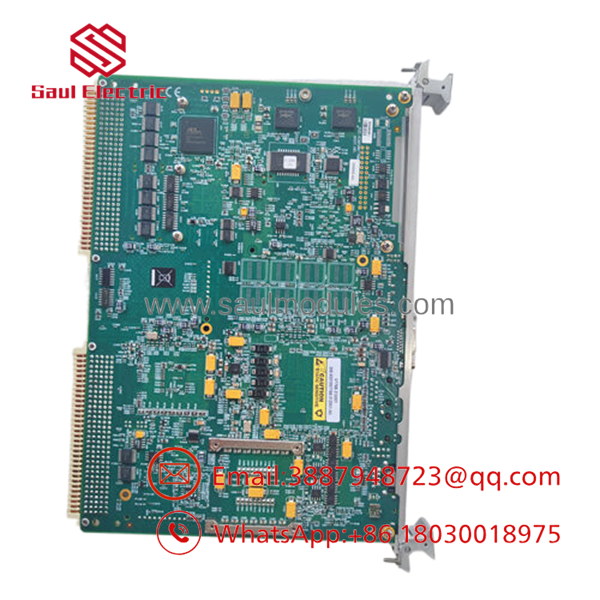
- V7768-312001 350-9301007768-312001-A0
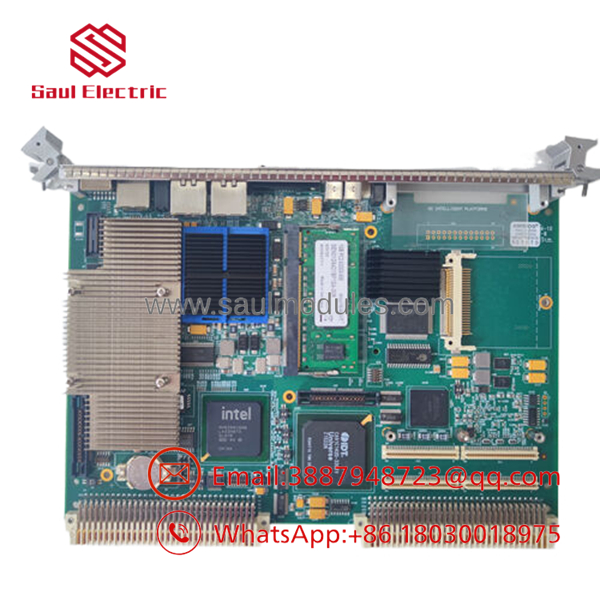
- V7768-312001 350-9301007768-312001-A0
5. Installation & Configuration Guide
Stage 1: Pre-Installation (Prep & Safety) Lock-out and tag-out chassis power. Use an ESD wrist strap. Document the slot position, jumper settings, and connected cables with clear photos.
Stage 2: Removal Power down the VME rack. Release ejectors and carefully extract the old V7768 module from the backplane.
Stage 3: Installation (Clone & Seat) Align the new V7768-312001 module with the guides and seat it firmly into the backplane connectors. Secure with screws or retainers. Reconnect all cables.
Stage 4: Power-On & Testing Apply power and monitor boot process. Enter BIOS if needed to confirm hardware recognition. Load operating system or application software and run diagnostics to verify memory, Ethernet, and PMC functionality.
6. Firmware/Software Versions & Upgrade Notes
The uses BIOS firmware. Match the BIOS version to your system requirements for stability.
BIOS updates can improve hardware compatibility but require careful flashing to avoid bricking the board. Document current settings before changes. Test thoroughly in a development environment when upgrading during hardware replacement.
7. Frequently Asked Questions (FAQ)
Q: Is the V7768-312001 New Surplus? Yes. This is a genuine New Surplus single board computer supplied with full traceability. It undergoes verification but remains in original new condition.
Q: Why purchase New Surplus VME SBCs? Legacy VME systems need reliable hardware. New Surplus boards provide consistent performance without the component degradation common in refurbished units.
Aged processors, memory, or chipset components increase the chance of intermittent failures or thermal issues that disrupt critical embedded applications.
Many VME products face lifecycle pressures. Strategic New Surplus stocking helps sustain operational systems without overstocking slow-moving parts.
Q: Can this module be hot-swapped? VME systems generally require power-down for safe module replacement. Follow standard ESD and backplane procedures.
Q: What warranty is provided? We back this New Surplus unit with a 1year warranty.
Q: How do I configure the replacement board? Set jumpers to match the original configuration. Update BIOS settings as needed and reload your application software. Run full system diagnostics before returning to production.

 Start Chat


