





Description
3. Key Technical Specifications
| Parameter | Value |
|---|---|
| Processor | High-performance multi-core ARM / RISC based |
| Function Blocks | Up to 30,000 |
| Memory | 2 GB RAM (typical) |
| Power Supply | 24 V DC |
| Communication | Ethernet, Modbus TCP, other protocols via modules |
| Operating Temperature | -25 to +70 °C (typical) |
| Mounting | HPC800 controller base |
| Interfaces | USB, serial, Ethernet ports |
| Redundancy | Supported in HPC800 configurations |
| Weight | Approx. 0.88 kg |
4. Product Introduction
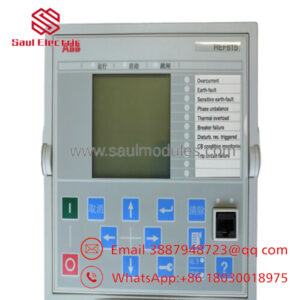
The ABB HC800 is the control processor module at the heart of the HPC800 high-performance controller in the Symphony Plus SD Series. It executes complex process control strategies using function block programming for continuous and batch applications in power, process, and industrial automation.
This module delivers the processing power needed for large-scale control with support for extensive I/O and communication. It is widely used in Symphony Plus systems where high availability and advanced control algorithms are essential.
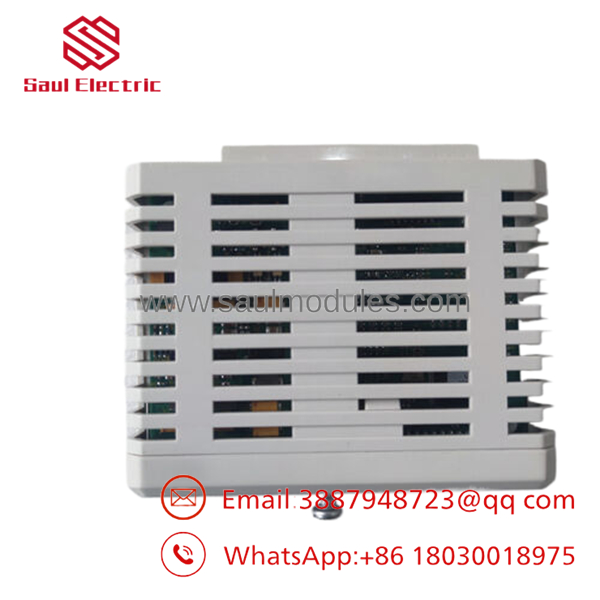
- HC800
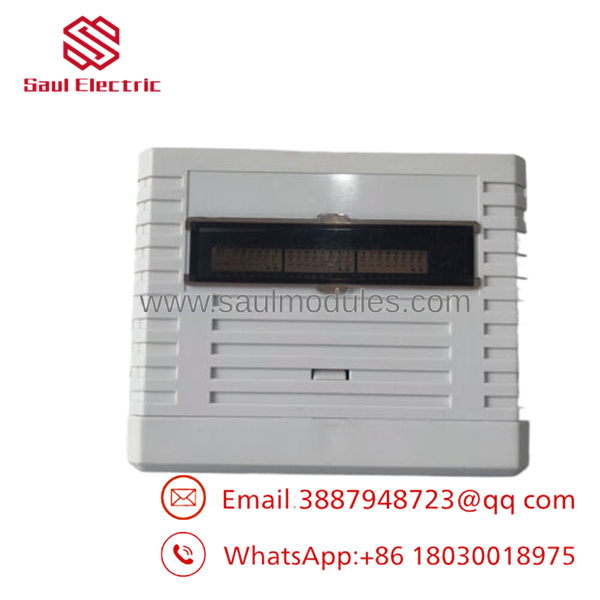
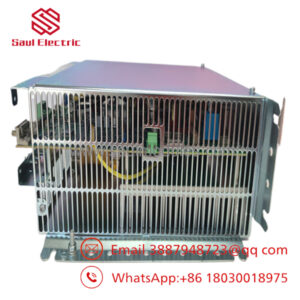
- HC800
5. Installation & Configuration Guide
Stage 1: Pre-Installation Preparation (15 minutes) ⚠️ Safety First: Notify operations, lock out power to the controller rack. Tools Required: ESD strap, screwdriver, laptop with S+ Engineering tools, backup media. Data Backup: Export complete controller database, configurations, and application logic.
Stage 2: Removing the Old Module (10 minutes)
- Power down the controller.
- Release latches and disconnect any front cables.
- Carefully remove the HC800 processor from the base.
- Inspect base connectors for damage. ⚠️ Note: Retain the old module until full verification of the new installation.
Stage 3: Installing the New Module (10-15 minutes)
- Use ESD protection. Verify model and revision compatibility.
- Align and insert the HC800 firmly into the base until latched.
- Reconnect cables and accessories.
- Confirm proper seating. Self-Checklist: [ ] Module seated and locked, [ ] Connections secure.
Stage 4: Power-On & Testing (20-30 minutes) Pre-Power Check: Verify power supply voltages. Power-On Steps:
- Apply power and monitor boot sequence.
- Connect engineering workstation and download configuration.
- Verify I/O communication and function block execution.
- Perform system diagnostics and loop checks.
- Monitor for alarms during initial operation. ⚠️ Troubleshooting Note: Communication failures often stem from IP configuration or firmware mismatch. Use diagnostic tools to validate network settings.
6. Frequently Asked Questions (FAQ)
Can the HC800 processor be hot-swapped? In redundant HPC800 configurations, yes—under controlled conditions. For non-redundant setups, power down first to avoid data corruption or controller faults.
Is the obsolete? The Symphony Plus SD Series continues to receive support. This processor is a key component with available spares. Confirm firmware and software version compatibility with your existing system.
What engineering software is required? S+ Engineering tools for configuration, programming, and maintenance of the HPC800 controller.
Will my existing application transfer directly? Yes, when using a compatible firmware revision. Upload the current database and download to the new processor. Full testing is recommended after migration.
Why choose surplus for this critical component? New Original units provide immediate availability and full traceability at a lower cost than lead-time constrained factory orders, with complete functional testing performed prior to shipment.
How do I verify redundancy and performance? After installation, test failover if redundant, monitor CPU load, and execute full application validation. Detailed test reports and setup assistance available upon request.

 Start Chat


