





Description
Product Introduction & Engineering Value
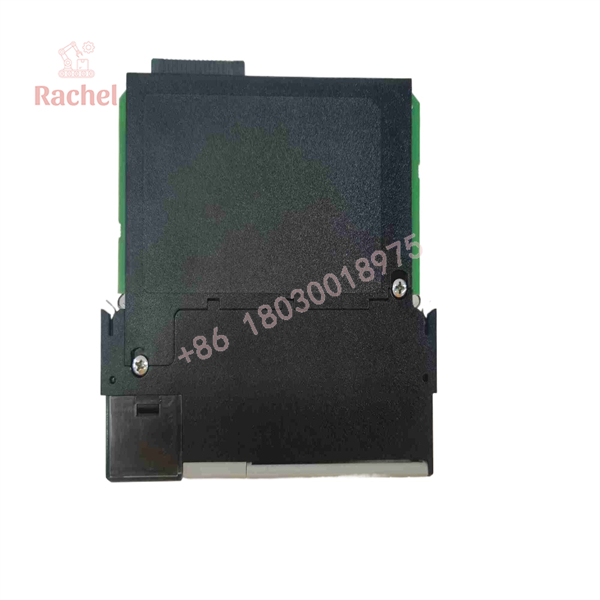
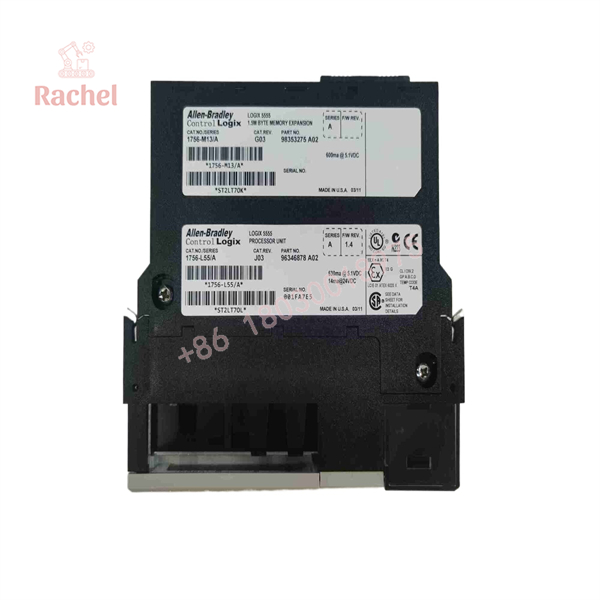
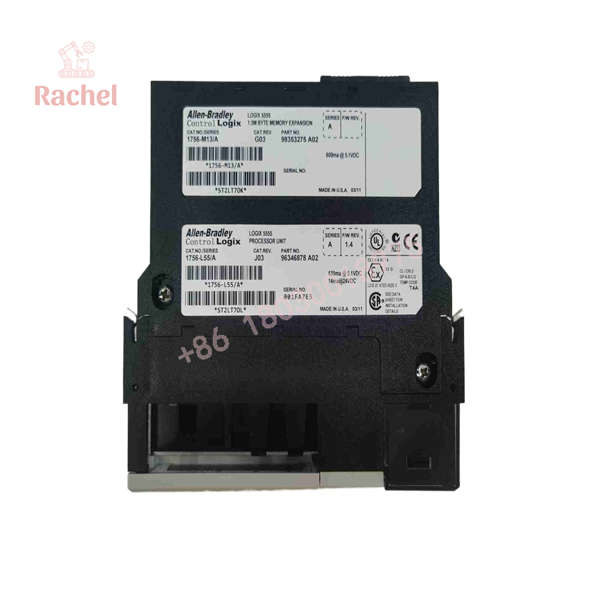
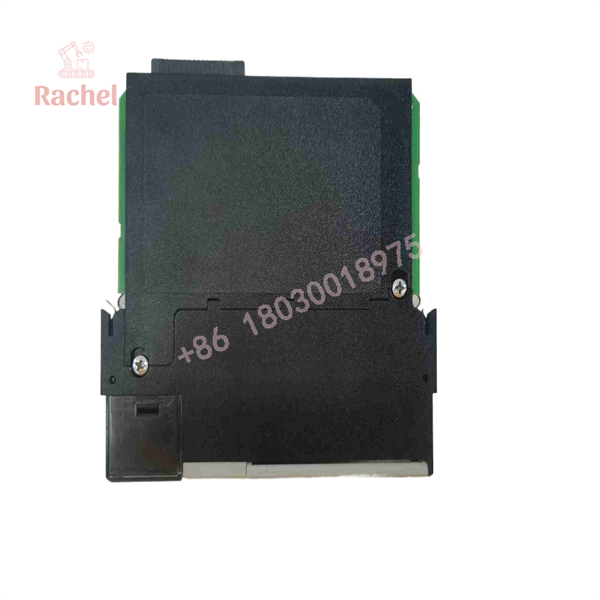
The Allen-Bradley 1756-L55M13 is a legacy ControlLogix 5555 processor designed for applications where the original L55M platform remains in service. Its 1.5 MB user-memory capacity places it at the lower-memory end of the L55Mxx processor family, alongside the 3.5 MB L55M14 and 7.5 MB L55M16.
This is a maintenance-oriented part today. If an installed system was engineered around an L55M13, preserving the existing controller architecture can be considerably simpler than changing the CPU family during an emergency outage. Firmware, project revision, memory configuration, and replacement compatibility should be checked before installation.
Technical Specifications
| Specification | 1756-L55M13 |
|---|---|
| Controller family | ControlLogix 5555 |
| Catalog number | 1756-L55M13 |
| Processor type | Logix5555 |
| User memory | 1.5 MB |
| Nonvolatile memory | No |
| Backplane current, 5.1 VDC | 1.23 A |
| Backplane current, 24 VDC | 14 mA |
| Average power dissipation | 5.6 W |
| Average thermal dissipation | 19.1 BTU/hr |
| Operating temperature | 0 to 60 °C (32 to 140 °F) |
| Storage temperature | -40 to 85 °C (-40 to 185 °F) |
| Relative humidity | 5–95%, noncondensing |
| Programming cable | 1756-CP3 or 1747-CP3 |
| Battery | 1756-BA1 |
| Weight | Approximately 12.5 oz (0.35 kg) |
Rockwell’s controller documentation specifies 1.5 MB user memory, no nonvolatile memory for the L55M13, 1.23 A peak 5.1 VDC backplane current, and 0.014 A at 24 VDC.
Firmware and Software
This is where legacy ControlLogix replacements can become complicated. Rockwell’s compatibility database shows the 1756-L55M13 Series A with firmware information extending through revision 16.022.
Older Rockwell release documentation also identifies the L55M13 as part of the ControlLogix 5555 family and documents firmware revision 13 operation.
Do not assume that a replacement CPU with the same catalog number can simply be installed and downloaded. Match the controller revision to the existing project and engineering-software environment.
1756-L55M13
1756-L55M13
Field Application & The “Trench” Experience
A plant has an older ControlLogix rack controlling a batch process. The original L55M13 develops a processor fault during a scheduled production run. The maintenance team has a spare CPU, but the first instinct—to install it and immediately download the program—is exactly where problems can start.
The technician first records the existing processor revision, project revision, memory configuration, battery condition, and controller status. The replacement L55M13 is then installed, the project is checked for compatibility, and the controller is brought back online under controlled conditions. The important point is simple: the processor is part of the automation architecture, not just another plug-in module.
Specific application scenarios
- Batch reactor sequence control using legacy ControlLogix 5555 architecture.
- Packaging-machine sequencing where an established L55M13 processor controls discrete I/O and drives through ControlLogix communication modules.
- Water-treatment pump sequencing in an older plant where maintaining the installed L55 architecture avoids an unplanned controller migration.
- Process-skid retrofit support where the CPU must remain compatible with an existing RSLogix 5000 project.
Transparency SOP: QA & Testing
For New Surplus or Refurbished 1756-L55M13 inventory, a meaningful QA process should include more than a visual inspection.
Controller identification: Verify catalog number, Series, label information, and processor revision.
Physical inspection: Check the backplane connector, front indicators, housing, battery compartment, and mechanical features.
Power-up test: Install the CPU in an appropriate ControlLogix test chassis and verify normal processor startup.
Memory verification: Confirm that the controller identifies correctly and reports the expected memory configuration.
Communication test: Establish the appropriate programming connection using compatible Rockwell software and verify controller communication.
Operational test: Where the test environment permits, load a controlled test project and verify processor operation without connecting the unit to a production machine.
For refurbished equipment, test records should distinguish actual tested condition from the original manufacturer’s specifications. “New Surplus” should likewise mean unused original equipment rather than refurbished or previously installed equipment.
The Veteran’s Tech Trap Guide
⚠️ Trap #1 — Forgetting that the L55M13 has no nonvolatile user memory.
Rockwell’s documentation lists the L55M13’s nonvolatile memory as No. Do not assume the controller contains the same project-retention arrangement as later ControlLogix processors.
⚠️ Trap #2 — Firmware mismatch.
A catalog-number match is not sufficient. Rockwell’s compatibility records show multiple firmware revisions for the L55M13, so check the controller revision against the existing application before commissioning.
⚠️ Trap #3 — Treating the battery as an afterthought.
The L55M13 uses a 1756-BA1 battery. For an installed legacy controller, inspect battery status before putting a replacement CPU into production.
PRO TIP: Before removing a functioning L55M13, document the processor’s Series, firmware revision, controller status, project revision, battery condition, and communication path. That information is often more valuable than the catalog number alone.
Dynamic FAQ
What is the Allen-Bradley 1756-L55M13?
The 1756-L55M13 is a ControlLogix 5555 Logix processor with 1.5 MB of user memory.
How much memory does the 1756-L55M13 have?
It provides 1.5 MB of user memory. The related L55M14 provides 3.5 MB, while the L55M16 provides 7.5 MB.
Does the 1756-L55M13 have nonvolatile memory?
No. Rockwell’s controller documentation specifies no nonvolatile memory for the L55M13.
What programming cable does it use?
Rockwell documentation specifies the 1756-CP3 or 1747-CP3 serial cable for the L55Mxx controller family.
Is the 1756-L55M13 still suitable as a spare for a legacy system?
For an existing installation, it can be relevant as a maintenance spare where the application specifically requires the L55M13 platform. However, firmware and project compatibility should be verified before replacement. Rockwell’s compatibility database continues to document the L55M13 and its compatibility information.
How should New Surplus authenticity be verified?
Verify the Allen-Bradley catalog number, Series, serial/label information, and physical condition, then compare the controller identity with Rockwell documentation. A supplier should also clearly distinguish unused New Surplus from refurbished or previously installed inventory.
What warranty should I expect?
Warranty depends on the supplier and product condition. For New Surplus or Refurbished 1756-L55M13 inventory, obtain the supplier’s written warranty terms and confirm whether the unit has been electrically tested before purchase.

 Start Chat


