





Description
Product Introduction
The Allen-Bradley 1769-AENTR is a dual-port EtherNet/IP communication adapter designed for distributed Compact I/O expansion. It bridges remote 1769 digital, analog, and specialty I/O modules directly back to a central ControlLogix, CompactLogix, or GuardLogix processor over standard industrial Ethernet networks.
Unlike single-port adapters that force you into rigid star or tree network layouts, the 1769-AENTR features an integrated two-port Ethernet switch. This allows plant engineers to wire remote I/O racks in daisy-chain or fault-tolerant Device Level Ring (DLR) configurations. It lets you retain low-cost 1769 I/O hardware while upgrading your control architecture to modern Ethernet protocols.
Key Technical Specifications
| Parameter | Value |
| EtherNet/IP Ports | (2) RJ45 10/100 Mbps Copper Ports (Embedded Switch) |
| Network Topologies | Device Level Ring (DLR), Linear Daisy-Chain, Star |
| Max Local Modules | Up to 30 1769 I/O Modules across 3 Expansion Banks |
| Backplane Current (5VDC) | 500 mA (Drawn from attached 1769 power supply) |
| IP Address Configuration | Rotary Switches (192.168.1.xxx) / BOOTP / DHCP |
| CIP Connections | 128 Explicit / 32 Implicit (I/O) Connections |
| Power Supply Compatibility | Requires 1769-PA2, 1769-PB2, 1769-PA4, or 1769-PB4 |
| Power Distance Rating | 4 Modules (Must be placed within 4 slots of power supply) |
| Status LEDs | Network (NET), Module (MOD), Link 1, Link 2, Activity |
| Programming Software | Studio 5000 Logix Designer / RSLogix 5000 |
Application Scenarios & The “Trench” Experience
The Trench Story
It is 11:45 PM on a shift change. A forklift hits a remote junction panel on a high-speed bottling line, shearing off the optical cable link to a legacy remote I/O drop. The whole filler skid goes blind, halting production instantly. To be honest, trying to source vintage communication cards or re-run proprietary coax cables under pressure is a nightmare. Replacing that damaged drop with a 1769-AENTR adapter allows you to drop in standard Cat5e patch cables, configure the rotary IP switches in 30 seconds, and link the existing 1769 I/O rack straight to the plant’s main EtherNet/IP ring with minimal mechanical work.
Specific Applications
- Remote Conveyor Line Expansion: Connects multiple distant 1769-IQ32 and 1769-OB32 high-density cards back to a central ControlLogix cabinet without long multiconductor wire runs.
- Device Level Ring (DLR) Networks: Acts as a resilient node on a ring network for critical chemical batching stations, surviving a single broken cable without losing I/O drop communication.
- Machine OEM Retrofits: Converts existing 1769 CompactLogix chassis into remote drops when upgrading the primary controller to a modern 5380 or 5580 processor.
- Water/Waste Pumping Skids: Transmits localized flow meter readings and valve actuator statuses over industrial Ethernet to a centralized SCADA rack.
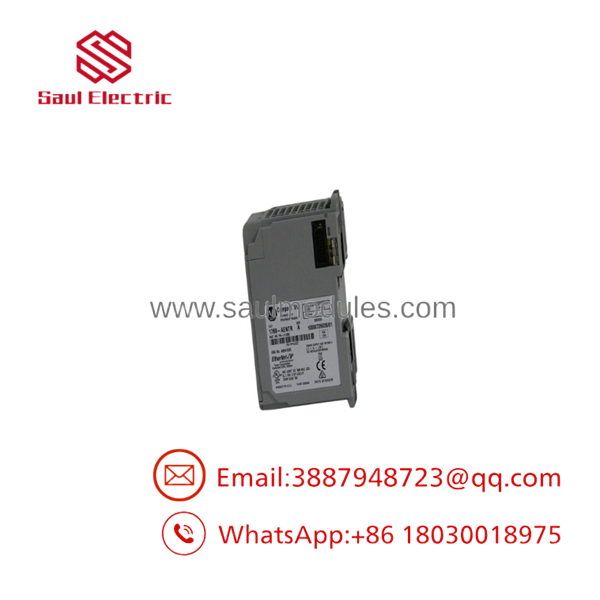
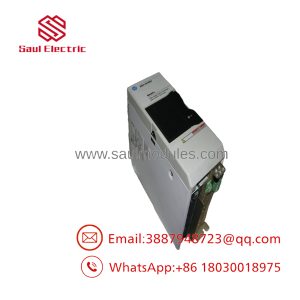
- 1769-AENTR
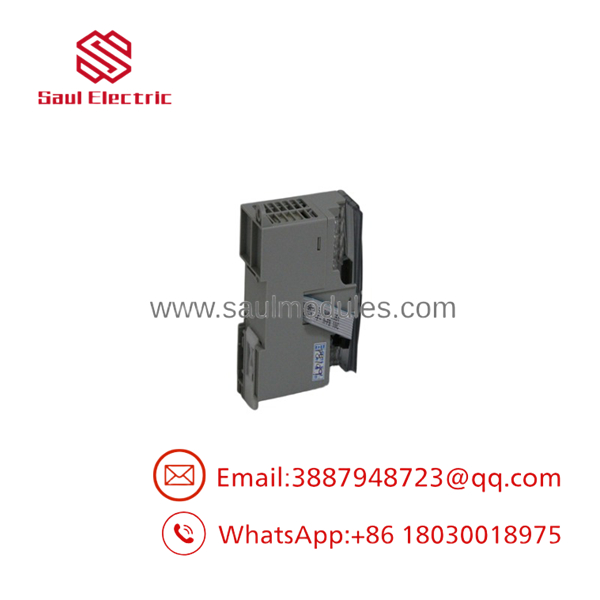
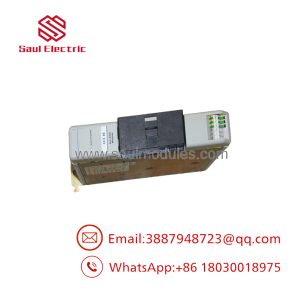
- 1769-AENTR
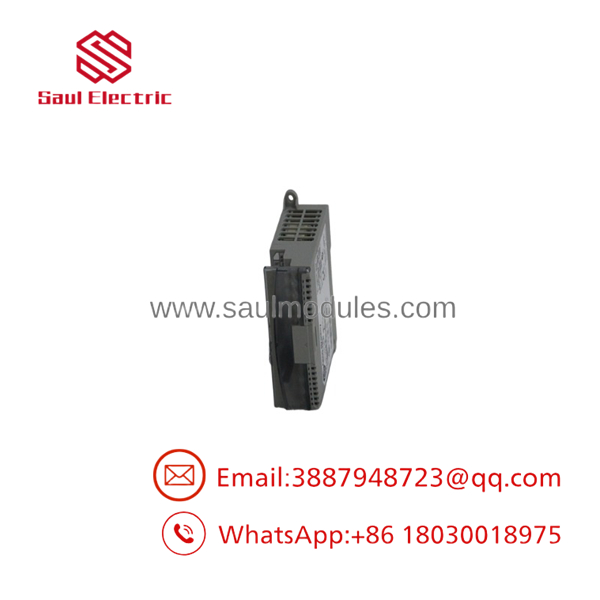
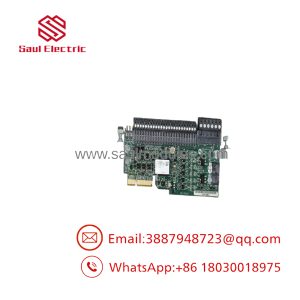
- 1769-AENTR
Transparency SOP: Quality Assurance & Testing
We test every 1769-AENTR adapter on actual 1769 backplane hardware before it leaves our facility:
- Inbound Physical Verification: We inspect plastic latching tabs, clean internal bus header pins, and verify smooth operation of the three rotary IP address dials.
- Backplane & Bus Traffic Test: The adapter docks into a 1769 test rack alongside a 1769-PA4 power supply and multiple I/O cards to verify 5VDC bus power distribution.
- Dual-Port DLR Ring Validation: We wire both RJ45 ports into an active Device Level Ring (DLR) test circuit. We break the cable during live data transfers to verify seamless link failover times.
- CIP Connection Stress Check: We push maximum implicit I/O packet rates (RPI set to 2ms) using Studio 5000 to ensure the Ethernet transceiver handles full communication loads without dropping packets.
- Rotary Switch Audit: We sweep the rotary switches through multiple IP configurations (001–999, BOOTP, DHCP) to verify address settings match hardware readouts.
The Veteran’s Tech Trap Guide
- ⚠️ Mind the Power Distance Rating: The 1769-AENTR has a strict power distance rating of 4. That means it MUST be installed within 4 slots of a 1769 expansion power supply (like a 1769-PA4). Placing it 5 slots away causes backplane voltage drops that show up as random comm timeouts.
- ❗ Set the Rotary Switches Before Powering On: The adapter reads the physical rotary switches on the top panel only during its power-up boot sequence. If you flip the switches while the module is powered, nothing changes until you cycle power.
- ⚠️ Do Not Exceed 30 Modules or 3 Banks: While the 1769-AENTR supports remote I/O expansion, it cannot drive more than 30 total modules or exceed 2 expansion bank cables. Exceeding these limits trips an internal backplane initialization fault.
- ❗ Watch Out for Duplicate IP Conflicts: If you set the rotary dials to
888, the module executes a full factory reset. In our field experience, technicians accidentally leave dials set to default values, leading to IP clashes when adding new drops to an existing network.
Frequently Asked Questions
Q: What is the difference between the 1769-AENTR and the older 1769-ADN?
The 1769-AENTR uses EtherNet/IP communications over standard RJ45 copper cabling and supports dual-port DLR topologies. The legacy 1769-ADN uses DeviceNet protocols, which require specialized trunk/drop cabling, terminating resistors, and much slower network baud rates.
Q: Can I use the 1769-AENTR without a DLR network ring?
Yes. You can use it in a standard star topology by plugging a single patch cable into Port 1. You can also daisy-chain multiple 1769-AENTR adapters in a linear line using both ports without buying an external Ethernet switch.
Q: Does the 1769-AENTR require an Electronic Data Sheet (EDS) file?
Yes. To configure the 1769-AENTR inside Studio 5000 or RSLogix 5000, you must download and install the matching EDS file from Rockwell Automation’s website so the software recognizes the hardware profile correctly.
Q: Can the 1769-AENTR power the attached I/O modules directly?
No. The 1769-AENTR is a communication adapter only; it does not contain an internal power supply. You must install a dedicated 1769 system power supply (such as the 1769-PA2 or 1769-PB2) on the same rack to feed power to the bus.
Q: What warranty do you provide on new surplus 1769-AENTR modules?
All new surplus and remanufactured 1769-AENTR modules include a 12-month replacement warranty. If the unit develops a hardware fault within 365 days of purchase, we replace it directly from stock or issue a full refund.
Q: Why not replace the 1769 I/O rack with 5069 Compact 5000 I/O entirely?
Upgrading to 5069 hardware requires tearing out existing terminal wiring, buying new terminal blocks, and updating panel layouts. Swapping or adding a 1769-AENTR lets you keep your existing 1769 field wiring intact while upgrading your main processor over industrial Ethernet.

 Start Chat


