





Description
Product Introduction & Engineering Value
FBMSSW should not be treated like an FBM hardware module. The identifier is associated with Foxboro Fieldbus Module software/configuration functionality, making the installed I/A Series software environment just as important as the identifier itself.
For legacy DCS work, the critical procurement information is the exact software release, operating environment, licensing arrangement, and supported Foxboro system version. A generic “FBM software” description is not sufficient for a controlled replacement.
Technical Specifications
- Manufacturer: Foxboro / Schneider Electric
- Identifier: FBMSSW
- Product Category: DCS engineering/configuration software
- Associated System: Foxboro I/A Series
- Functional Area: Fieldbus Module configuration/support
- Deployment: Engineering workstation / system-specific environment
- Version: Must be verified
- License: Verify license type and entitlement
- Operating System: Verify against the specific release
- Hardware Dependency: System-dependent
- Compatibility: I/A Series release-dependent
- Documentation: Verify against the applicable software revision
Important: FBMSSW should not be assigned a specific software version, license model, operating system requirement, or installation procedure solely from the identifier. Legacy Foxboro software was released across different I/A Series generations, and those details need to be matched to the installed system.
Field Application & the “Trench” Experience
A physical FBM replacement can be relatively straightforward. The software side is where legacy Foxboro projects can become difficult.
Imagine a plant replacing an older fieldbus module during a scheduled outage. The hardware is available, but the engineering workstation does not have the software environment required to configure or recognize the replacement. The spare hardware is therefore sitting in the cabinet while commissioning waits on the engineering software.
For FBMSSW, the practical procurement record should include the Foxboro system generation, workstation software version, existing engineering tools, license information, and any installation media or backup images.
Typical applications include:
- Foxboro I/A Series FBM configuration
- Legacy DCS engineering-workstation restoration
- Fieldbus-module replacement during planned shutdowns
- Migration or recovery of older Foxboro engineering environments
Transparency SOP: QA & Testing
For an FBMSSW software package or licensed inventory item:
1. Identity verification
- Confirm
FBMSSW. - Record the exact software release and revision.
- Verify associated Foxboro/I/A Series system version.
2. License verification
- Confirm whether the item is a license, installation package, media set, or documentation reference.
- Verify entitlement and transferability where applicable.
3. Installation test
- Install only in an appropriate test or engineering environment.
- Confirm that the software starts correctly and recognizes the intended Foxboro environment.
4. Functional test
- Verify the relevant FBM configuration functions.
- Confirm that engineering data can be accessed, edited, saved, and transferred as intended.
5. Recovery documentation
- Record installation media, version, license information, workstation requirements, and configuration backups.
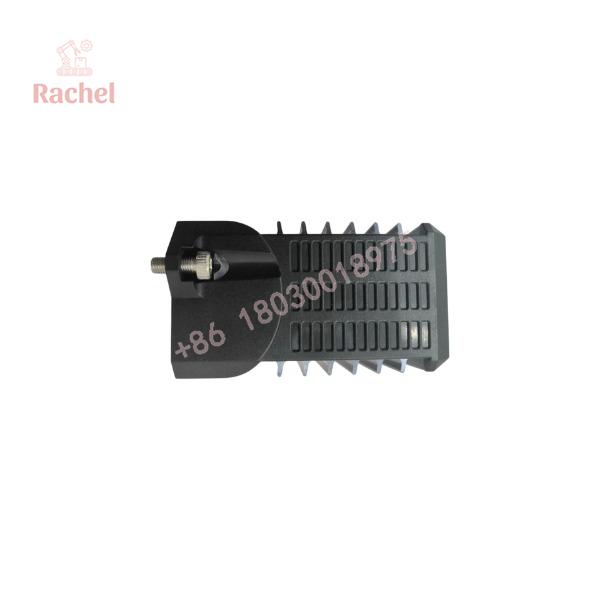
FBMSSW
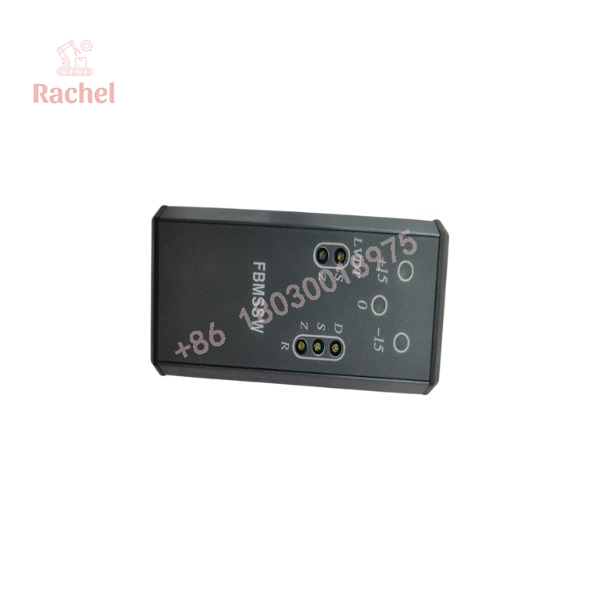
FBMSSW
The Veteran’s Tech Trap Guide
⚠️ Trap #1 — Treating FBMSSW as hardware.
The identifier should be handled as a software/configuration reference, not automatically as an FBM I/O card.
⚠️ Trap #2 — Ignoring software version compatibility.
A package that works with one I/A Series generation may not be suitable for another. Verify the installed system release first.
⚠️ Trap #3 — Buying “software” without license information.
Installation media alone may have little value if the required license or entitlement is missing.
PRO TIP: Before sourcing FBMSSW, capture the exact Foxboro software-version information from the engineering workstation. That information is often more valuable than the generic FBMSSW identifier.
Dynamic FAQ
What is Foxboro FBMSSW?
FBMSSW is associated with Foxboro I/A Series Fieldbus Module software/configuration functionality rather than being a conventional physical FBM hardware module.
Is FBMSSW an I/O module?
No. It should be treated as a software/configuration identifier unless the complete original documentation indicates otherwise.
Does FBMSSW require a specific Foxboro version?
Yes. The applicable software release and I/A Series system generation should be verified before deployment.
Can I use a different version of FBMSSW as a replacement?
Do not assume so. Confirm compatibility with the installed Foxboro engineering environment, operating system, licensing arrangement, and existing configuration database.
Is New Surplus FBMSSW available?
For software, the terms New Surplus and Refurbished require clarification. Ask whether the offering is original installation media, a license entitlement, an unused license, or another form of software inventory.
What warranty should I request?
For software, request written confirmation of license validity, installation-media condition, version/revision, activation or entitlement status, and compatibility with the intended Foxboro system.

 Start Chat


