





Description
Product Introduction
The Foxboro FBMSSW (Fieldbus Module System Software) is the system software package used within Foxboro I/A Series and EcoStruxure DCS platforms to manage the configuration, maintenance, and status monitoring of Foxboro 200 Series Fieldbus Modules (FBMs).
Unlike physical hardware cards, FBMSSW provides the underlying driver sets, Equipment Control Block (ECB) software templates, system management utilities, and firmware loading tools that enable the host Control Processor (CP) and System Manager to communicate seamlessly with various FBM types (e.g., FBM201–FBM242, serial modules like FBM224, and Ethernet gateways like FBM230/232/233). FBMSSW ensures that module status alarms, channel health metrics, pass-through configurations, and online software updates are handled smoothly without interrupting process control.
Key Technical Specifications
| Parameter | Value |
| Manufacturer | Foxboro (Invensys / Schneider Electric) |
| Software Model | FBMSSW |
| Platform Integration | Foxboro I/A Series / EcoStruxure Foxboro DCS System Management |
| Hardware Compatibility | Foxboro 200 Series DIN-Rail Fieldbus Modules (FBM201 through FBM242+) |
| Core Functions | ECB driver initialization, online module diagnostics, firmware updates, status monitoring |
| System Support | Workstation & Control Processor (CP) System Software Environment |
| Licensing | Per-system / Software Feature License key dependent on system topology |
Application Scenarios & System Management Context
System Management Utility
In a typical Foxboro DCS environment, FBMSSW works behind the scenes in the System Manager / System Monitor environment:
- Module Initialization: When a new or replacement FBM (such as an FBM201, FBM224, or FBM241) is inserted into a baseplate, FBMSSW facilitates the software handshake between the module’s onboard micro-controller and the host Control Processor.
- Firmware Flashing & Updates: FBMSSW provides the execution pathways and software utility scripts needed to flash updated module firmware or system boot files across the internal HDLC fieldbus.
- Diagnostic & Health Telemetry: Supplies real-time channel quality indicators, module power bus health, and communication error statistics (CRC errors, packet drops) directly to the DCS operator and engineering maintenance stations.
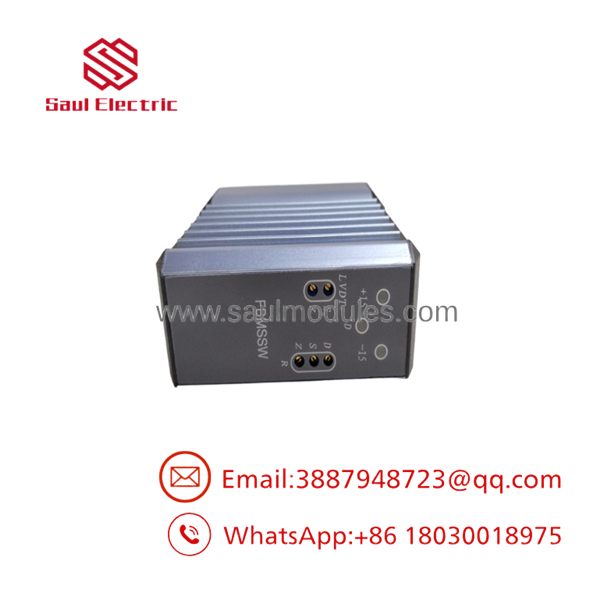
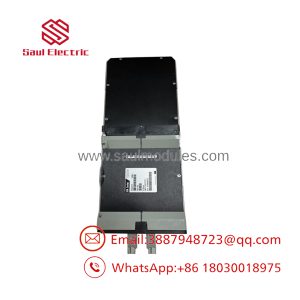
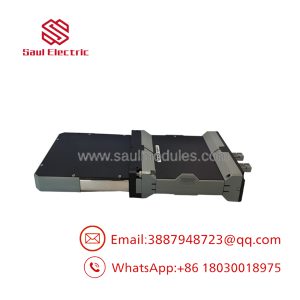
FBMSSW
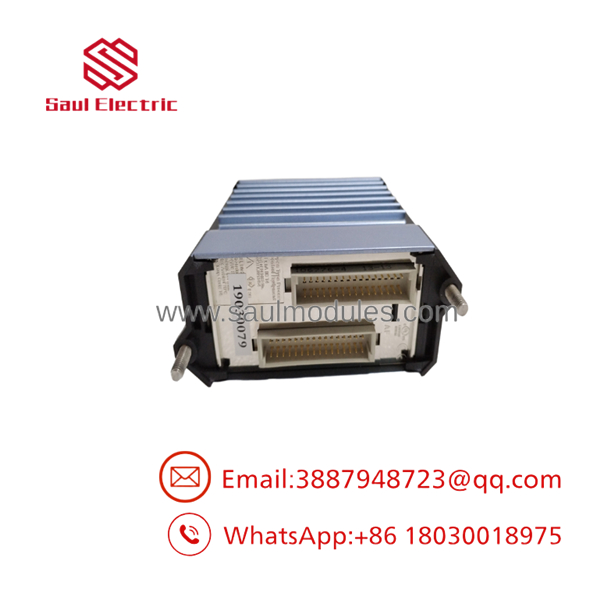
FBMSSW
The Veteran’s Tech Trap Guide
- ⚠️ Software Mismatch vs. Hardware Fault:
If a newly installed FBM displays a persistent software error or fail LED on the baseplate despite healthy hardware power rails, the issue is often a driver/firmware version mismatch within the DCS system software environment (FBMSSW/ECB definitions) rather than a failed physical module.
- ❗ Verify Equipment Control Block (ECB) Types:
Ensure the system database has the correct ECB block type assigned (e.g., ECB201 for FBM201, ECB224 for FBM224, ECB230 for FBM230). Incorrect ECB assignments prevent FBMSSW from initializing proper driver structures for the physical module.
- ⚠️ Firmware Download Sequence:
When performing module firmware upgrades via system software utilities, never interrupt baseplate power or remove the module during a flash write sequence to prevent corrupting the onboard EEPROM.
Frequently Asked Questions (FAQ)
Q: What is Foxboro FBMSSW?
A: FBMSSW refers to the Fieldbus Module System Software package/utilities in the Foxboro DCS platform that manage module driver initialization, ECB block configuration, diagnostic telemetry, and firmware updates for 200 Series FBMs.
Q: Is FBMSSW a physical hardware module?
A: No, FBMSSW is a software/licensing component within the Foxboro system software environment, unlike physical FBM hardware modules (such as FBM201, FBM224, FBM241, etc.).
Q: How do I know if I need FBMSSW software support or a hardware replacement card?
A: If an existing module was working and suffered hardware failure (e.g., blown channel, dead LEDs, shorted rail), a physical FBM replacement is needed. If you are adding new module types or upgrading system software versions, you need to verify software license compatibility and driver support within your Foxboro System Manager environment.

 Start Chat


