





Description
Key Technical Specifications
| Parameter | Value |
|---|---|
| Manufacturer | GE / MTL Instruments |
| Model Number | 8910-PS-DC |
| Product Type | System power supply |
| Input Voltage | 18.5-36 V DC |
| Output Voltage | 12 V DC ± 5% |
| Output Current | 4.9 A |
| Input-Output Isolation | 50 V AC rms, 720 V DC |
| Operating Temperature | -40°C to +70°C |
| Storage Temperature | -40°C to +85°C |
| Relative Humidity | 5 to 95% RH, non-condensing |
| Weight | 0.775 kg |
Product Introduction & Supply Chain Strategy
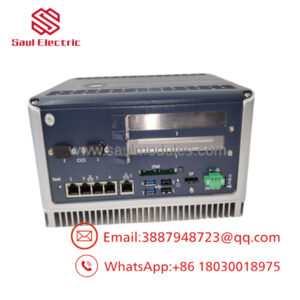
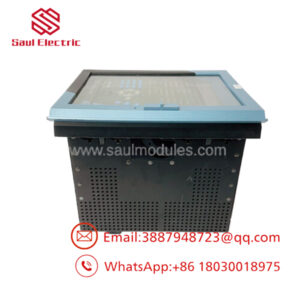
GE 8910-PS-DC is a DC system power supply module used to provide stable power for industrial automation and control equipment. It is typically specified where cabinet-level power stability, compact installation, and continuous operation matter more than low initial cost.
Buying it as New Surplus makes sense when the part supports critical uptime and you want to avoid stock-outs caused by long or uncertain replenishment. It also lowers Total Cost of Ownership by reducing the risk of field failures tied to questionable replacement units, while preserving a practical buffer stock strategy for an item that is often held for continuity rather than turnover.
Installation & Configuration Guide
Stage 1: Pre-Installation
Apply lock-out/tag-out before opening the panel. Use an ESD strap, insulated tools, and a camera. Photograph all wiring, terminal labels, and any configuration jumpers or selectors before removal.
Stage 2: Removal
Verify the supply is de-energized and the circuit is safe. Release the module using the correct extraction points and pull it straight out. Avoid side loading the connector or bending backplane pins.
Stage 3: Installation
Match any jumper or selector settings exactly to the removed unit. Seat the module fully into the connector, then secure it mechanically. Recheck terminal torque and confirm all conductors are in the correct locations.
Stage 4: Power-On & Testing
Test the 24 V rail and adjacent circuits for shorts before energizing. Power up and verify normal LED behavior, then confirm the output voltage is within range. If the supply feeds a controller, confirm the downstream logic boots correctly and no undervoltage alarms appear.
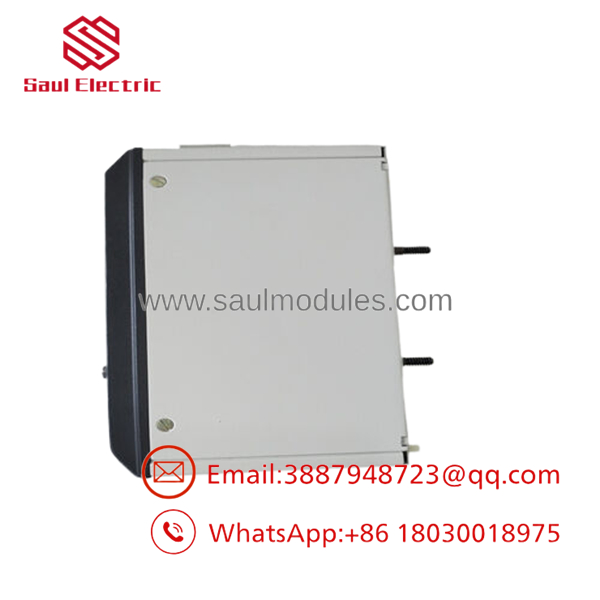
- 8910-PS-DC
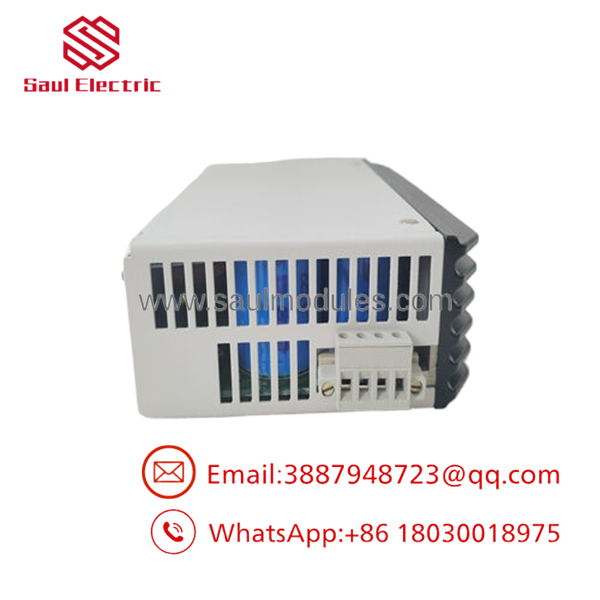
- 8910-PS-DC
Firmware/Software Versions & Upgrade Notes
This part is a power supply module, so firmware concerns are usually secondary to electrical compatibility and cabinet-level integration. The safest practice is to keep the replacement electrically identical and document the original part configuration before swap-in.
Do not change firmware or hardware revision assumptions during a maintenance window unless the vendor documentation confirms compatibility. Upgrading or downgrading during a power-supply replacement can create unnecessary risk if the control system expects a specific electrical behavior or form factor.
Frequently Asked Questions
Is this really new? Yes. The correct commercial position for this item is New Surplus / Original New, not a refurbished or repaired unit.
Why is the price below OEM list but above refurb pricing? New Surplus comes from excess inventory sourcing, so it usually costs less than factory-direct list pricing. It still carries far less risk than a bargain pull part.
Is this part obsolete or EOL? Treat it as a strategic spare. For inventory planning, that means buffer stock, vendor consolidation, and last-time-buy awareness if your installed base depends on it.
Can I hot-swap it? Do not assume hot-swap is acceptable. Isolate the circuit, verify zero energy, and follow the cabinet procedure before removal or insertion.
Will settings transfer automatically? A power supply does not usually hold application logic, but the cabinet wiring and load requirements still need verification. Always confirm downstream equipment starts normally after replacement.
What warranty should I expect? For New Surplus industrial power modules, warranty terms depend on supplier QC and traceability. The procurement priority is verified condition, tested output, and traceable serial control.

 Start Chat


