





Description
Key Technical Specifications
| Parameter | Value |
|---|---|
| Brand | GE |
| Model | D20 EME210BASE-T |
| Series | Multilin D20 / D200 |
| Product Type | Ethernet network module |
| Primary Function | Substation automation communication |
| Interface | 10BASE-T Ethernet |
| Chassis Compatibility | D20MX and D200 |
| Mounting Location | Left-most slot in chassis |
| Configuration | JP1 / JP2 jumper settings |
| Required Cable | Interface cable P/N 977-0298 |
| Application | Substation automation and distributed control |
| Condition | New Surplus, original OEM inventory |
| Lifecycle Status | Obsolete / EOL |
| Procurement Priority | High for legacy substation fleets |
Product Introduction & Supply Chain Strategy
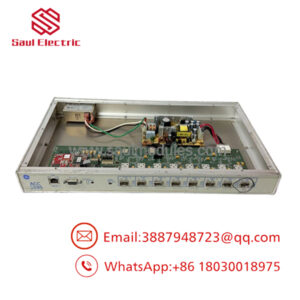
GE D20 EME210BASE-T is an Ethernet communication module used in the D20/D200 substation controller platform. It provides network connectivity between controller hardware and supervisory systems in utility and industrial automation environments.
Buying it as New Surplus is the most practical sourcing strategy when the installed D20 platform remains in service but the part is no longer current. It lowers Total Cost of Ownership, reduces lead time variability, and helps avoid stock-outs on a controller module that can hold up an entire communication path.
Installation & Configuration Guide
Stage 1: Pre-Installation
Perform lock-out/tag-out and verify the chassis is safe to open. Use an ESD strap, insulated tools, and a camera to document the original slot position, jumper positions, and cable routing. Confirm the module belongs in the left-most slot of the D20MX or D200 chassis.
Stage 2: Removal
Power down the system and verify it is de-energized before removing the module. Extract the board straight out of the slot without rocking or twisting it, because bent connector pins can create hard-to-trace communication faults. Inspect the backplane and adjacent slot for contamination or physical damage.
Stage 3: Installation
Install the module in the left-most slot and connect the required interface cable, P/N 977-0298, if the site configuration calls for it. Set JP1 and JP2 exactly as documented for LAN A and LAN B operation. Recheck all jumpers before seating the board fully.
Stage 4: Power-On & Testing
Restore power and verify the module initializes normally. Check Ethernet link status, confirm controller communication, and validate LAN A / LAN B behavior if both channels are used. Test the downstream SCADA or substation automation path before returning the system to service.
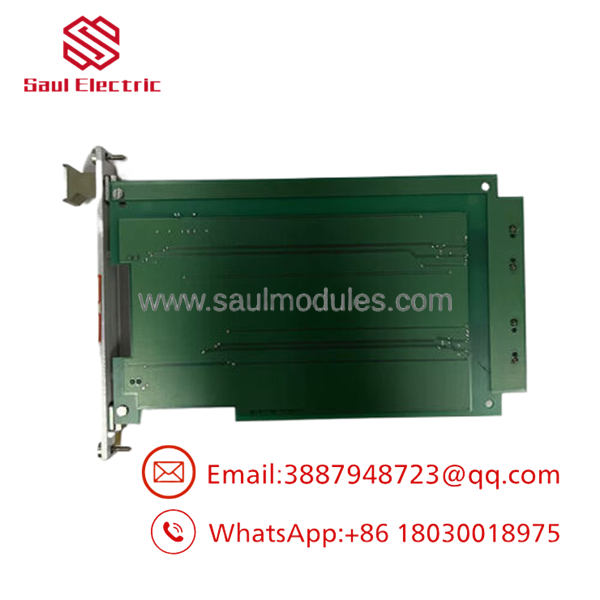
- D20 EME210BASE-T
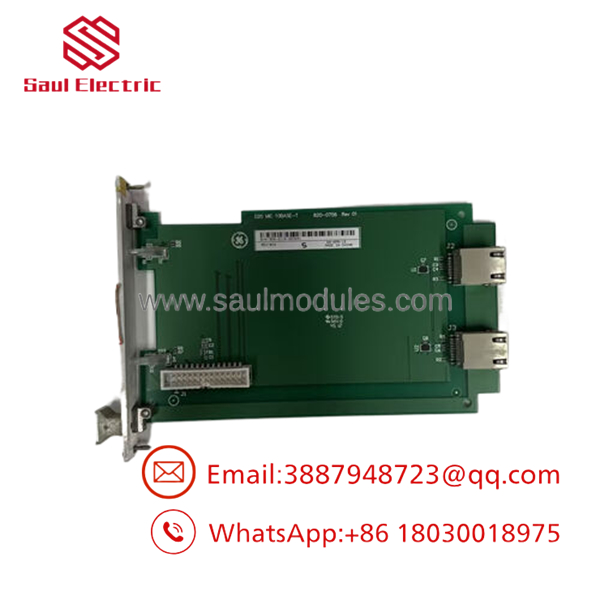
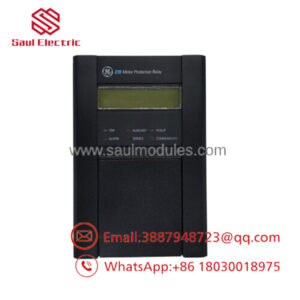
- D20 EME210BASE-T
Firmware/Software Versions & Upgrade Notes
The D20/D200 platform should keep the site’s existing software and hardware image matched as closely as possible. Configuration mismatch can disrupt Ethernet behavior, channel mapping, or communication stability.
Avoid firmware changes during the swap unless the maintenance plan specifically requires it. For a legacy substation controller, the lowest-risk approach is to preserve the running configuration and replace only the failed communication module.
Frequently Asked Questions
Q: Is D20 EME210BASE-T really New Surplus?
Yes, the correct procurement target is New Surplus original inventory. That gives you OEM-origin hardware without the uncertainty of repaired or salvage-channel supply.
Q: Why is it cheaper than factory new but not as cheap as questionable supply?
Because New Surplus comes from excess inventory, not from repair channels. You pay less than list pricing, but you still keep traceability and lower reliability risk.
Q: Is this part obsolete?
Yes, it should be treated as an EOL or at-risk spare. For D20 fleets, keep buffer stock and consider a last-time-buy strategy if the controller is still critical.
Q: Can I hot-swap it?
Do not assume hot-swap support unless the D20 documentation explicitly allows it. For this type of module, controlled shutdown is the safer maintenance method.
Q: Will the configuration be retained?
Not automatically. Always document jumper positions, cable routing, and chassis slot placement before removing the old module.
Q: What warranty should I expect?
Warranty depends on the supplier and traceability package, but New Surplus generally carries stronger terms than repaired stock. The key procurement control is serial verification and a documented QC record.

 Start Chat


