





Description
Key Technical Specifications
| Parameter | Value |
|---|---|
| Manufacturer | GE Vernova |
| Model Number | H201TI |
| Series | Hydran 201i |
| Product Type | On-line dissolved gas analyzer transmitter |
| Measurement Focus | Transformer fault gas in oil |
| Gas Response | Hydrogen, carbon monoxide, acetylene, ethylene |
| Sampling Method | Dynamic oil sampling |
| Power Supply | 24 V DC |
| Communication | RS-485, Modbus RTU |
| Local Display | LCD |
| Alarm Outputs | Local and remote alarms |
| Mounting | Single transformer valve |
Product Introduction & Supply Chain Strategy
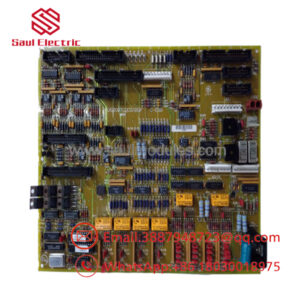
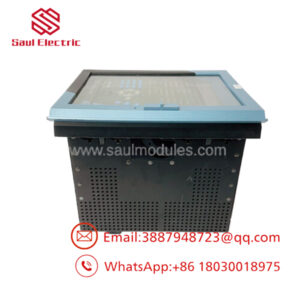
GE H201TI is a Hydran 201Ti on-line dissolved gas monitor used for early fault detection in power transformers. It mounts directly on the transformer and tracks dissolved fault gases to help identify overheating, arcing, and insulation stress before a major failure develops.
Buying it as New Surplus makes strategic sense because transformer monitoring hardware is usually installed for reliability, not convenience. For an item like this, Total Cost of Ownership is driven by outage avoidance, replacement lead time, and obsolescence risk, so keeping buffer stock can be cheaper than waiting for a missed alarm window or a line-down event.
Installation & Configuration Guide
Stage 1: Pre-Installation
Apply lock-out/tag-out and verify the transformer is safe to work on. Gather an ESD strap, clean rags, the correct brass adapter, and basic hand tools. Photograph the valve connection, wiring, alarm contacts, and communication settings before removal.
Stage 2: Removal
Close the valve if the site procedure requires it, then remove the unit carefully to avoid oil spills or contamination. Cap any open fittings immediately. Keep the old wiring and tubing labeled until the replacement is confirmed online.
Stage 3: Installation
Mount the transmitter on the transformer valve using the proper adapter and verify a leak-free seal. Connect the 24 V DC supply, alarm contacts, and RS-485 wiring exactly as documented. Set the alarm thresholds and communication parameters to match the site configuration.
Stage 4: Power-On & Testing
Energize the power circuit and confirm the LCD comes up normally. Verify gas readings, alarm status, and communication with the controller or SCADA system. Check for leaks, confirm stable operation, and validate the alarm thresholds against the site baseline.
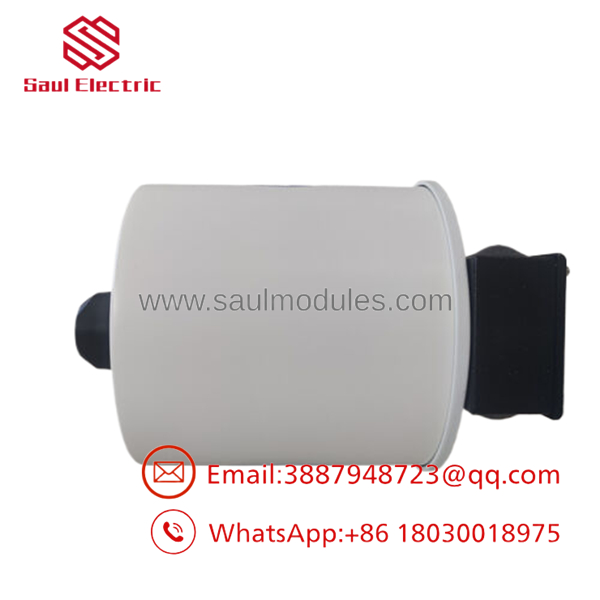
- H201TI
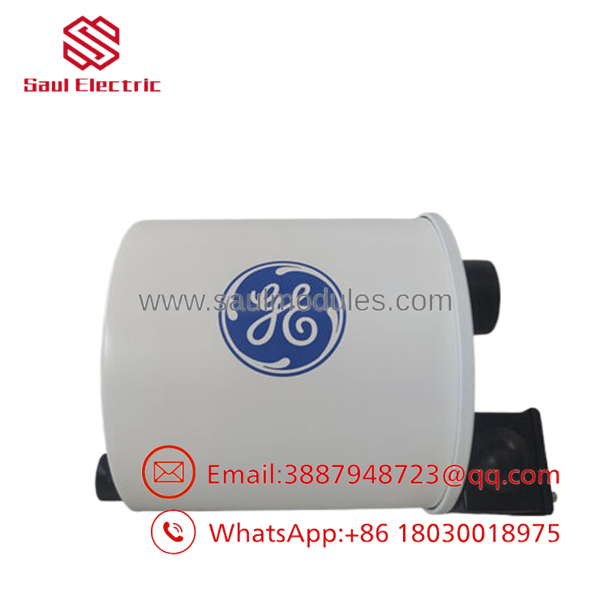
- H201TI
Firmware/Software Versions & Upgrade Notes
Keep the installed configuration and controller settings documented before any swap. The H201Ti family is often paired with controller and network hardware, so compatibility depends on the site architecture and protocol settings.
Avoid changing firmware, controller mappings, or communication settings during a simple replacement unless you have a tested rollback plan. Upgrading or downgrading can disrupt alarm handling, Modbus integration, or historical trend continuity.
Frequently Asked Questions
Is this really new? The correct commercial position is New Surplus / Original New, not refurbished or repaired.
Why is it cheaper than OEM new but more expensive than a refurb unit? New Surplus is sourced from controlled excess inventory, so it costs less than direct factory pricing while avoiding the reliability risk of uncertain-condition replacements.
Is this part obsolete or EOL? Treat it as a specialty legacy spare. That means buffer stock, vendor consolidation, and last-time-buy planning are appropriate.
Can I hot-swap it? Do not assume hot-swap is safe. Transformer monitoring equipment should be isolated and replaced under a controlled maintenance procedure.
Will the settings stay in the unit? Alarm thresholds and communication settings should be backed up before removal. Always verify the restored configuration after installation.
What warranty terms make sense? For New Surplus monitoring hardware, warranty should be tied to traceability, condition verification, and shipment testing. The real value is reliable fault detection and avoided downtime.

 Start Chat


