





Description
Key Technical Specifications
| Parameter | Value |
|---|---|
| Part Number | IC695ALG508-AA |
| Brand | GE |
| Platform | PACSystems RX3i |
| Module Type | Isolated RTD input module |
| Input Channels | 8 isolated differential channels |
| Supported Sensor Types | RTD and resistance inputs |
| Wiring Support | 2-wire, 3-wire, and 4-wire RTDs |
| Backplane | RX3i universal backplane |
| Typical CPU Requirement | RX3i CPU with compatible firmware |
| Configuration Tool | Machine Edition / Logic Developer PLC |
| Terminal Blocks | Sold separately |
| Lifecycle Risk | Legacy part; plan buffer stock and obsolescence monitoring |
Product Introduction & Supply Chain Strategy
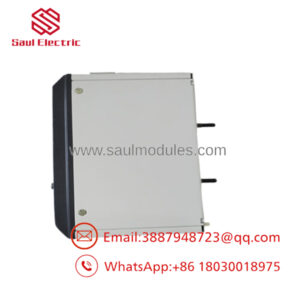
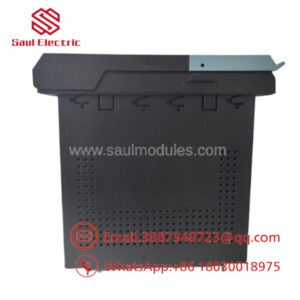
The GE IC695ALG508-AA is an RX3i isolated RTD input module used to read temperature and resistance signals from industrial field devices. It fits applications in power plants, process units, turbines, and automation systems that need precise sensor acquisition across multiple channels.
Buying this as New Surplus is a strong TCO decision when the module is legacy-critical and downtime exposure is high. It reduces stock-out risk, supports last-time-buy planning, and avoids the hidden failure risk associated with questionable condition parts, especially when lead time variability and vendor consolidation matter.
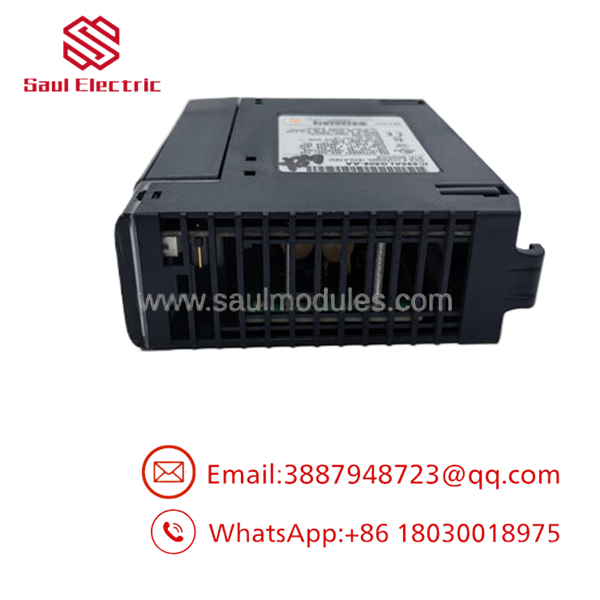
- IC695ALG508-AA
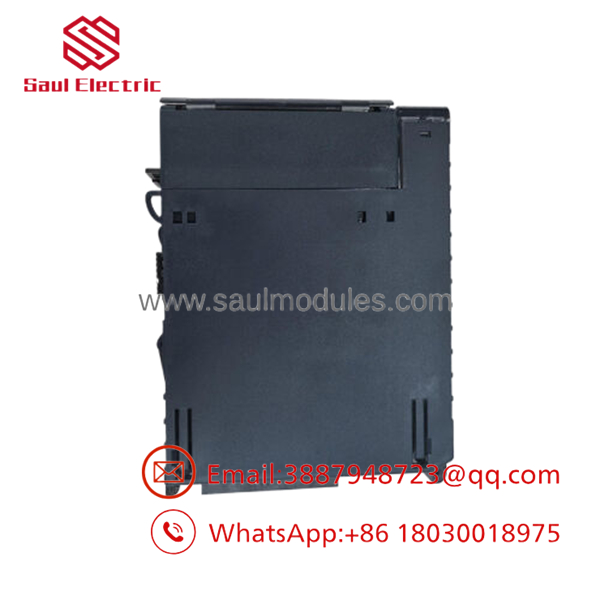
- IC695ALG508-AA
Installation & Configuration Guide
Stage 1: Pre-Installation
- Apply lock-out/tag-out and confirm the cabinet is de-energized.
- Use an ESD wrist strap and insulated tools.
- Photograph the module, terminal block, DIP/jumper settings if present, and all field wiring.
- Verify spare terminal blocks, label markers, and a replacement plan before removal.
Stage 2: Removal
- Confirm the CPU is in a safe state and the channel is not controlling a critical loop.
- Release the module using the proper latch or extractor method.
- Pull the module straight out to avoid bending backplane pins.
- Inspect the backplane connector and field terminals for damage or contamination.
Stage 3: Installation
- Match the replacement module part number and revision.
- Replicate any hardware settings exactly from the old unit.
- Seat the module evenly into the backplane until fully latched.
- Reconnect the terminal block and verify each wire against the photo set.
Stage 4: Power-On & Testing
- Check the 24 V supply and backplane rails for shorts before energizing.
- Power up and confirm normal LED status, especially RUN versus ERR.
- Verify channel readings against a known source or loop simulator.
- Download the correct logic and confirm scaling, alarms, and channel health.
Firmware/Software Versions & Upgrade Notes
The safest baseline is the firmware and configuration level already proven in the installed system. This module is tied to RX3i platform compatibility, so confirm the CPU firmware and engineering software level before swap-in.
Do not upgrade firmware during a hardware replacement unless the site already has a change window and rollback plan. A version mismatch can create channel faults, scaling differences, or communications issues, so document the existing firmware first and mirror it during replacement.
Frequently Asked Questions
Q: Is this really new, or just cleaned up?
A: It should be treated as New Surplus / Original New, not used or refurbished. That means OEM packaging may have been opened for QC, but the unit should show no wear and no repair history.
Q: Why is it cheaper than OEM new but more than a refurb?
A: New Surplus usually comes from excess inventory, project closeouts, or secured legacy stock. That lowers price versus OEM list while preserving the reliability profile that refurb parts cannot match.
Q: Is IC695ALG508-AA obsolete?
A: It is a legacy, obsolescence-sensitive part and should be managed with buffer stock and last-time-buy thinking. For critical loops, keep 1-2 units on site if lead time risk is high.
Q: Can I hot-swap it?
A: Do not assume hot-swap is safe for a live temperature loop. Plan a controlled outage or confirm the exact RX3i procedure, because wiring and loop behavior can be affected during removal.
Q: Will it retain programming or scaling automatically?
A: The module itself does not replace your engineering data. Preserve the existing configuration, scaling, and channel setup in the PLC project before swap.
Q: What warranty should I expect?
A: New Surplus industrial spares commonly carry a vendor-backed warranty, often 12 months . Always confirm terms, return conditions, and serial traceability before purchase.

 Start Chat


