





Description
Key Technical Specifications
| Parameter | Value |
|---|---|
| Part Number | VMIVME-3122 |
| Brand | GE / VMIC |
| Product Type | VME analog input board |
| Bus Standard | VMEbus |
| ADC Resolution | 16-bit |
| Input Channels | 16, 32, or 64 differential or single-ended inputs |
| Scan Rate | Program-selectable; up to high-performance range |
| Gain | Programmable x1 or x10 |
| Application | Factory automation, process control, data acquisition |
| Mounting | VME backplane plug-in module |
| Lifecycle Status | Legacy / obsolescence-sensitive |
| Stocking Strategy | Buffer stock recommended for critical systems |
Product Introduction & Supply Chain Strategy
The GE VMIVME-3122 is a high-performance VMEbus analog input board used for data acquisition and process control. It digitizes analog signals with 16-bit resolution and supports high channel density, making it suitable for industrial automation, test systems, and legacy embedded platforms.
Buying this as New Surplus is a practical TCO decision for aging VME installations. It reduces stock-out risk, shortens recovery time, and avoids the higher cost of emergency sourcing when lead time variability and obsolescence pressure are both high.
Installation & Configuration Guide
Stage 1: Pre-Installation
- Apply lock-out/tag-out and confirm the system is de-energized.
- Use an ESD wrist strap and insulated tools.
- Photograph the board, connectors, jumpers, and cabling before removal.
- Record the installed channel mapping, scan settings, and gain configuration.
Stage 2: Removal
- Shut down the host system using the approved sequence.
- Label every cable and module position before disconnecting it.
- Remove the module straight out to avoid bending VME connector pins.
- Inspect the backplane, card guides, and connectors for damage or contamination.
Stage 3: Installation
- Match the replacement module to the documented original configuration.
- Insert the board evenly into the VME backplane and secure it.
- Reconnect all cables exactly as recorded.
- Confirm any jumpers or hardware options match the original setup.
Stage 4: Power-On & Testing
- Check supply rails for shorts before energizing.
- Power up and verify normal status indications.
- Confirm analog inputs are reading correctly and the scan rate is stable.
- Run a controlled functional test before returning the system to service.
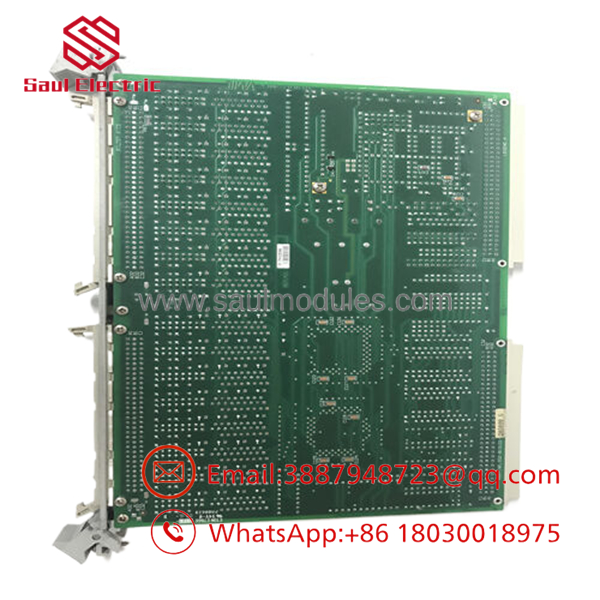
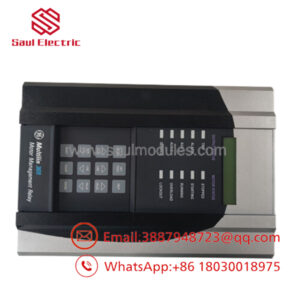
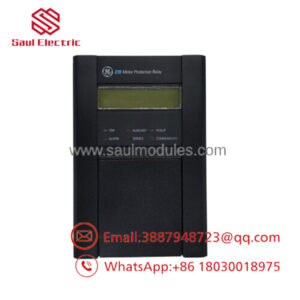
- VMIVME-3122
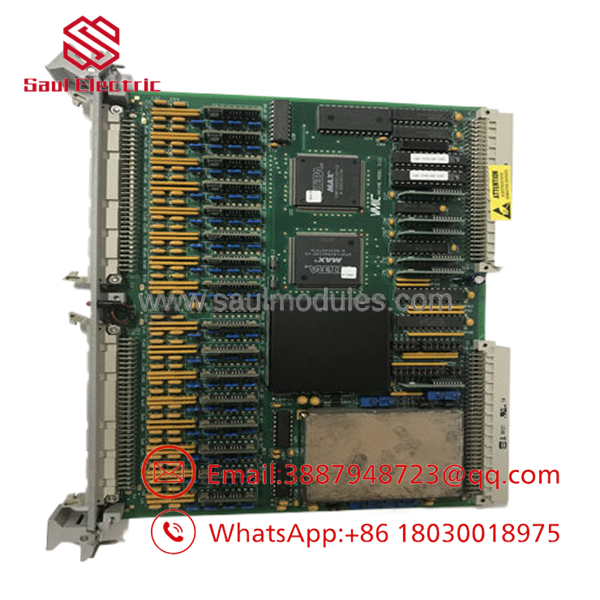
- VMIVME-3122
Firmware/Software Versions & Upgrade Notes
This module should be matched to the same host software and configuration baseline already validated at the site. In legacy VME systems, the main failure mode is usually a settings mismatch, not the board hardware itself.
Avoid firmware changes during replacement unless you already have compatibility data and rollback coverage. The safest approach is a like-for-like swap with the existing scan, gain, and channel settings preserved.
Frequently Asked Questions
Q: Is this really New Surplus?
A: It should be supplied as New Surplus / Original New, not refurbished. That means traceable legacy inventory rather than a repaired module.
Q: Why is it cheaper than OEM new but not as cheap as refurb stock?
A: New Surplus usually comes from excess inventory, project closeout, or secured distributor stock. That lowers price versus OEM list while keeping a stronger reliability profile than uncertain-condition parts.
Q: Is VMIVME-3122 obsolete?
A: Treat it as a legacy VME spare and check the installed platform’s lifecycle status. If your system still depends on it, keep buffer stock and plan for last-time-buy coverage.
Q: Can I hot-swap it?
A: No, not as a default assumption. VME analog boards should be replaced under a controlled outage unless the site procedure explicitly allows otherwise.
Q: Will my settings transfer automatically?
A: No. Record the scan rate, gain, channel mapping, and any site-specific configuration before removal. The replacement should mirror the original setup exactly.
Q: What warranty terms are typical?
A: New Surplus industrial parts often carry vendor-backed warranty coverage, but the exact term depends on the supplier. Confirm warranty length, return policy, and serial traceability before purchase.

 Start Chat


