





Description
Key Technical Specifications
| Parameter | Value |
|---|---|
| Manufacturer | GE |
| Model Number | WESDAC D20ME |
| Platform | D20 / D200 |
| Product Type | Substation controller / RTU |
| Primary Use | Power substation automation and control |
| Architecture | Modular rack-based control platform |
| Communications | Serial, fiber optic, Ethernet options |
| I/O Support | Distributed expandable I/O |
| Lifecycle Status | Legacy / obsolete |
| Stocking Strategy | Keep 1-2 units on-site for critical service |
| Condition | New Surplus / New Original |
Product Introduction & Supply Chain Strategy
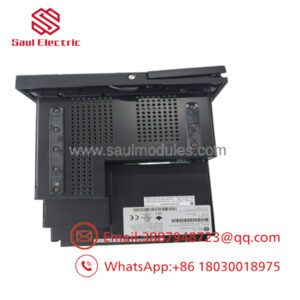
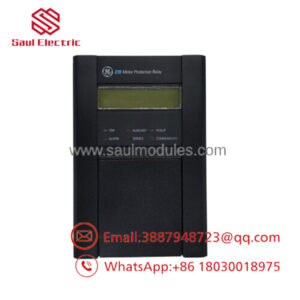
GE WESDAC D20ME is a legacy substation controller used for data acquisition, control, and communications in electrical automation environments. It belongs in plants and utilities that still operate D20/D200 infrastructure and need a direct replacement to protect uptime.
Buying it as New Surplus reduces TCO versus OEM list pricing while avoiding the failure risk that comes with uncertain source parts. For an EOL controller, strategic stocking matters: it cuts stock-out exposure, supports cross-site sharing, and gives maintenance teams time for last-time-buy planning.
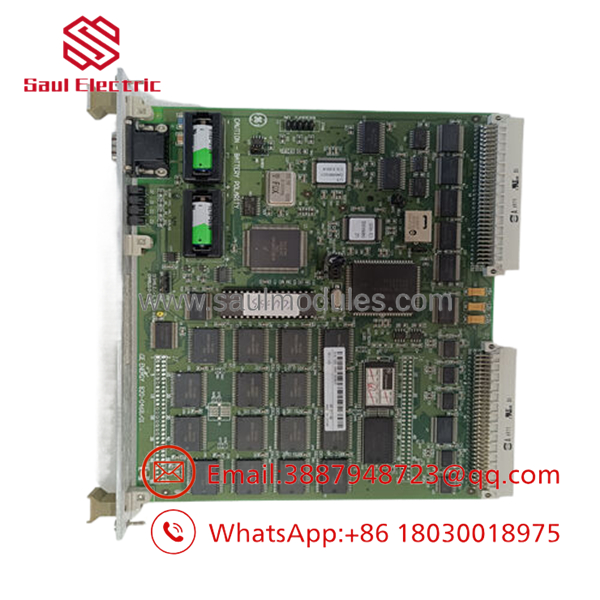
- WESDAC D20ME
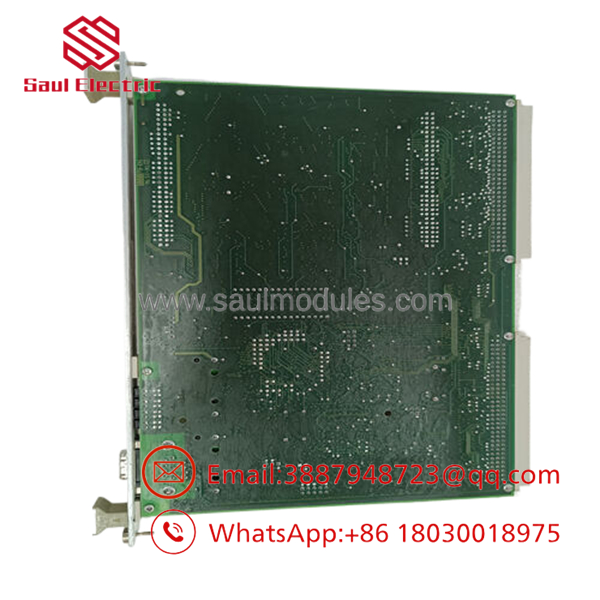
- WESDAC D20ME
Installation & Configuration Guide
Stage 1: Pre-Installation
Apply lock-out/tag-out and confirm the system is de-energized. Use an ESD strap, insulated tools, and a camera to record the existing module, wiring, terminal labels, DIP settings, and communication cabling. Verify the part number and rack compatibility before removal.
Stage 2: Removal
Release the module using the correct extractor points and pull it straight out of the backplane. Do not rock the unit side to side or force it against neighboring cards. Inspect the slot and connector for bent pins, dust, or heat damage.
Stage 3: Installation
Replicate all DIP switch and jumper settings exactly from the original unit. Seat the replacement evenly until the connector fully engages, then secure it in the rack. Reconnect wiring only after comparing each conductor against your photos and notes.
Stage 4: Power-On & Testing
Check the 24 V supply and related rails for shorts before full energization. Power up and confirm LED status, especially RUN and ERR indicators. Restore logic, verify communications, and test each connected I/O path before returning the asset to service.
Firmware/Software Versions & Upgrade Notes
The safest practice is to match the firmware and software state of the removed unit as closely as possible. If the installed version is not documented, capture it before swap-out and avoid firmware changes during the replacement window.
Version mismatches can create protocol errors, configuration loss, or startup failures on older GE systems. Treat any upgrade or downgrade as a separate controlled event with a rollback plan, not part of the urgent spare swap.
Frequently Asked Questions
Is this really New Surplus? Yes. The correct procurement position is New Surplus / New Original, meaning genuine OEM inventory rather than a questionable alternative.
Why is pricing below OEM new but above low-cost market listings? New Surplus usually comes from excess channel inventory. It stays close to original OEM quality, but it avoids the full list price and still supports better TCO.
Is WESDAC D20ME obsolete? Yes, it should be treated as a legacy spare. That means buffer stock, last-time-buy planning, and careful lifecycle tracking.
Can I hot-swap it? Do not assume hot-swap capability. Verify the site architecture first, because live removal can trigger faults or a system trip.
Will it retain the program? Not automatically in a way you should rely on. Back up logic, firmware version, communication settings, and DIP positions before replacement.
What warranty should I expect? New Surplus industrial spares typically carry a limited supplier warranty, often 1-2 years depending on source and contract terms. Confirm the exact warranty on the PO.

 Start Chat


