





Description
Product Introduction & Engineering Value
The 140CRA21110 sits at the remote end of a Quantum Ethernet I/O architecture. It provides the communication interface between the Quantum I/O modules installed in a remote rack and the controller-side Ethernet network. Two RJ45 ports support the Ethernet connection, with 10/100 Mbps operation.
For replacement work, the network configuration deserves as much attention as the hardware. The adapter’s IP addressing, Ethernet topology, RIO scanner configuration, firmware, rack layout, and connected I/O modules all affect commissioning. Schneider lists the 140CRA21110 as discontinued, so maintaining an exact spare can be useful where migration has not yet been completed.
Technical Specifications
| Parameter | Specification |
|---|---|
| Catalog Number | 140CRA21110 |
| Platform | Modicon Quantum |
| Module Type | Ethernet Remote I/O Adapter |
| Network Protocol | Modbus TCP/IP |
| Ethernet Ports | 2 × RJ45 |
| Ethernet Speed | 10/100 Mbps |
| Transmission Medium | Copper Ethernet |
| Communication Mode | Ethernet remote I/O |
| Mounting | Quantum backplane |
| Application | Remote Quantum I/O drop |
| Status Indication | Module/network diagnostic LEDs |
| Power Source | Quantum rack backplane |
| Supported Architecture | Quantum Ethernet I/O |
| Typical Network Function | Remote I/O adapter |
| Product Status | Discontinued |
Schneider’s product information identifies the unit as a Quantum Ethernet remote I/O adapter with two RJ45 connectors and 10/100 Mbps Ethernet capability.
Field Application & the “Trench” Experience
A remote I/O rack goes offline. The controller is still running, but a group of field signals suddenly becomes unavailable. The technician finds that the local I/O modules have power and the field wiring checks out. The fault eventually points toward the remote communication path.
This is where the 140CRA21110 becomes important. It is the adapter between the Quantum I/O rack and the Ethernet remote I/O network. Replacing it without recording the existing network configuration can turn a hardware repair into an extended communications troubleshooting session.
Before removing the old module, an experienced technician will normally document the Ethernet connections, IP configuration, rack/module arrangement, diagnostic LEDs, and controller-side RIO configuration.
Niche application examples:
- Water-treatment remote valve stations where distributed Quantum I/O communicates with a central PLC over Ethernet.
- Boiler auxiliary equipment panels where remote analog and discrete I/O are installed in a separate control cabinet.
- Material-handling conveyor zones where remote Quantum I/O reduces field-wiring distance to motors, sensors, and actuators.
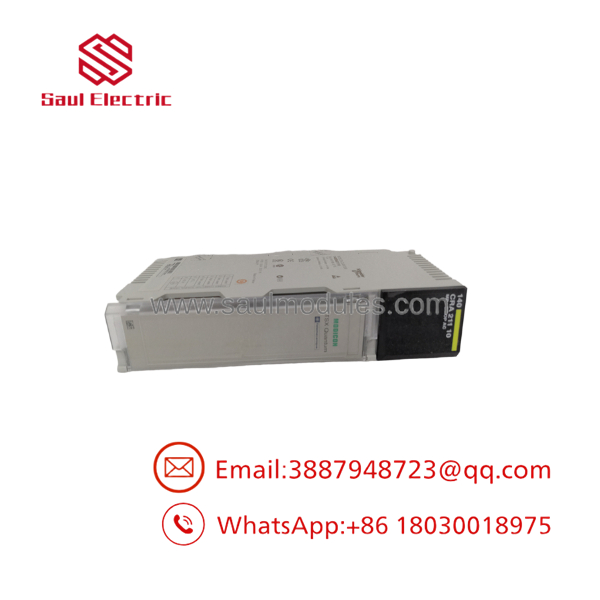
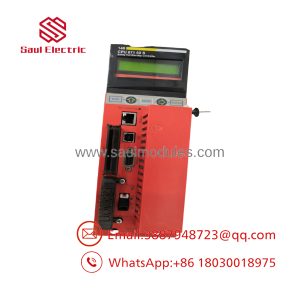
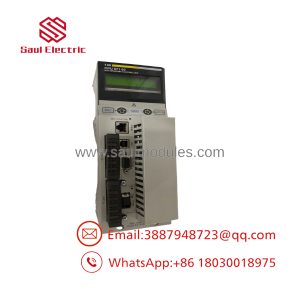
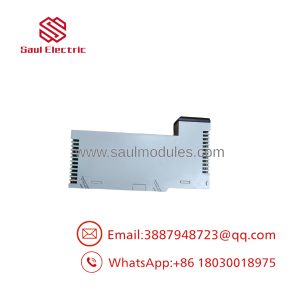
140CRA21110
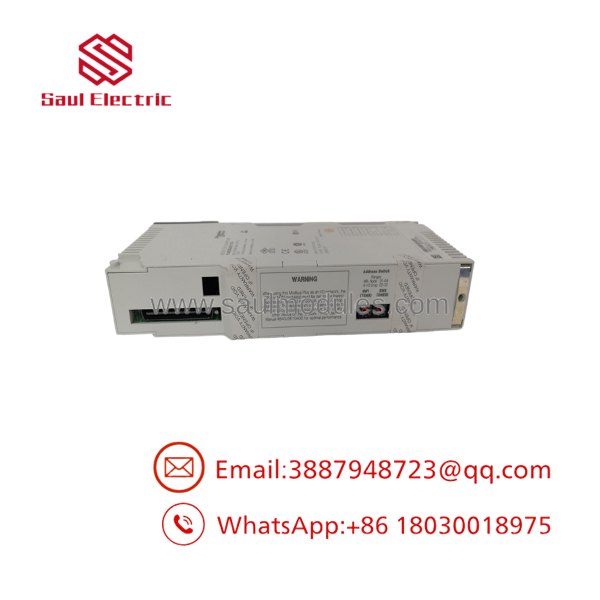
140CRA21110
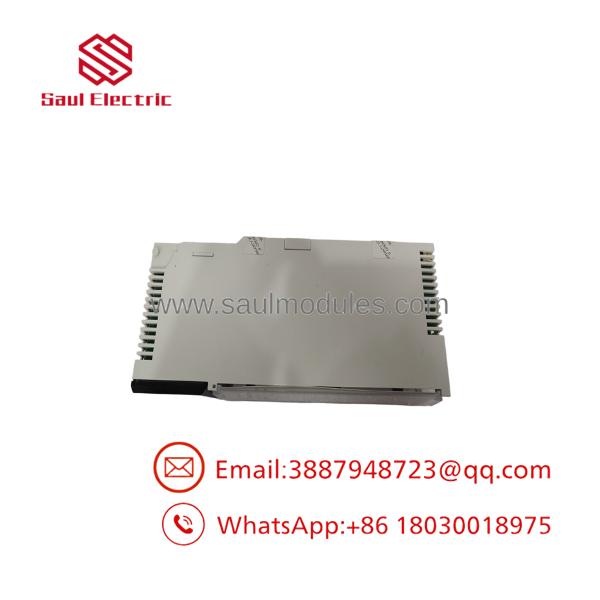
140CRA21110
Transparency SOP: QA & Testing
For New Surplus or refurbished 140CRA21110 inventory, the inspection process should include:
- Part-number verification — confirm
140CRA21110on the actual Schneider label. - Physical inspection — check the housing, backplane connector, mounting hardware, RJ45 ports, and labeling.
- Connector inspection — verify both Ethernet ports are free from bent contacts, contamination, or physical damage.
- Power-up test — install the adapter into a compatible Quantum test rack and verify startup diagnostics.
- Ethernet test — establish a controlled 10/100 Mbps Ethernet connection and verify communication.
- Remote I/O test — where appropriate test hardware is available, connect representative Quantum I/O and verify adapter communication with the scanner.
- Diagnostic verification — check the module’s status indicators under normal and fault conditions.
- Condition report — document whether the unit is New Surplus, Used, or Refurbished.
For this module, a simple powered-on test is limited. The critical function is Ethernet remote I/O communication, so a meaningful functional test should exercise the network interface.
The Veteran’s Tech Trap Guide
⚠️ Trap #1 — Don’t confuse a remote I/O adapter with a standalone Ethernet adapter.
The 140CRA21110 is part of the Quantum Ethernet I/O architecture. Its purpose is not simply to provide an Ethernet connection to a rack. The controller-side configuration and remote I/O scanner settings have to agree with the adapter configuration.
⚠️ Trap #2 — Record the IP configuration before removal.
A replacement adapter may power up normally while remaining invisible to the controller because the network parameters are wrong.
PRO TIP: Record the IP address, subnet information, Ethernet port connections, and associated remote-rack configuration before removing the original unit.
⚠️ Trap #3 — Check both RJ45 ports and the network topology.
The module has two RJ45 Ethernet ports. Do not assume that swapping cable positions is harmless in an existing network architecture. Document which port connects upstream and which connection continues to the next network device.
⚠️ Trap #4 — Don’t substitute a newer X80 adapter without checking architecture.
A newer Schneider remote I/O adapter may appear to perform the same general function, but Quantum Ethernet I/O architecture, firmware, controller support, and network configuration must be checked before selecting a substitute.
Dynamic FAQ
Q: What is the Schneider 140CRA21110?
A: It is a Modicon Quantum Ethernet remote I/O adapter used to connect Quantum remote I/O to a Modbus TCP/IP Ethernet network.
Q: How many Ethernet ports does the 140CRA21110 have?
A: It provides two Ethernet ports and supports 10/100 Mbps Ethernet communication.
Q: What protocol does the 140CRA21110 use?
A: It operates as part of the Quantum Ethernet I/O architecture using Modbus TCP/IP communication.
Q: What should I record before replacing a 140CRA21110?
A: Record the adapter’s network configuration, IP addressing, Ethernet cable arrangement, remote-rack configuration, installed I/O modules, controller-side scanner configuration, and current diagnostic status.
Q: Is the 140CRA21110 still manufactured?
A: Schneider Electric lists the 140CRA21110 as a discontinued product. For an existing Quantum installation, an exact spare may therefore be preferable when the objective is minimizing changes to a functioning legacy architecture.
Q: How should New Surplus 140CRA21110 stock be verified?
A: Confirm the exact catalog number from the physical label, inspect both ports and the backplane connector, and ask whether the adapter was tested for Ethernet remote I/O communication. The supplier should separately state the New Surplus condition, functional-test status, warranty period, and return terms.

 Start Chat


